10 Dolby
®
IMS2000 Installation and User’s Manual
IMS.OM.004730.DRM Issue 3
4.8 USB
There are three USB ports on the front panel that can accommodate an external USB
device, such as the CaptiView transmitter or USB external drive for content ingestion.
One is a USB 2.0 port, and two are USB 3.0 ports.
The IMS2000 supports USB 3.0 for ingesting content at much higher speeds than devices
using USB 2.0. In some situations, a USB 3.0 drive may be detected as USB 2.0. This will
prevent you from ingesting content at the highest speed possible. Make sure that you are
using a good quality cable.
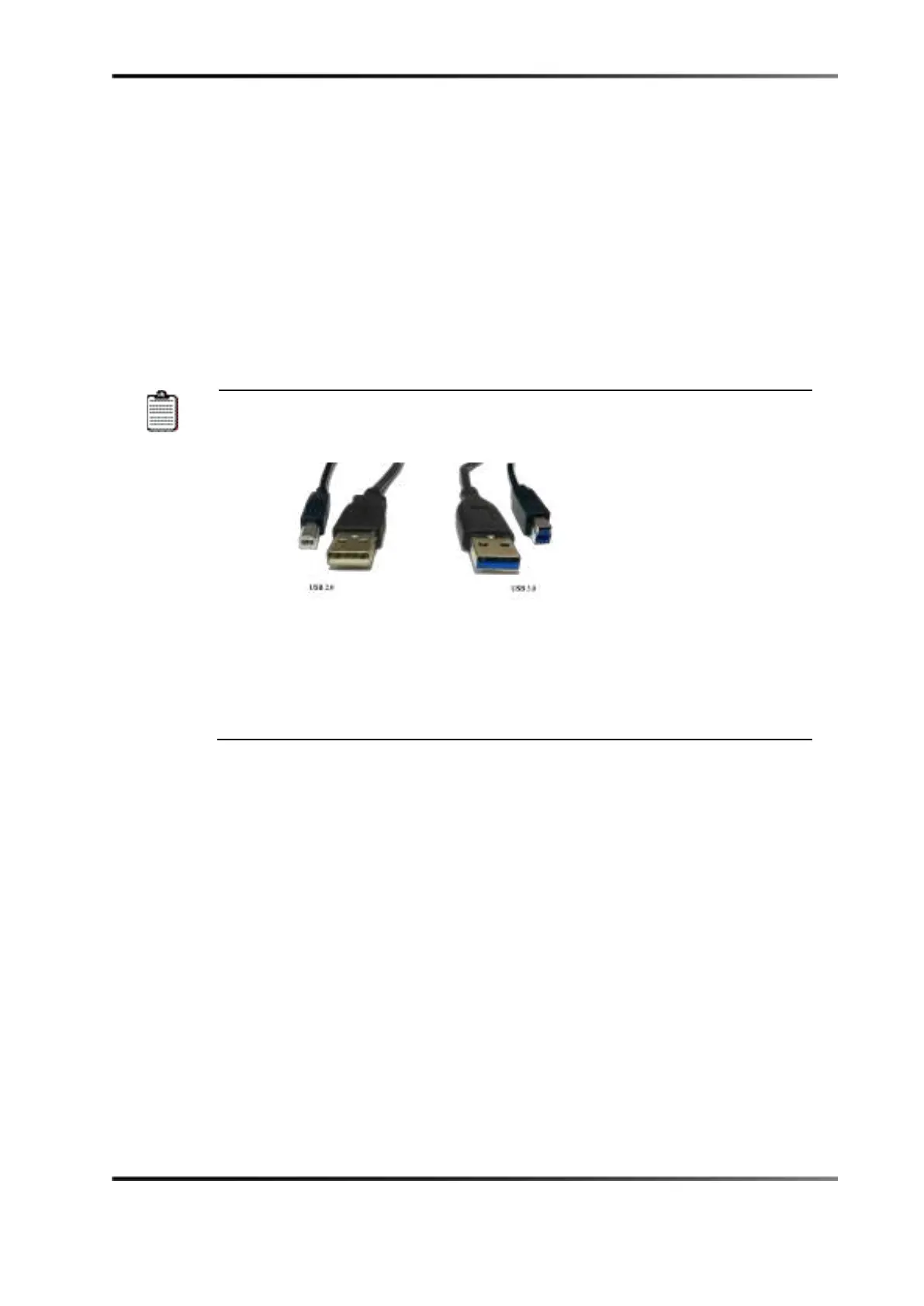
You can identify a USB 3.0 capable cable by looking at the connector ends.
USB 3.0 cables have blue connectors, as shown here.
If the cable is plugged into the IMS2000 slowly, the USB 2.0 pins are
detected first and the drive is mounted using the slower 2.0 settings. If a
prompt appears that says
This device could perform faster in the carousel,
this indicates that the USB 3.0 drive was detected as USB 2.0. In such a
case, try to reset the connection.
4.9 HDMI
HDMI is used for inputting alternative content (that is, from a Blu-ray Disc™ player,
game console, digital cameras, or laptop).
High-bandwidth Digital Content Protection (HDCP) is supported.
4.10 SDI-A/SDI-B
• 3G-SDI
• For dual-projector setups
• Chase mode
• Alternative content inputs



 To Next Page