120 Dolby
®
IMS2000 Installation and User’s Manual
IMS.OM.004730.DRM Issue 3
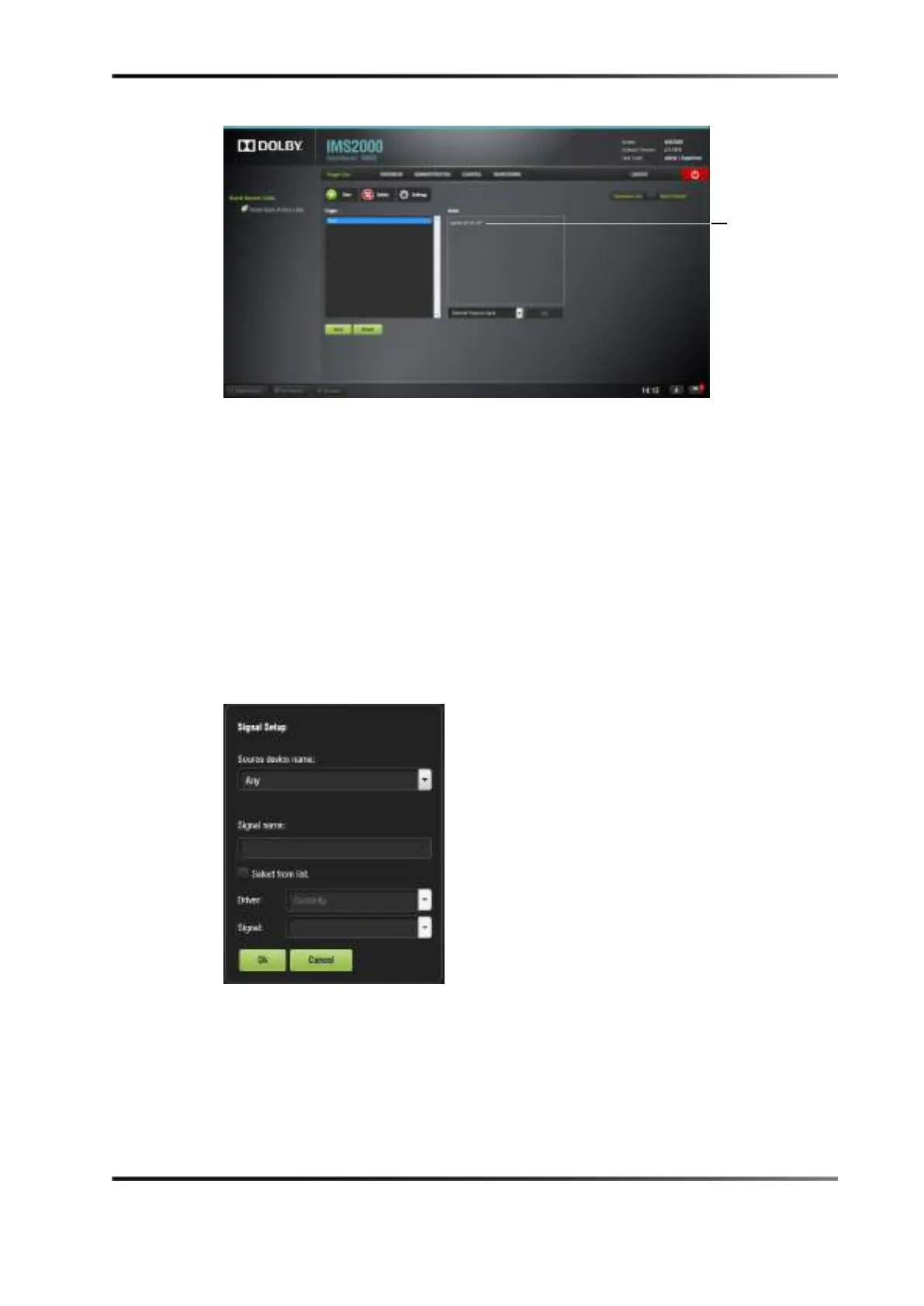
Figure 13-44 GPI Event Added
13.6.4 Connection to a Signal Event
You can connect the trigger cue to a signal event.
To perform this operation:
1. Click on the trigger cue that you want to assign the signal event to.
2. Click on the
Connect to an Event button from macro editor Trigger Cue tab.
The
Connect to an Event drop-down window appears.
3. Click on the
Signal button, and click on the Add button.
The
Signal Setup window appears.
Figure 13-45 Signal Event Setup Window
4. Choose the device from the drop-down menu.
5. Choose the driver from the drop-down menu.
6. Choose the signal from the drop-down menu.
The signal name will autopopulate.
7. Click on the
Ok button when finished.



 To Next Page