80 Dolby
®
IMS2000 Installation and User’s Manual
IMS.OM.004730.DRM Issue 3
12.1.3 Ingest
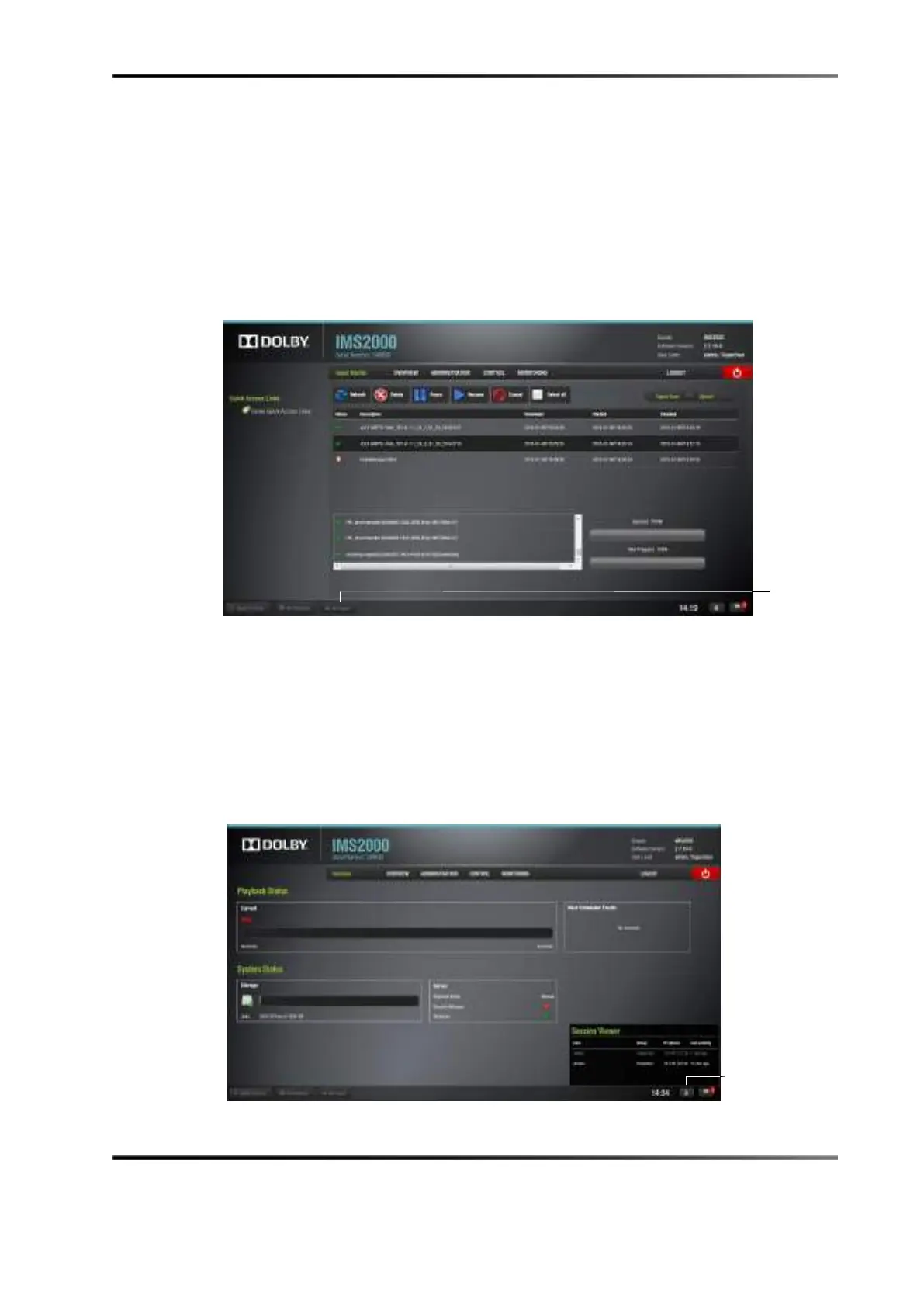
The Ingest button alerts you to any ingest that is in progress.
Clicking on the button will open the
Ingest Monitor tab that displays the ingest progress.
For more information on ingesting, refer to See Section 13.9.
Figure 12-4 Ingest Monitor Window
12.1.4 Session Viewer
The Session Viewer button displays all of the users that are currently logged onto the
unit.
Click the
Session Viewer button to open the Session Viewer window. Clicking on the
button again will cause the window to close.
Figure 12-5 Session Viewer Window
button



 To Next Page