98 Dolby
®
IMS2000 Installation and User’s Manual
IMS.OM.004730.DRM Issue 3
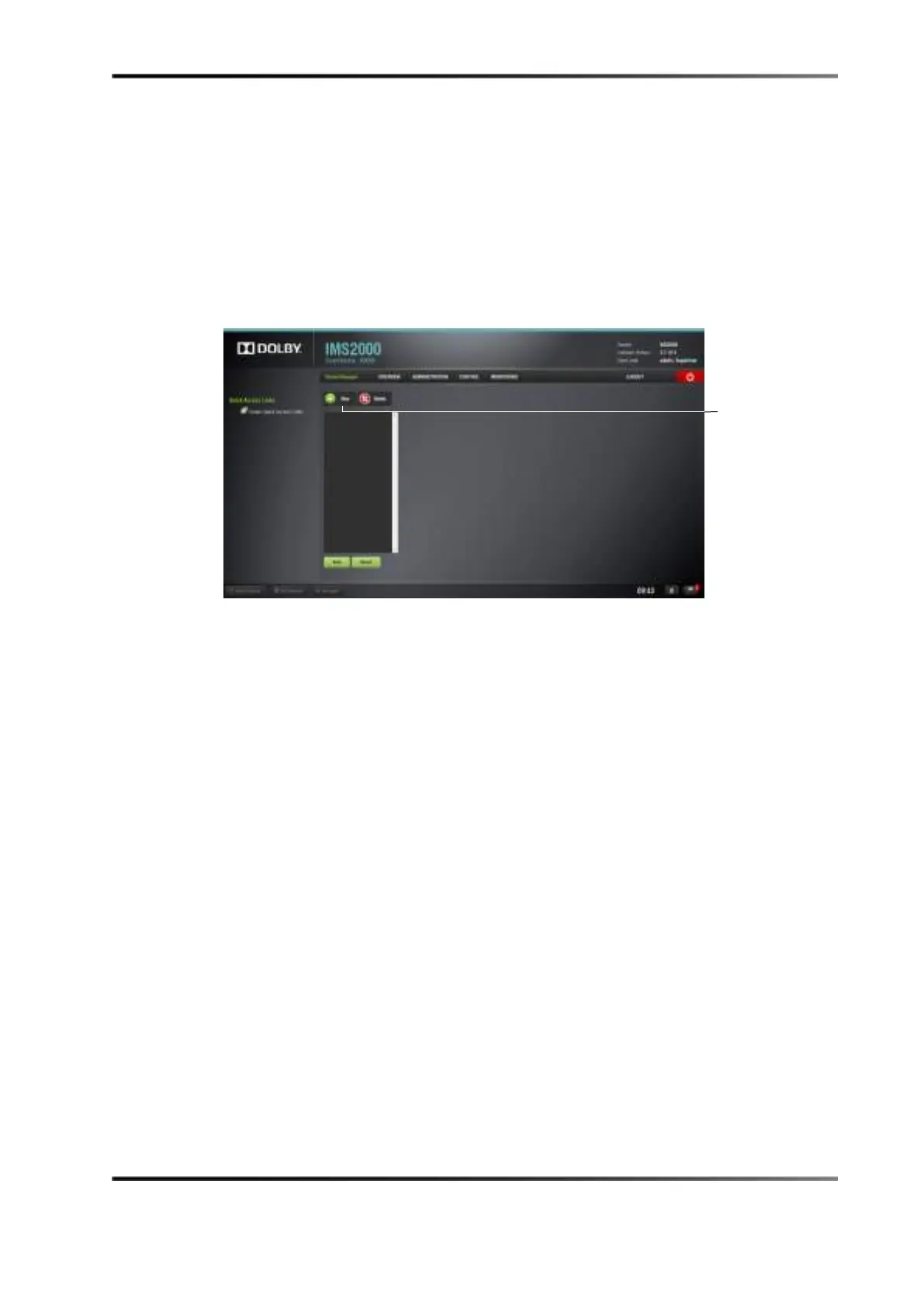
13.3.3 Device Manager
The Device Manager is an application that you use to configure the connection between
an IMS2000 and cinema projectors, 3D systems, subtitles, closed captions, and so on. It
also provides for the use of Ethernet commands to control theatre automation devices.
To run the
Device Manager, select Administration > Device Manager. The following
window appears.
Figure 13-16 Device Manager



 To Next Page