150 Dolby
®
IMS2000 Installation and User’s Manual
IMS.OM.004730.DRM Issue 3
13.16.3 Deleting a Live CPL
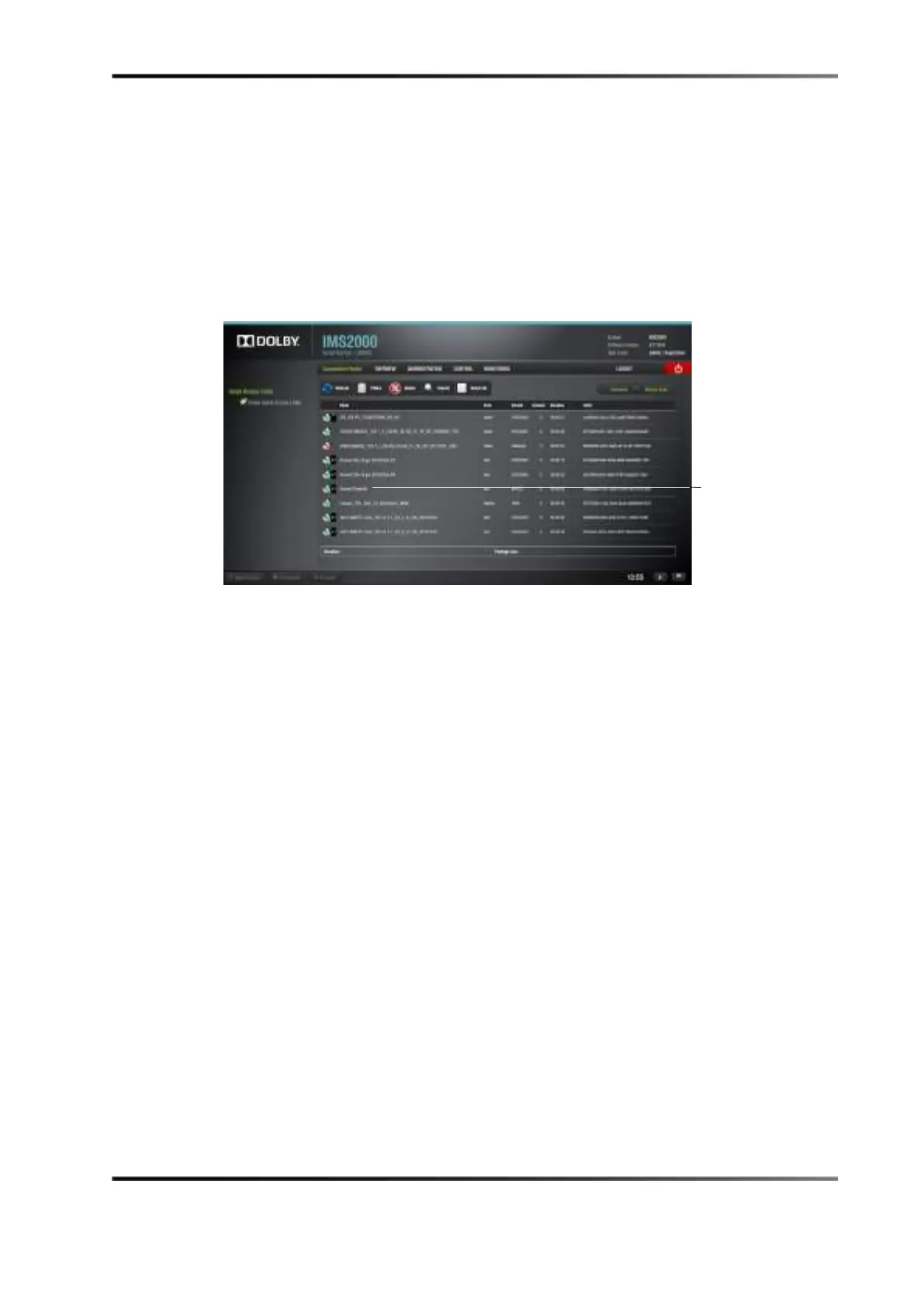
In the Composition Playlist window, you will be able to delete an existing live CPL.
To perform this operation:
1. Select the CPL from the
Composition Playlist tab.
2. Click on the
Delete button.
Figure 13-85 Deleting a Live Event
3. The live CPL will be deleted from the Live Manager as well.



 To Next Page