20 Dolby
®
IMS2000 Installation and User’s Manual
IMS.OM.004730.DRM Issue 3
Repeat steps 1–3 for the remaining hard-disk drives.
Figure 5-12 Hard-Disk Drives Inserted
5.3 Reattaching the Projector Covers
To protect and secure the IMS2000 and any other devices that may be installed, you must
reattach the projector cover.
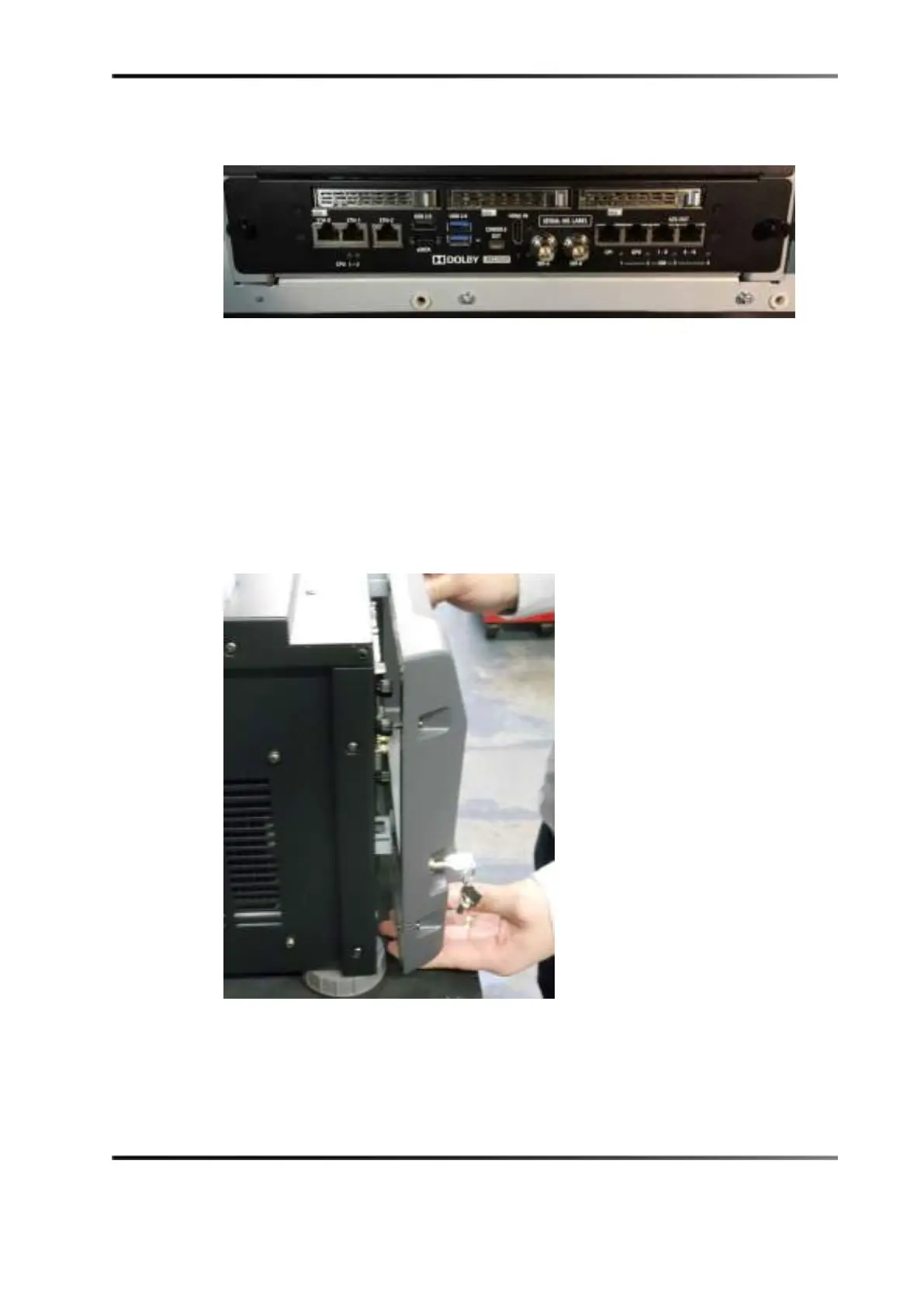
To reattach the projector cover:
1. Position the projector cover by lining it up with the screw holes.
2. Secure the cover by tightening the four screws.
Figure 5-13 Reattaching the Projector Cover
3. Use the key to lock the projector in place.



 To Next Page