Dolby
®
IMS2000 Installation and User’s Manual
IMS.OM.004730.DRM Issue 3 99
13.3.4 Adding a Projector
To connect a projector to the IMS2000:
1. Click on the
New button.
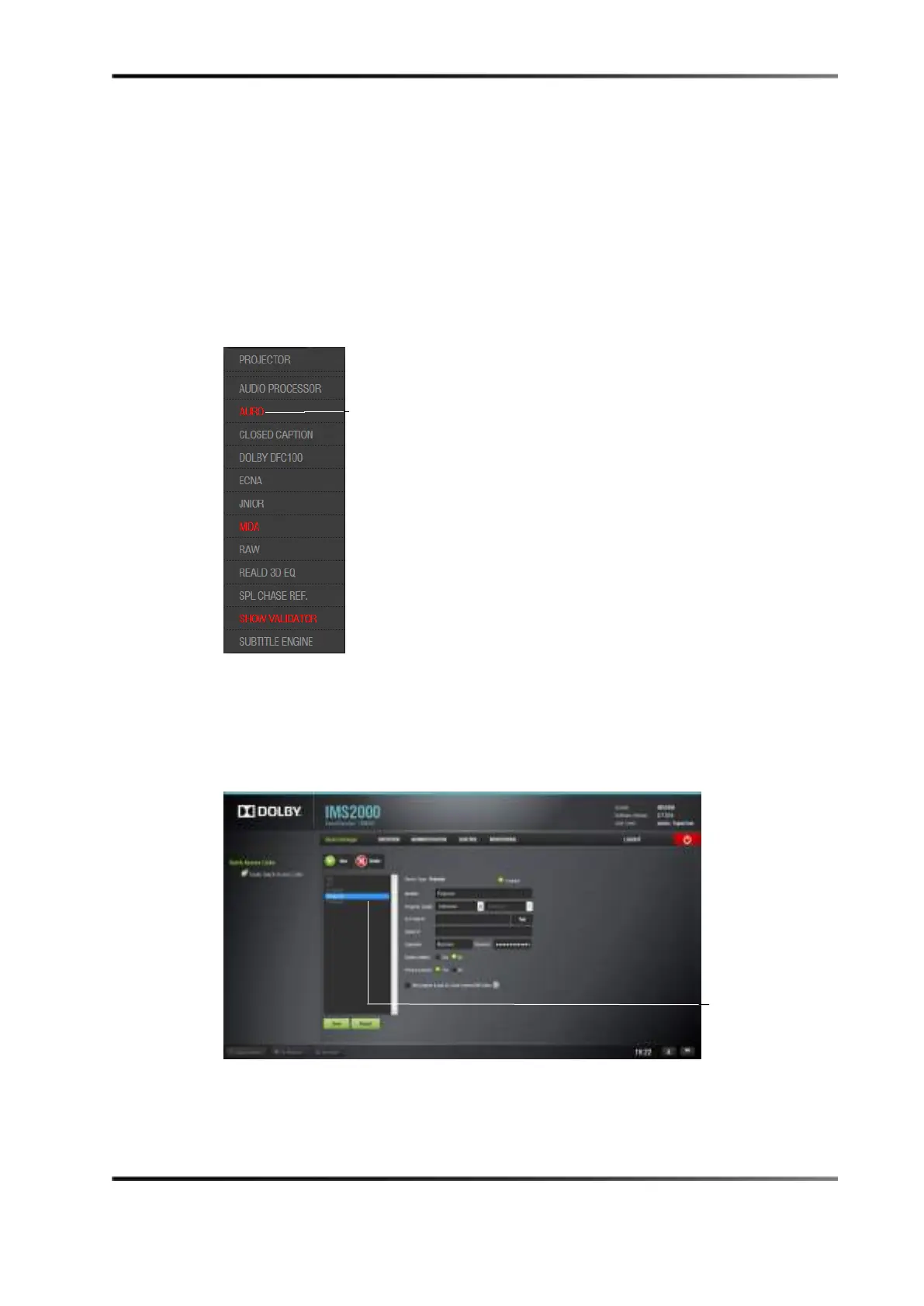
The
New Device drop-down menu window appears.
Any device in red indicates that the unit does not have a valid digital license
message.
Figure 13-17 Add Device Drop-Down Window
2. Select Projector.
The following window appears. The main configuration window updates to reflect
the addition of the projector device, and you are able to enter the projector
parameters.
Figure 13-18 Device Selection Window: Projector Item Selected
license message



 To Next Page