100 Dolby
®
IMS2000 Installation and User’s Manual
IMS.OM.004730.DRM Issue 3
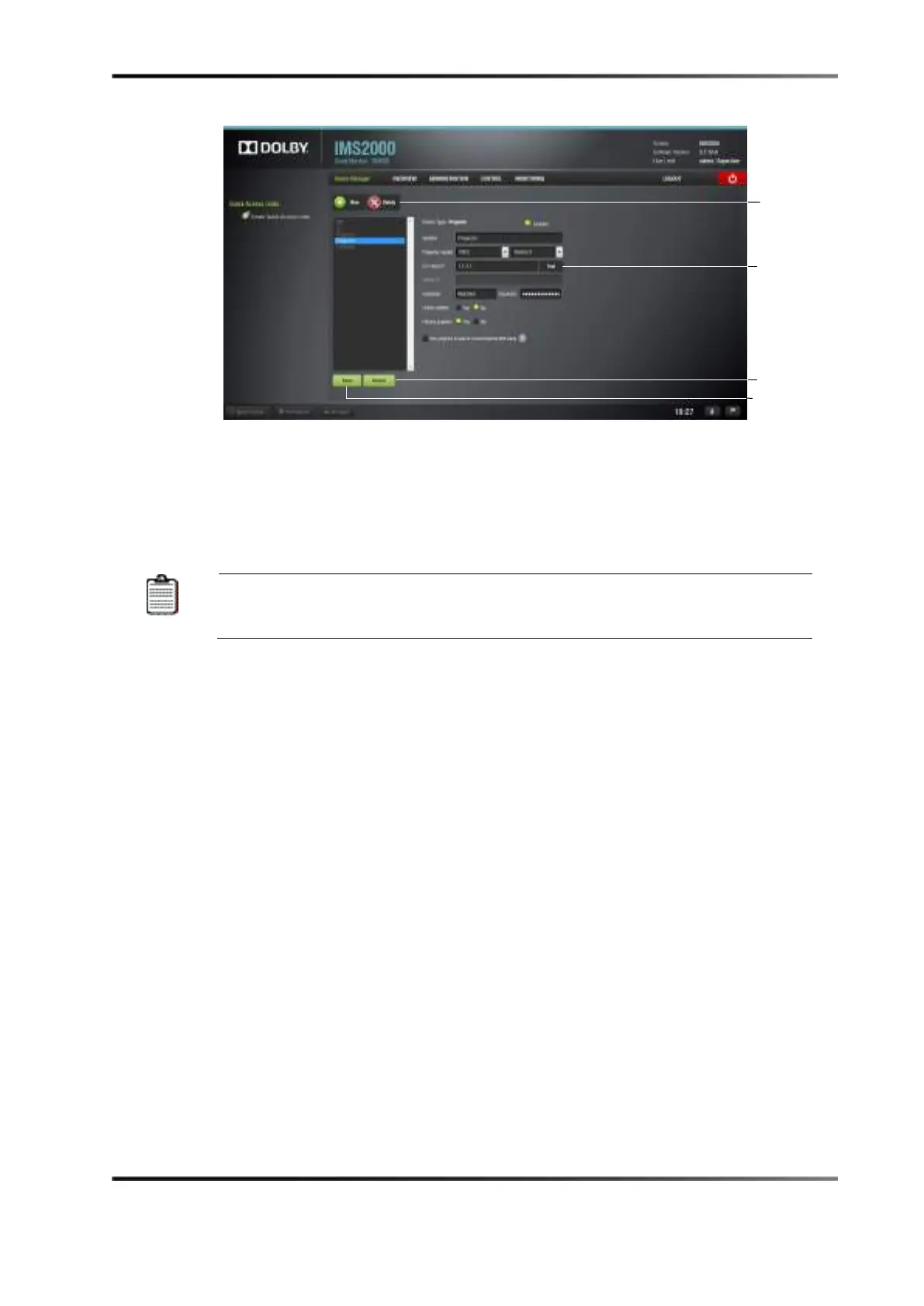
Figure 13-19 Device Manager GUI: Projector Fields Configuration
To perform the projector configuration:
3. Specify a projector identifier (for example, projector name, screen number) in the first
field.
For projector types, select
Primary
. This could apply if you were to use
dual projector for 3D. (Left projector would be primary, and right projector
4. Choose the correct Series 2 projector model to connect to the unit using the projector
model fields.
5. Select the model Series 2 for the projector from the drop-down menu on the right.
6. Enter the IP address.
7. The
Test button allows you to test the IP connection prior to saving.
8. Choose to either enable or disable the subtitles.
9. Check the
Enabled check box at the top-right corner of the GUI.
10. Click the
Save button to record the settings.
11. A password confirmation page appears.
12. Enter the password to save and record the settings.
superuser privileges are necessary to confirm the changes. If you are already logged
in with superuser privileges, the password confirmation window will not appear.
Clicking the
Revert button prior to saving will delete the unsaved information.
For information on configuring a dual-projector setup, see Chapter 18.



 To Next Page