52 Dolby
®
IMS2000 Installation and User’s Manual
IMS.OM.004730.DRM Issue 3
7.4.1 GPI/GPO Pinout Information
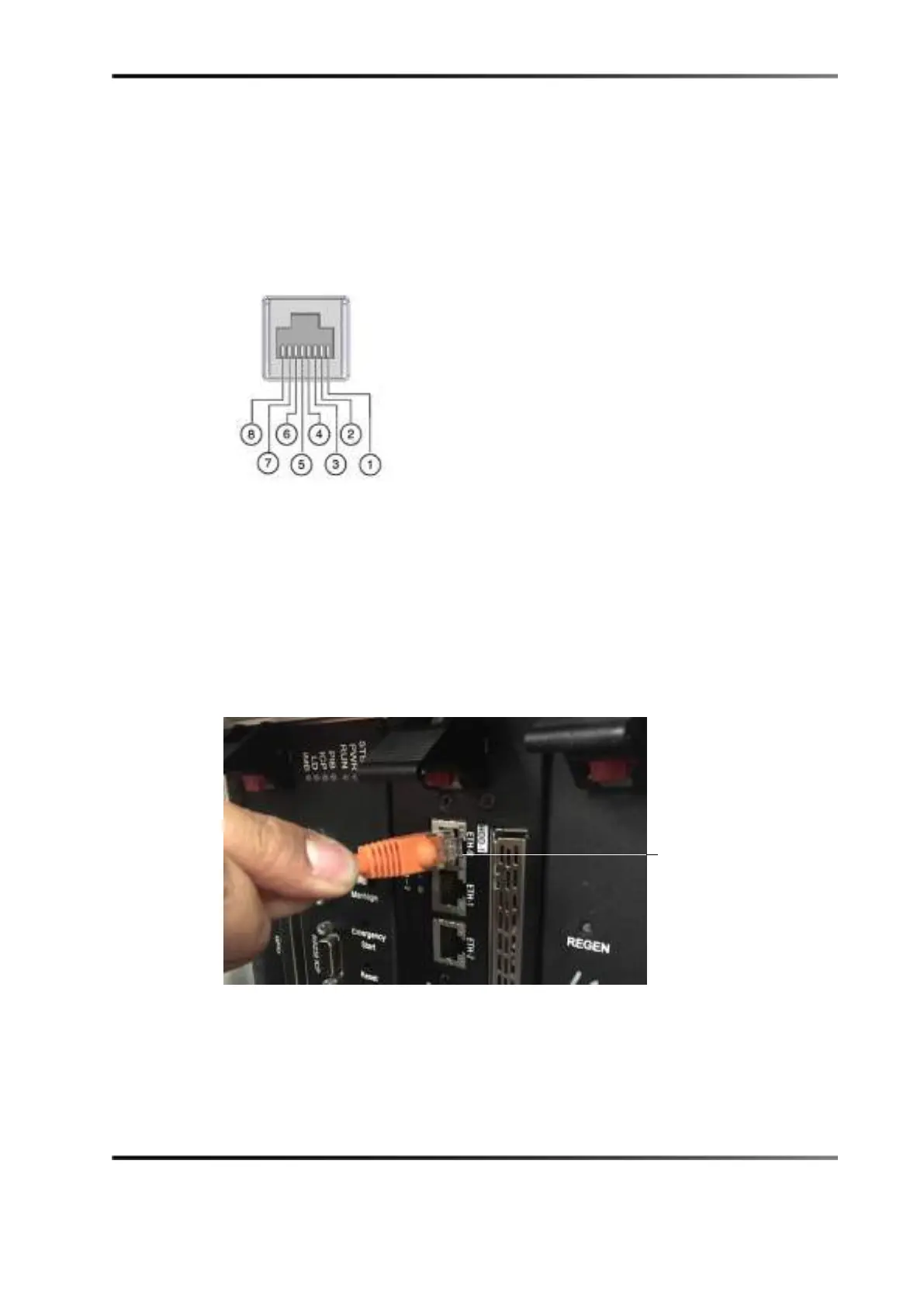
Figure 5-11 presents an image of the RJ-45 socket pinout.
Figure 7-12 RJ-45 Socket Pinout
7.5 Connecting Ethernet Cables
You must connect the Ethernet cables to an available laptop or network switch.
To connect the Ethernet cables, connect an Ethernet cable to the Ethernet connector on the
IMS2000, and then connect the other end of the cable to either a laptop or network
switch.
Figure 7-13 Ethernet Connection
connection



 To Next Page