Dolby
®
IMS2000 Installation and User’s Manual
IMS.OM.004730.DRM Issue 3 185
14.4.3 Element Properties
You have the ability to view the properties of a selected element.
To perform the operation:
1. Select the element from the right side of the GUI.
2. Highlight the selected item.
3. Click on the
Element Properties button.
The
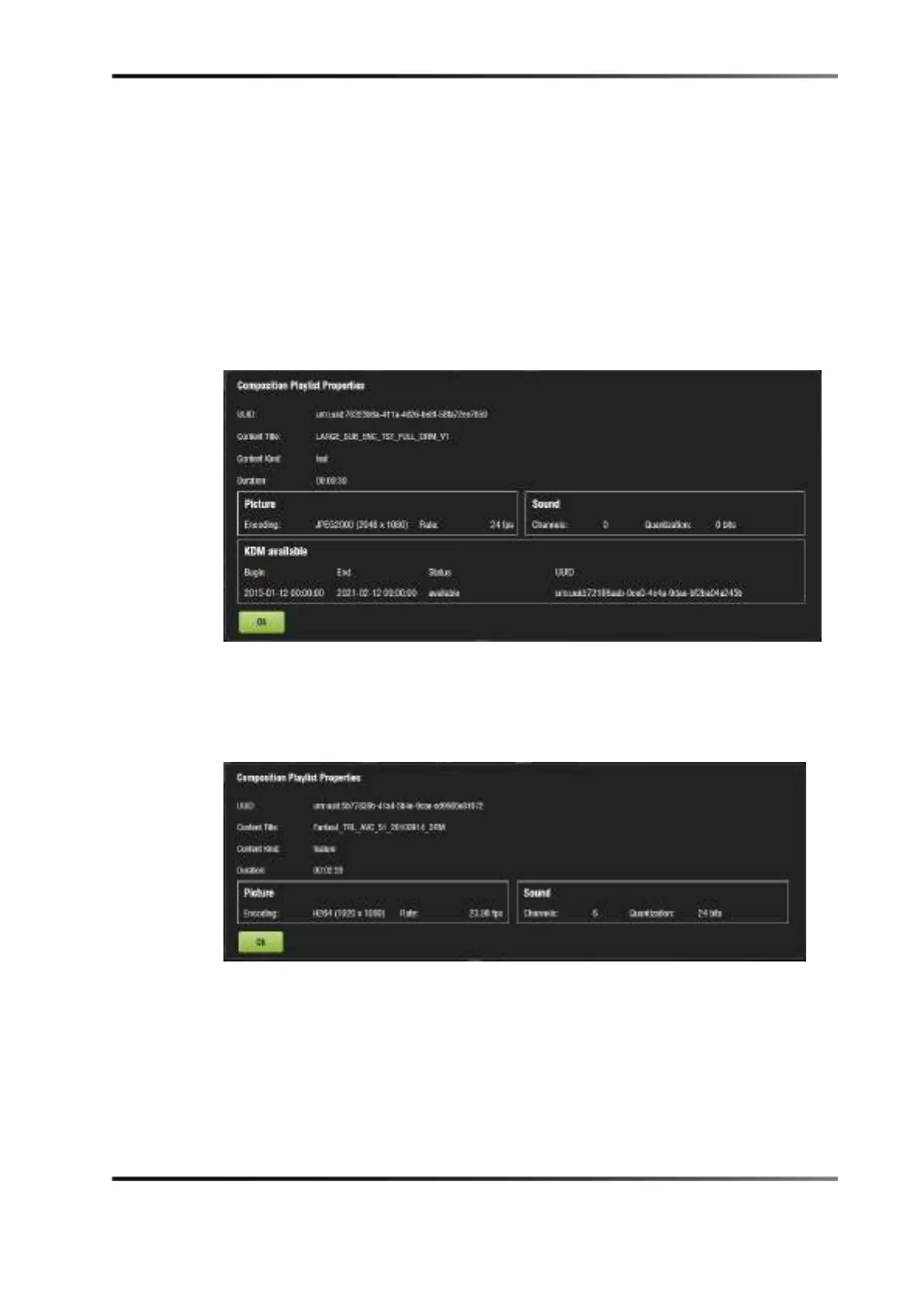
Composition Playlist Properties window appears.
Figure 14-16 CPL Properties
If the element selected is an unencrypted CPL, the properties window in the
following figure appears.
Figure 14-17 Unencrypted CPL



 To Next Page