208 Dolby
®
IMS2000 Installation and User’s Manual
IMS.OM.004730.DRM Issue 3
14.8 CineLister Schedule Tab
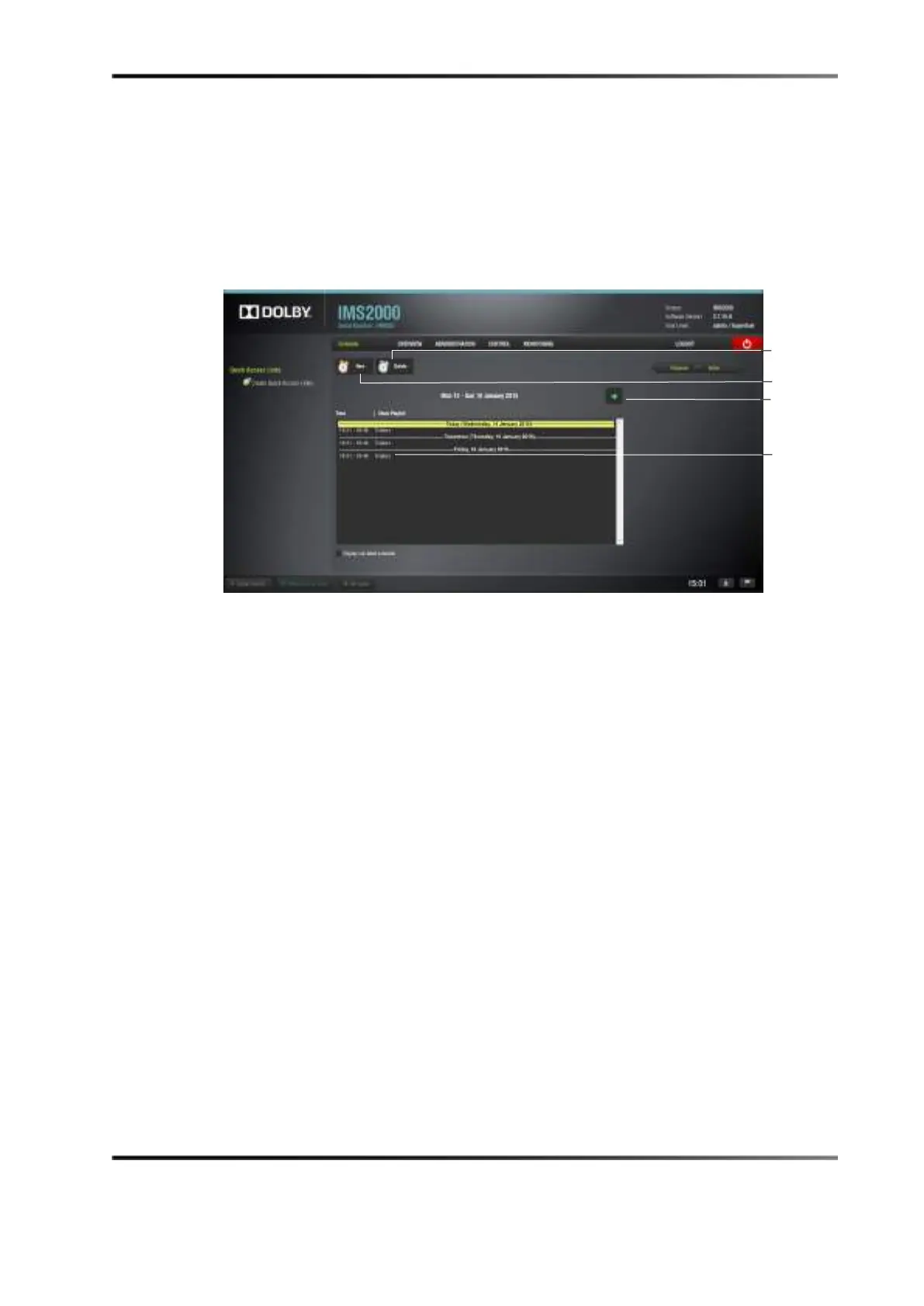
The Schedule tab allows you to schedule the playback of show playlists on a certain day
and time. The server will automatically begin the playback of the show playlists once
they have been scheduled.
To access the
Schedule tab, click on the green arrow on the right-hand side of the GUI in
the
Editor and Playback tabs.
Figure 14-54 CineLister Schedule Tab
14.8.1 How to Schedule Playback
To schedule playback from the CineLister application:
1. Select the
Schedule tab from the CineLister GUI.
The
Schedule tab automatically displays the current week. To display another week,
use the green arrow.
2. Click on the
New button.
3. Enter the appropriate password for the authentication window that might appear
depending on your user level.
4. The
Edit Schedule window appears.
schedules



 To Next Page