Dolby
®
IMS2000 Installation and User’s Manual
IMS.OM.004730.DRM Issue 3 219
14.10 Content Manager
The Content Manager application is a GUI that allows you to browse, manage, and export
all the content available on the player, including:
• Show playlist
• CPL
• KDM
• Digital license messages
The
Content Manager application is available in the Control tab.
Select
Control > Content Manager to open the content manager application. The Overview
tab appears.
To see an updated view of the
Overview tab with all available content, click on the
Refresh button.
14.10.1 Overview
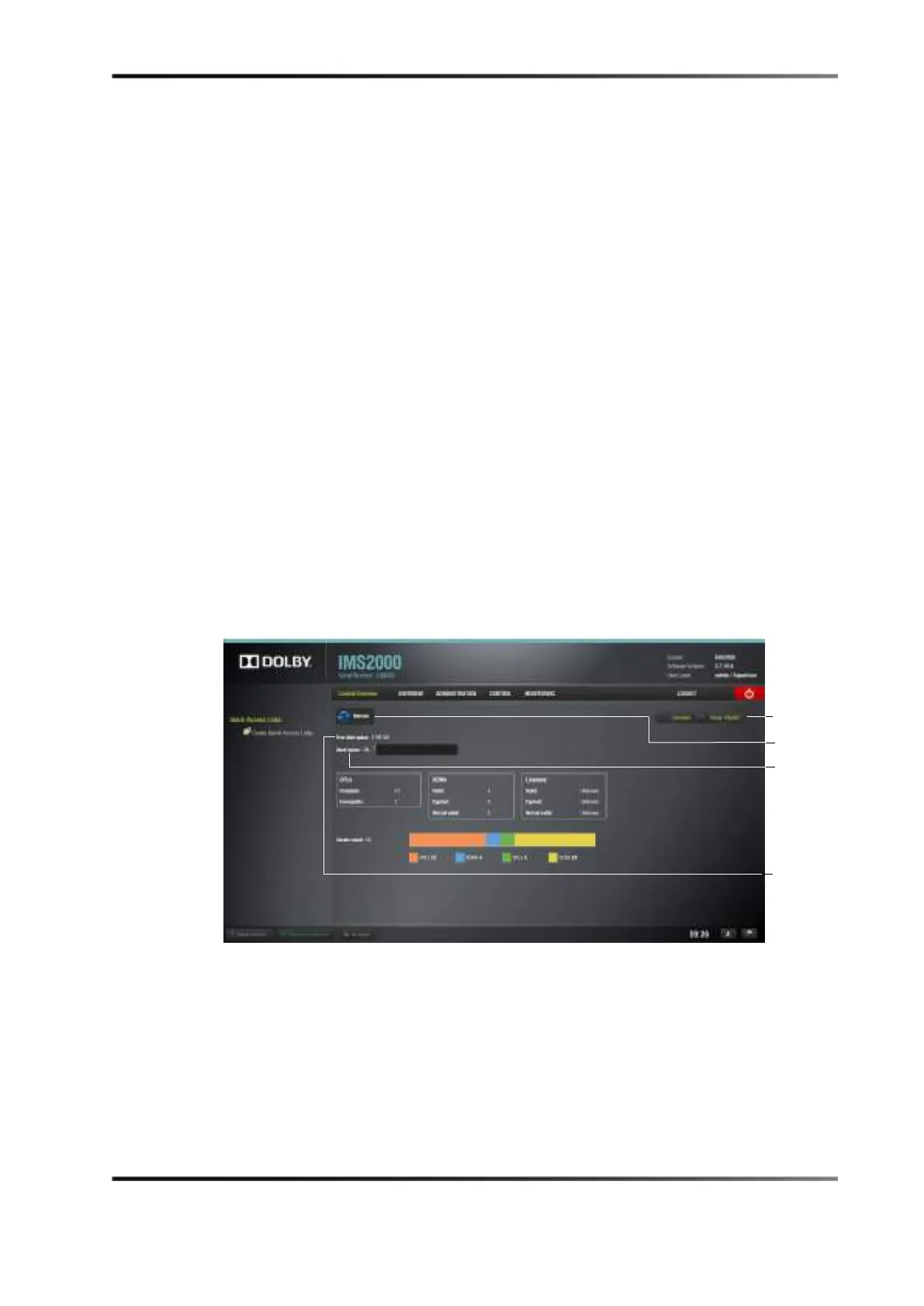
The Overview tab lists all available CPLs, licenses, show playlists, and KDMs on the unit.
It also displays the used and free space available.
Figure 14-67 Content Manger Main Tab
• A complete CPL is a CPL that is playable.
• An incomplete CPL has missing elements and is therefore not playable.
• Valid KDMs are KDMs that have not expired yet and are for trusted devices.
• Expired KDMs are KDMs with a validity date that has expired.
• Not yet valid KDMs reference KDMs made in advance, not valid presently, to be
used in the future.
Playlist tab



 To Next Page