172 Dolby
®
IMS2000 Installation and User’s Manual
IMS.OM.004730.DRM Issue 3
13.22.2 Managing Content on an NAS Device
Ingesting to an NAS device
The attached NAS device should ingest from only one unit at a time to ensure the
performance of the devices are not hindered.
To perform the operation:
1. Verify the NAS permission is set to read/write.
2. Go to
Control > Ingest Manager > Ingest Scan.
3. Select the source that contains the content that will be ingested to the NAS.
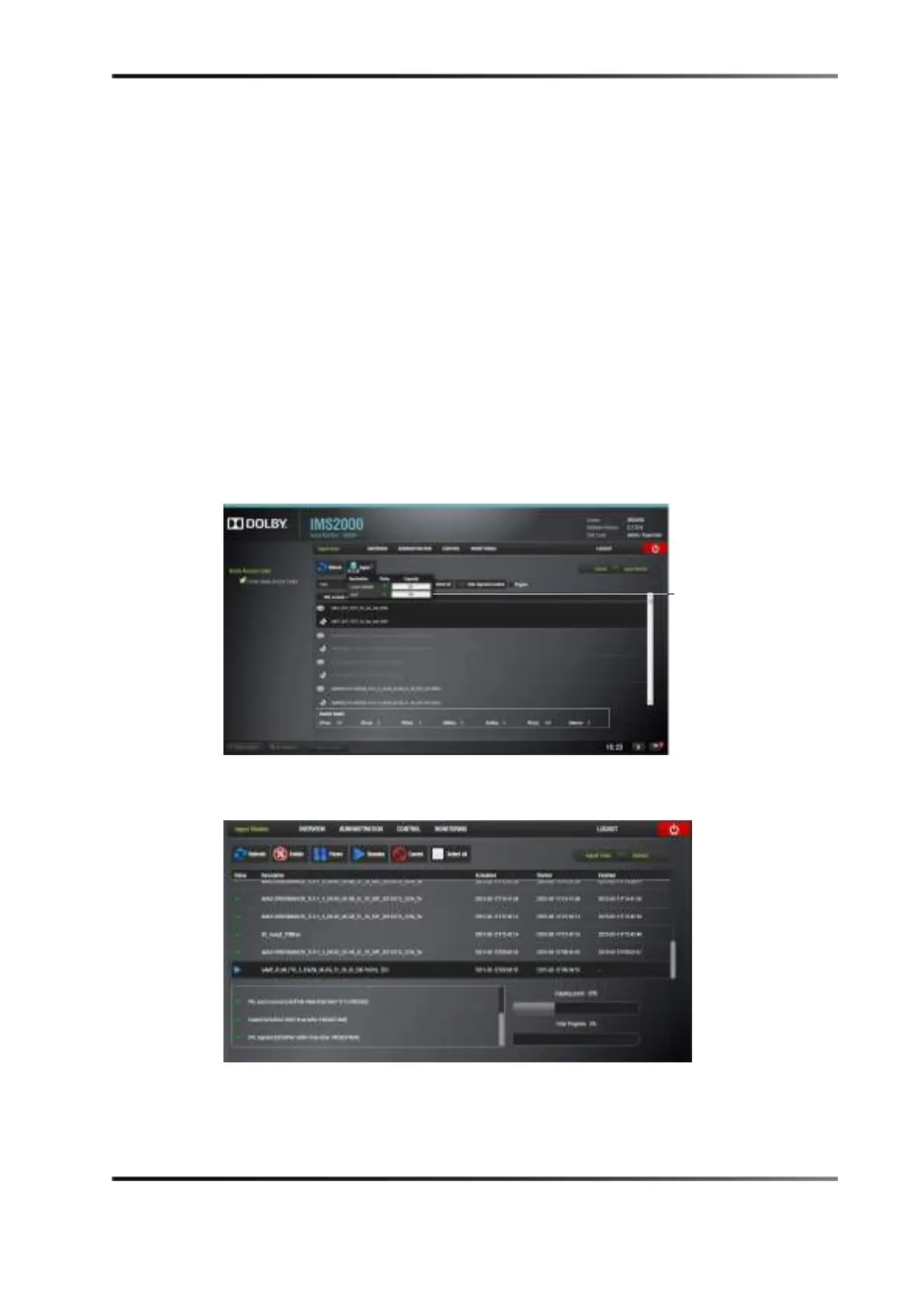
4. Move the cursor over the
Ingest button and select the NAS destination.
The ingested content will be available on the NAS storage when the process is
completed. You will be able to view the progress of the content being ingested in the
Ingest Monitor window.
Figure 13-117 NAS Destination
Figure 13-118 Ingest Monitor Window



 To Next Page