Dolby
®
IMS2000 Installation and User’s Manual
IMS.OM.004730.DRM Issue 3 279
18.4 Creating a Playlist
This section shows you how to create a show playlist.
The following example may look different from your generated show
playlist.
To create a playlist:
1. Select Control > CineLister > Editor.
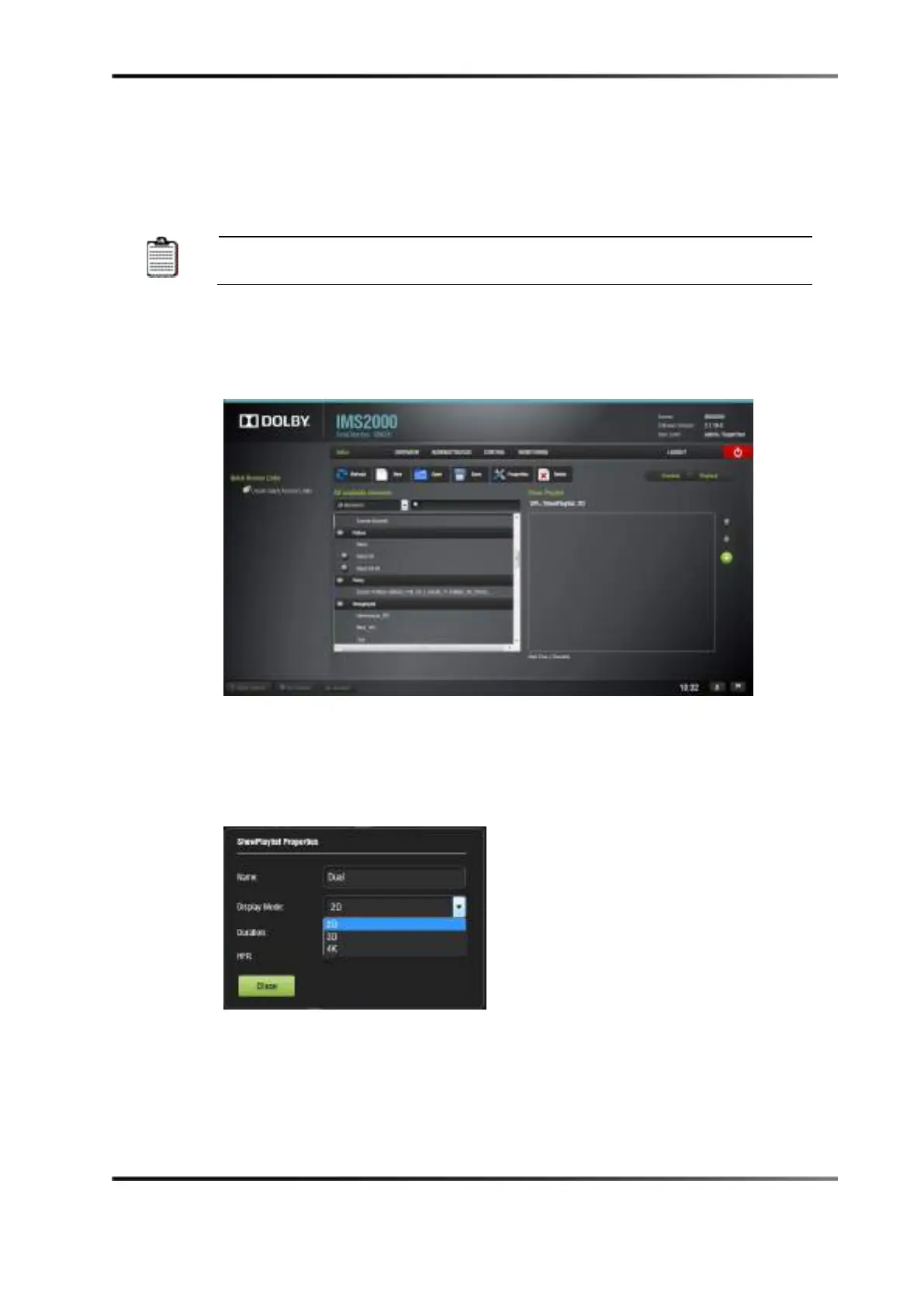
2. In CineLister, click on the Properties button.
Figure 18-4 Editor Window
3. Select 2D or 3D for the display mode in the ShowPlaylist Properties window:
a. For HFR setups, select the
HFR composition check box.
b. For 4K setups, select
2D (4K).
Fig ure 18- 4 Edit or
Figure 18-5 Show Playlist Properties
4. Click the
Close button.



 To Next Page