102 Dolby
®
IMS2000 Installation and User’s Manual
IMS.OM.004730.DRM Issue 3
13.3.6 Adding an eCNA Device
To add an eCNA device:
1. Click on the
New Device button in the Device Manager window.
The
New Device drop-down window appears.
2. Select
eCNA.
The device manager
GUI will be updated to reflect the addition of the eCNA device.
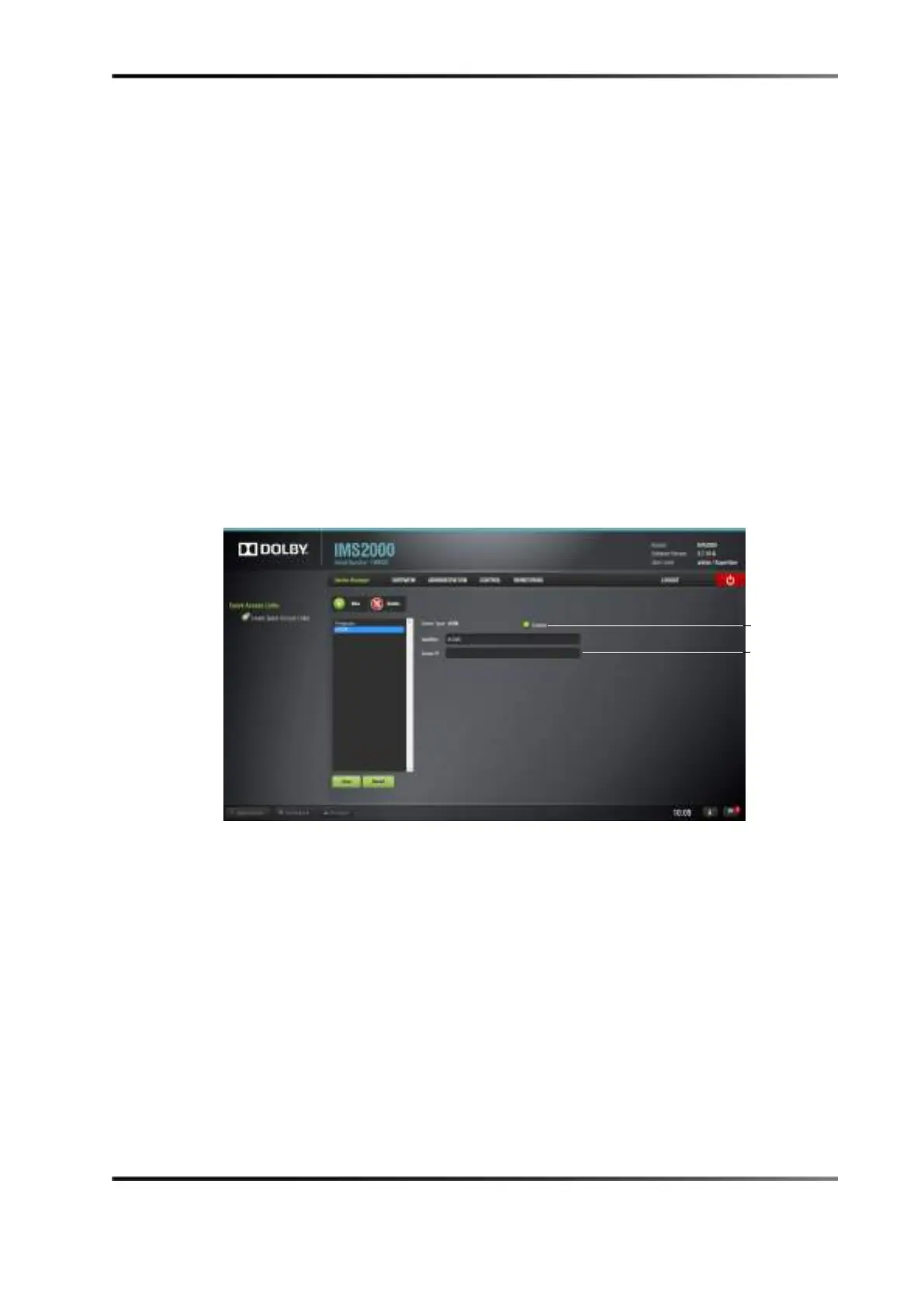
3. Input the eCNA server IP address in the appropriate field.
4. Verify the
Enabled check box is selected in the top-right corner of the GUI.
5. Click the
Save button to save the settings.
A window asking for the password appears.
6. Enter the password to save the settings and proceed.
Clicking the
Revert button prior to saving will delete the unsaved information.
Figure 13-21 eCNA Added
Removing an eCNA Device
To remove the eCNA device:
1. Select the device in the
Device Manager GUI.
2. Click on the
Delete Device button.



 To Next Page