222 Dolby
®
IMS2000 Installation and User’s Manual
IMS.OM.004730.DRM Issue 3
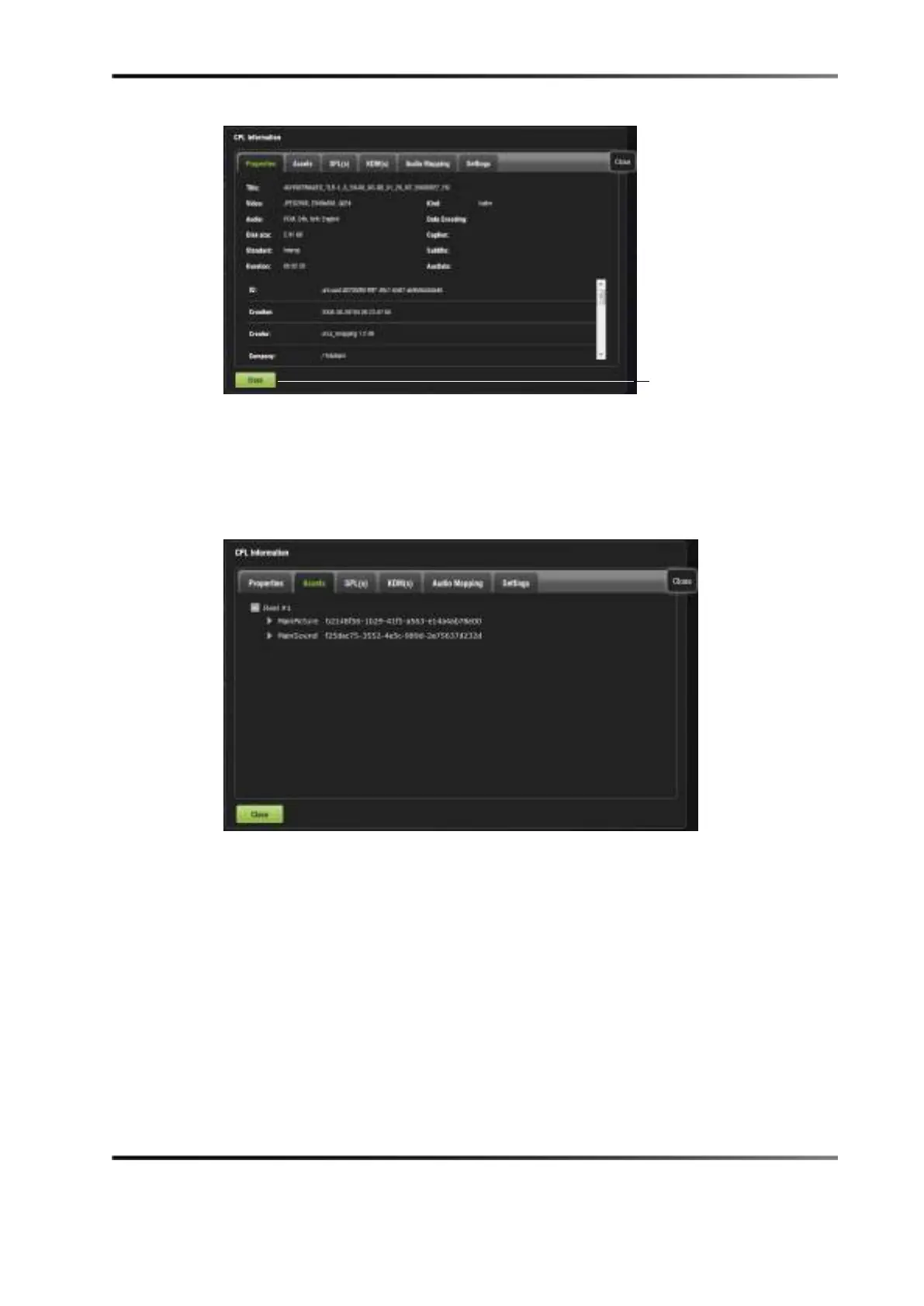
Figure 14-70 CPL Information Window: Properties Tab
Assets Tab
The Assets tab displays information on all the reels that compose the CPL and the assets
in each reel (reel number, subtitle, and sound).
Figure 14-71 CPL Information Window: Assets Tab



 To Next Page