40 Dolby
®
IMS2000 Installation and User’s Manual
IMS.OM.004730.DRM Issue 2
6.4.1 GPI/GPO Pinout Information
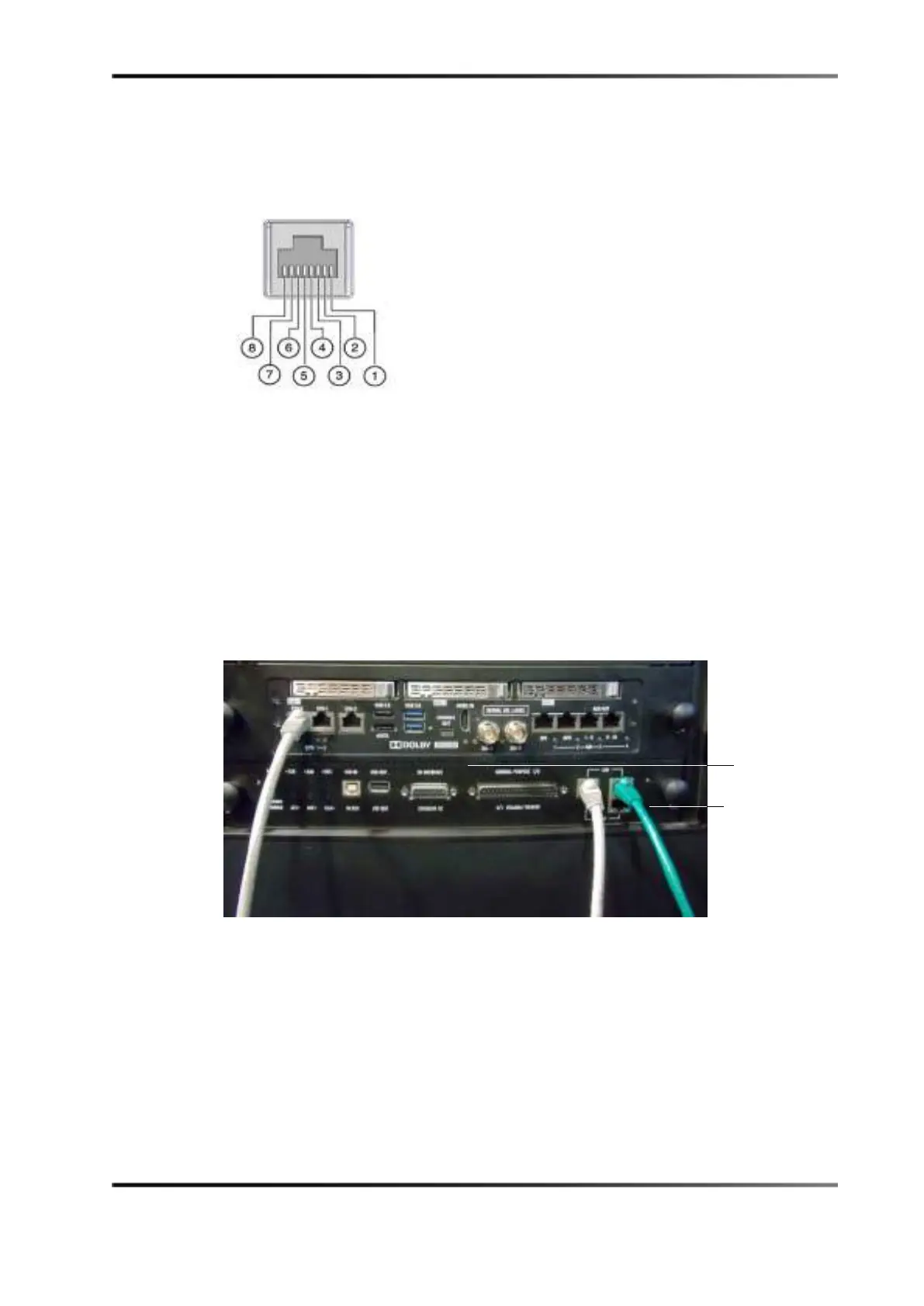
The following figure shows the RJ-45 socket pinout.
Figure 6-11 RJ-45 Socket Pinout
6.5 Connecting Ethernet Cables
You must connect the Ethernet cables to an available laptop or network switch.
To connect the Ethernet cables:
1. Connect one end of an Ethernet cable to the LAN connector on the Barco
®
projectors
cinema controller slot, then connect the other end of the cable to either a laptop or
network switch.
Figure 6-12 Ethernet Connections
connector
controller slot



 To Next Page