158 Dolby
®
IMS2000 Installation and User’s Manual
IMS.OM.004730.DRM Issue 3
13.17.5 Deleting Backup Files
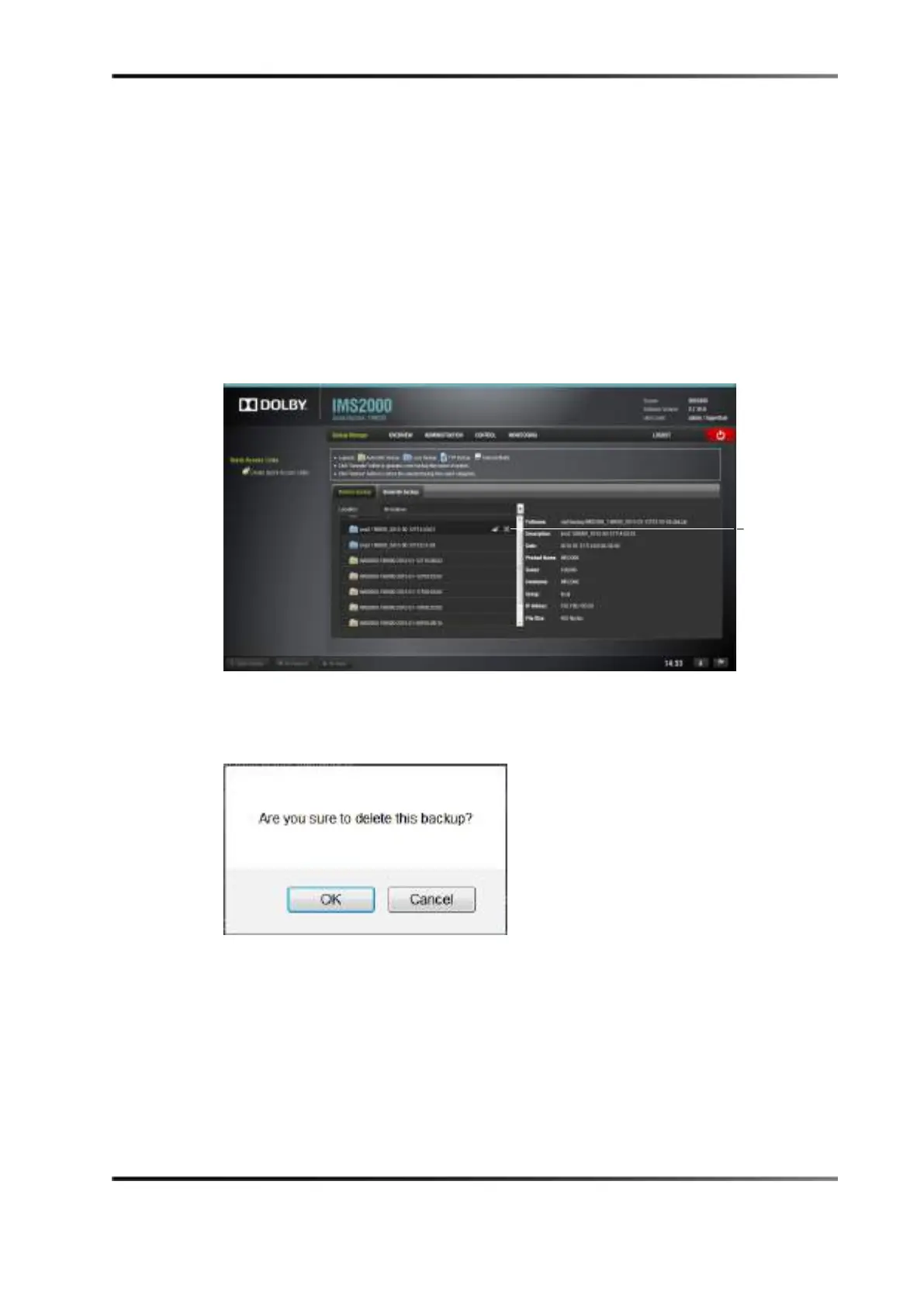
You will have the option of deleting a backup file from the Backup Manager window.
If you want to delete a backup file that was previously generated:
1. Select the file from the
Restore Backup tab.
2. Click on the
Delete button.
You can only delete manually generated backups, not automatic backups.
Figure 13-96 Delete Button
3. Click on the Ok button to continue the deletion process.
The backup file is now deleted.
Figure 13-97 Confirmation Window
button



 To Next Page