Dolby
®
IMS2000 Installation and User’s Manual
IMS.OM.004730.DRM Issue 3 123
13.7 Quick Controls
The quick controls feature provides you with the ability to use macros without having to
browse through various menu items. You will be able to execute any command with the
click of a mouse. You can add multiple sections to make executing macros simple and
efficient.
To access the
Quick Controls tab, select Administration > Macro Editor > Quick Controls.
Alternatively, if you are in the
Macro Automation tab or Trigger Cue tab, you can access
the
Quick Controls tab by clicking on the Quick Controls arrow on the right side of the
GUI.
13.7.1 Creating Macros
To create macros, refer to Chapter 13.
13.7.2 Setting Up Quick Controls
All of the macros created in the Macro Automation tab will automatically appear in the list
of available macros on the left side of the GUI in the
Quick Controls tab.
To assign a macro to a quick controls section:
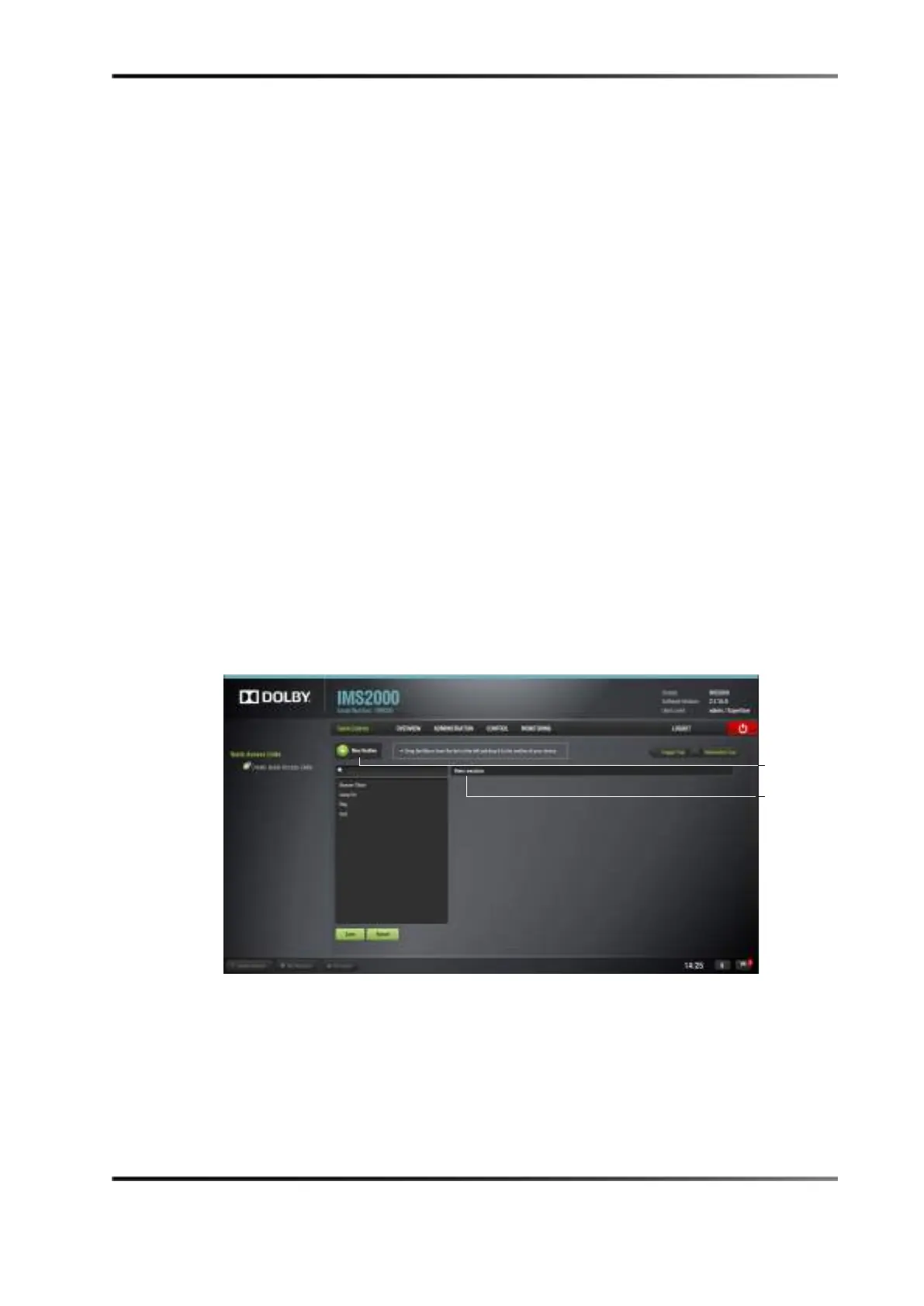
1. Click on the
New section button.
This will create a tab to the right of the macro list, and you will be able to define the
section according to the function of the created macro.
Figure 13-48 Quick Controls Window
2. Drag the selected macro to the New section tab.
3. Click on the
Save button to save the settings.
If the selection has not been saved it will not appear on the
Quick Controls screen.
Clicking the
Revert button before saving will cause all of the changes to be lost.
4. Hover over the section.
5. Several options appears on the right.
button



 To Next Page