Dolby
®
IMS2000 Installation and User’s Manual
IMS.OM.004730.DRM Issue 3 69
Chapt er 1 0 Configuring the Network
10.1 Default Network Configuration
This chapter explains how to configure the network settings. Ethernet ports (ETH-1 and
ETH-2) are set to DHCP by default.
All IMS2000 boards are shipped from the factory with the following default IP address
for ETH-0:
• IP: 192.168.100.50
• SM: 255.255.255.0
• GW: Blank
10.2 Changing the IP Address
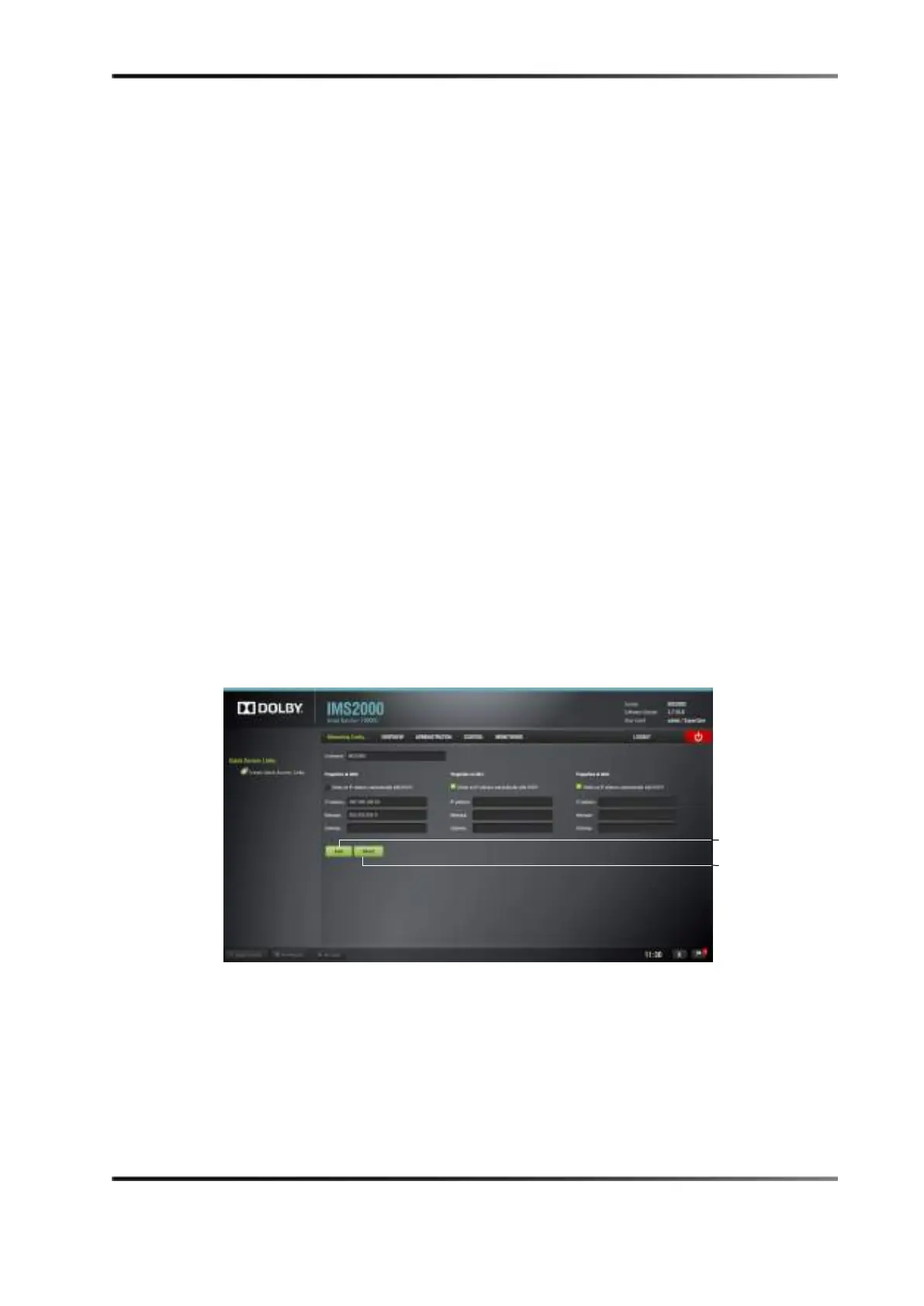
To change the IP address.
1. Select
Administration > Control Panel > Networking Configuration.
Figure 10-1 Network Configuration
button



 To Next Page