246 Dolby
®
IMS2000 Installation and User’s Manual
IMS.OM.004730.DRM Issue 3
15.2 System Tab
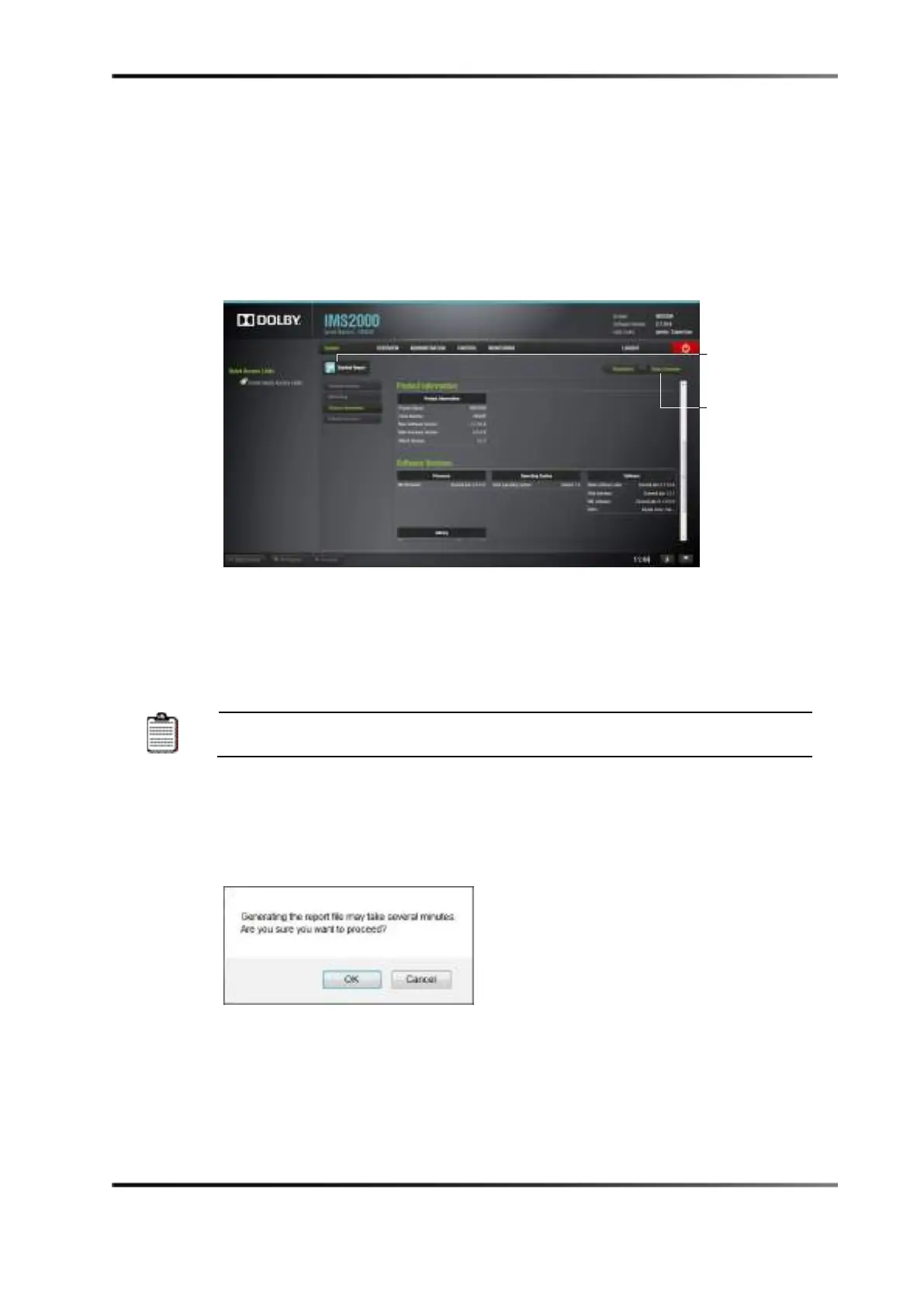
The System tab provides general information related to the server, such as serial number,
software/firmware version numbers, IP addresses, product name, security manager
version, web UI version, operating system information, and hardware information. The
System tab automatically jumps to the Product Information section.
Figure 15-2 System Tab
15.2.1 Detailed Report Overview
You will have the ability to generate a detailed report when needed.
If possible, generate the report log when there is no playback.
To perform this operation:
1. Select
Monitoring > Diagnostics > System.
2. Click on the
Detailed Report button.
3. Click on the
OK button to proceed.
Figure 15-3 Generate Report
4. The report will take several minutes to generate.
5. Choose whether you would like to open or save the report.
6. Click on the
OK button.
The report is saved on the default downloads folder of the computer.
overview tab



 To Next Page