78 Dolby
®
IMS2000 Installation and User’s Manual
IMS.OM.004730.DRM Issue 3
12.1 Notification Bar
The bottom notification bar allows you to quickly access important features of the
IMS2000. These buttons are available and can be accessed at the bottom of every tab.
12.1.1 Quick Controls
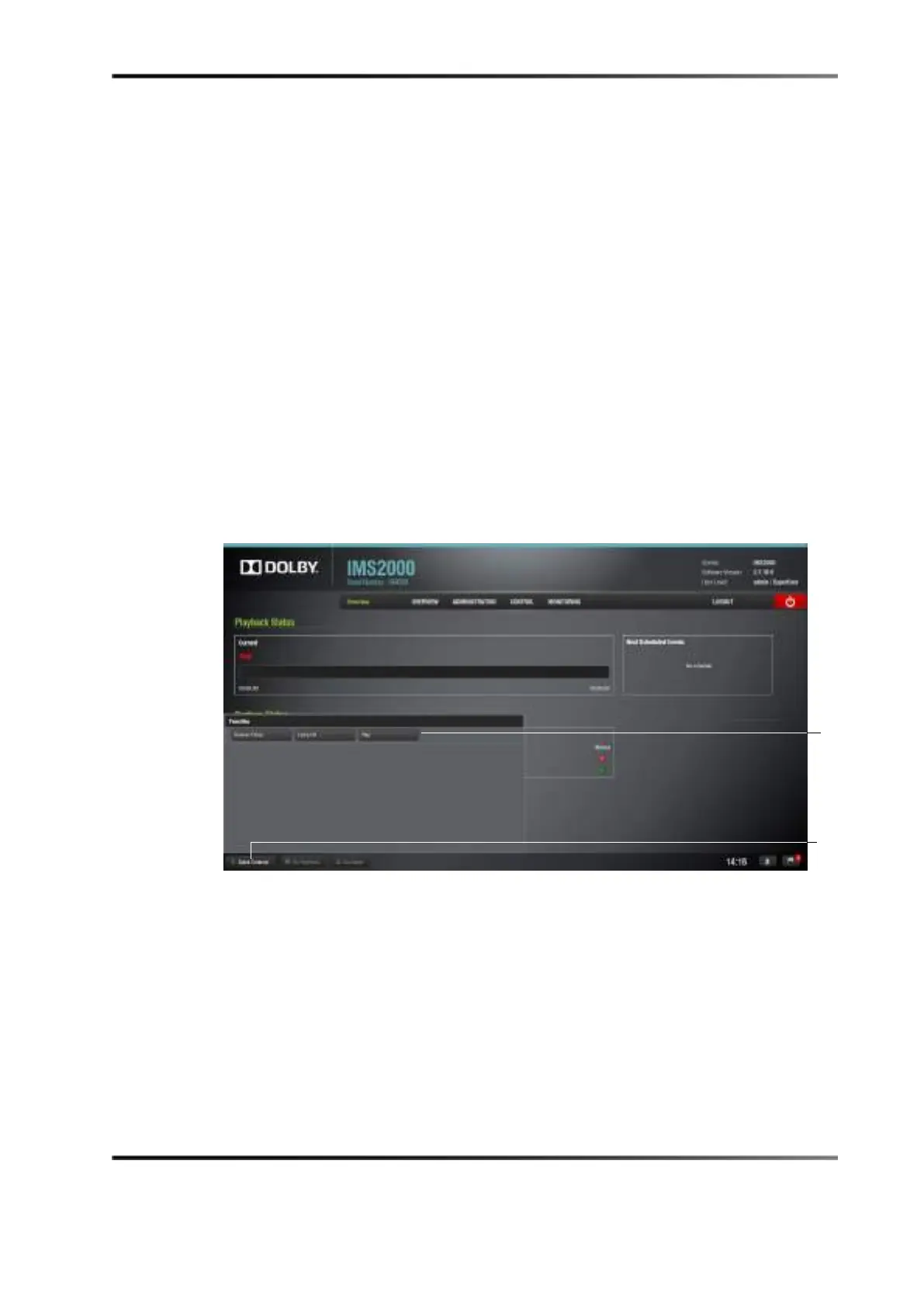
The Quick Controls button allows quick access to macros that have been added in the
Quick Controls tab. You will be able to execute a macro from any tab on the GUI:
1. To execute a macro select:,
Administration > Macro Editor > Quick Controls.
For information on how to add macros to the
Quick Controls tab, refer to See Section
12.7.
2. Click on the
Quick Controls button when the macros have been added, and the macros
appear.
Figure 12-2 Quick Controls
3. Click on the macro to execute it.
4. Clicking on the
Quick Controls button again will cause the window to close.
controls
button



 To Next Page