270 Dolby
®
IMS2000 Installation and User’s Manual
IMS.OM.004730.DRM Issue 3
17.5 Preloaded Test Content
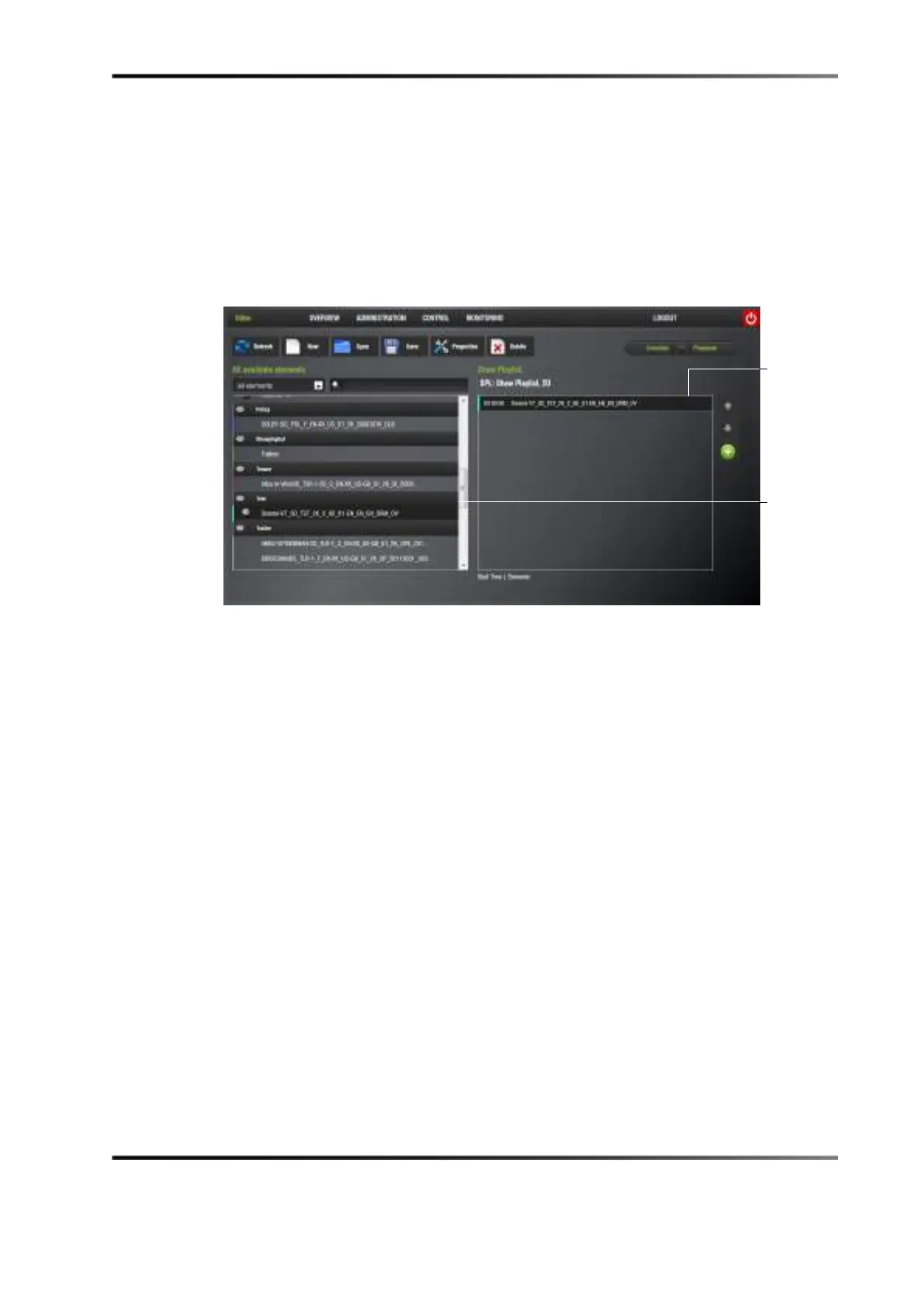
You have the ability to test the playback of the IMS2000 without having the hard-disk
drives installed. To do this, select
Control > CineLister > Editor.
The content will already be available in Cinelister, under the section called
Test.
Figure 17-1 Pre-Loaded Test Content
To test playback:
1. Click on the content so that it appears in the right side of the GUI.
2. Click on the
Play button in the Cinelister application.
17.6 Temporarily Setting the Network Configuration via USB
This method should be used to “rescue” the device in case the IP address is lost or
forgotten. The network configuration is set temporarily until the next reboot. The current
IP will be back after the next reboot.
To update the network configuration with a USB flash drive:
1. Create a directory called doremi at the root of the USB key.
2. Create a directory called
tmp inside the /doremi/ directory.
3. Create a directory called
network inside the /doremi/tmp/ directory.
4. Create a file inside the
network directory, and name it ifconfig.0. This will be used to
configure Ethernet port 0.
For static IP, enter the following information in the
ifconfig.0 file, replacing the items in
bold with your settings:
• Interface: eth0



 To Next Page