Dolby
®
IMS2000 Installation and User’s Manual
IMS.OM.004730.DRM Issue 3 283
19.2 Dolby Atmos Installation
1. Request the digital license message from technical support:
a. Receive email.
b. Download attachment to local drive.
2. Log in.
3. Ingest the Dolby Atmos digital license message (if not already ingested):
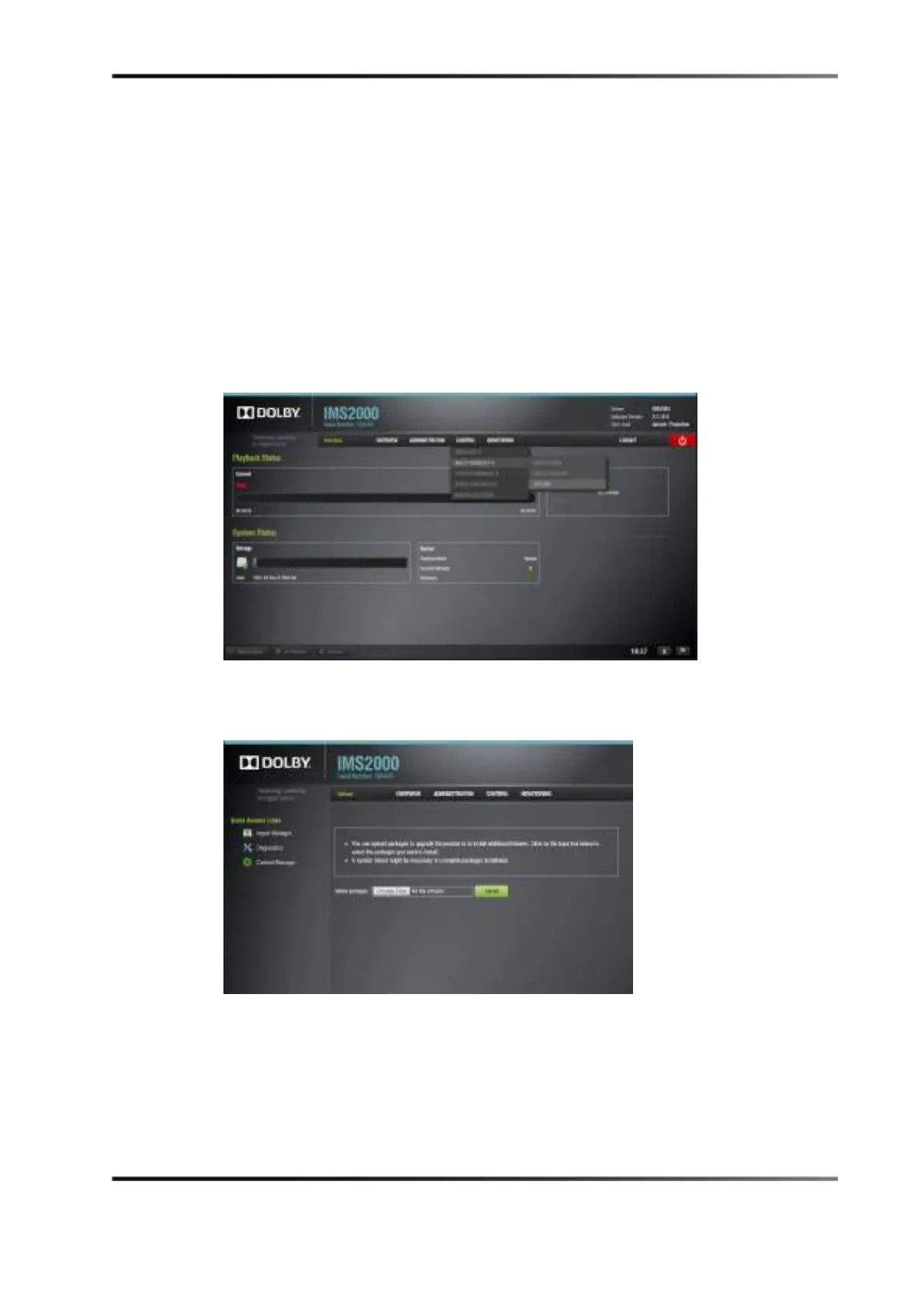
a. Move the cursor over the
Control tab.
b. Move the cursor over the
Ingest Manager selection.
c. Click on the
Upload selection button.
Figure 19-2 Overview Tab
4. Click on the Choose File button.
Figure 19-3 Upload Tab
a. Navigate to the digital license message destination folder.
b. Click on the digital license message to highlight it.
c. Click on the
open button to select the digital license message.
d. Click on the
Upload button to upload the digital license message to the IMS2000.
e. Click on the
Ingest Monitor tab.



 To Next Page