Dolby
®
IMS2000 Installation and User’s Manual
IMS.OM.004730.DRM Issue 3 189
14.6.1 Segment
A segment allows you to organize and arrange the visual presentation of a show playlist
into sections or segments.
Segments are only used as an aesthetic tool to organize the show playlist and to notify
you of different sections within the show playlist.
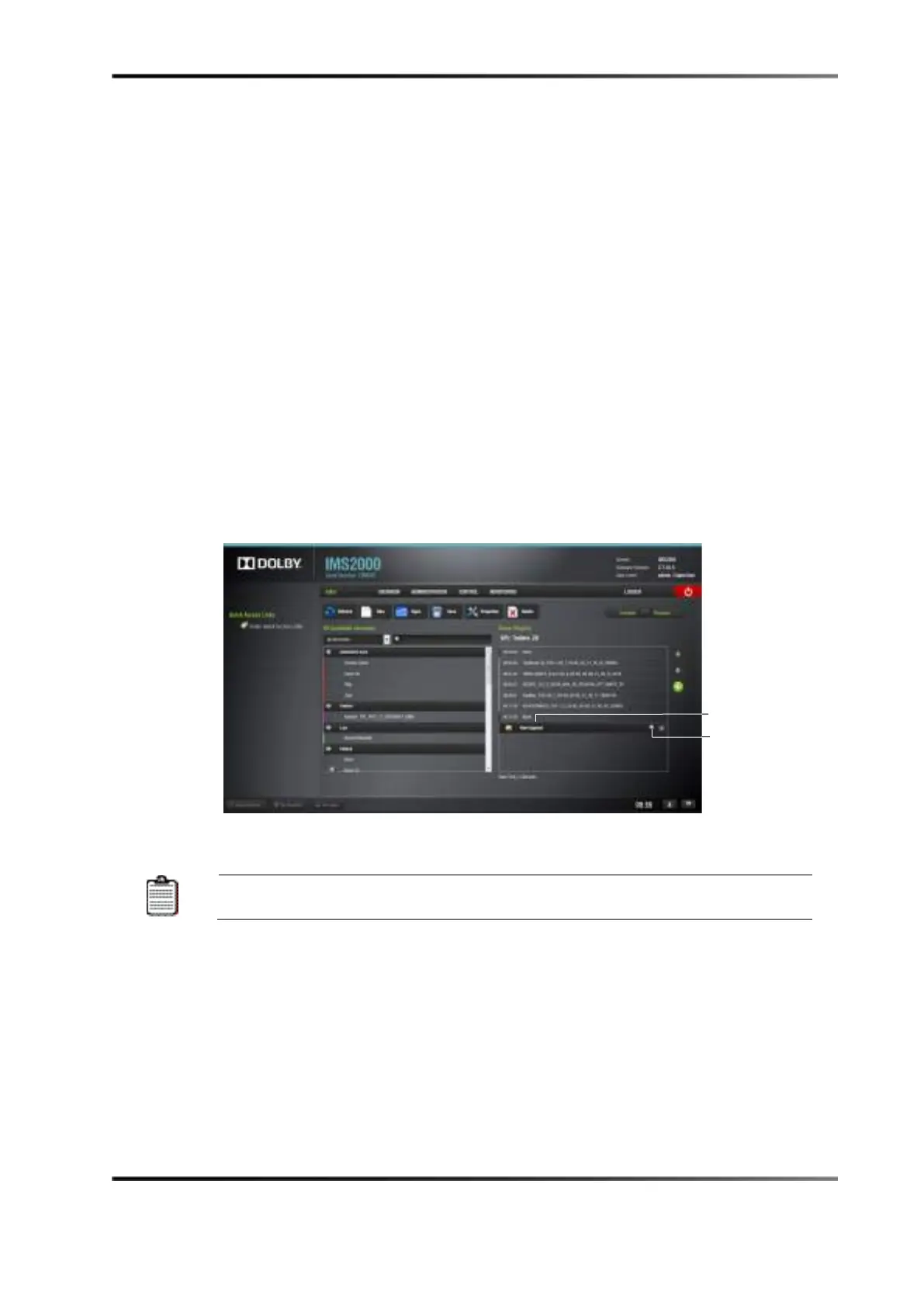
To create a segment:
1. Click on the plus
icon in CineLister (in an existing or new show playlist).
2. Select
Segment from the drop-down menu.
3. The new segment appears.
4. Use the up and down arrows to rearrange the segment.
5. Several segments can be added into a show playlist.
6. Attach show playlist elements to the segment by using the up arrow. This allows you
to move the elements when the segment moves.
Figure 14-22 New Segment
Within the same show playlist, each segment must have a different name.
To rename the segment:
1. Click on the properties
icon on the right.
2. Click on the
Save Pack Name button to save the name.
Substitute any spaces with an underscore.



 To Next Page