86 Dolby
®
IMS2000 Installation and User’s Manual
IMS.OM.004730.DRM Issue 3
Available configurations include:
•
Disabled: This setting is the default and as such cannot be mapped.
•
4 channels: This is a preset configuration.
•
6 channels: This is a preset configuration.
•
7 channels: This is a preset configuration.
•
8 channels: This is a preset configuration.
•
9 channels: This is a preset configuration.
•
ISDCF: This is a preset configuration.
•
Passthrough: This is a preset configuration.
•
Custom: This setting allows you to create your own custom audio configuration.
To make any changes to the audio configuration, superuser privileges are necessary.
13.2 Channel Mapping Tab
13.2.1 Disabled Configuration
This section provides information on the Disabled configuration setting.
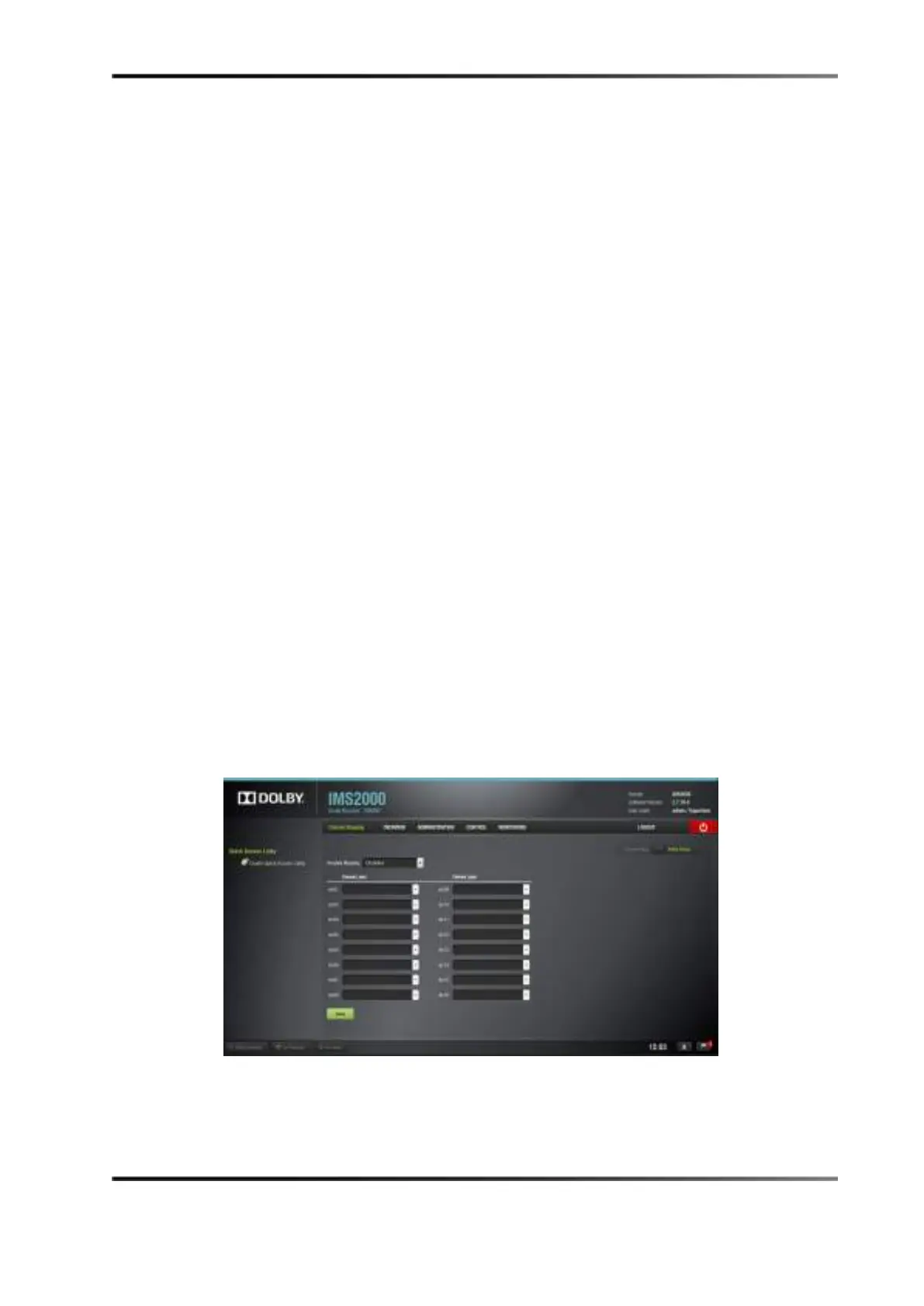
Disabled: This is the default setting and cannot be mapped. The Disabled mapping
configuration will perform pass-through mapping, meaning channel number X of the
CPL audio track will be routed to audio output number X (variable) of the server, X being
a number between 1 and 16. When the configuration is grayed out, you cannot change
the configuration.
Figure 13-3 Disabled Configuration



 To Next Page