114 Dolby
®
IMS2000 Installation and User’s Manual
IMS.OM.004730.DRM Issue 3
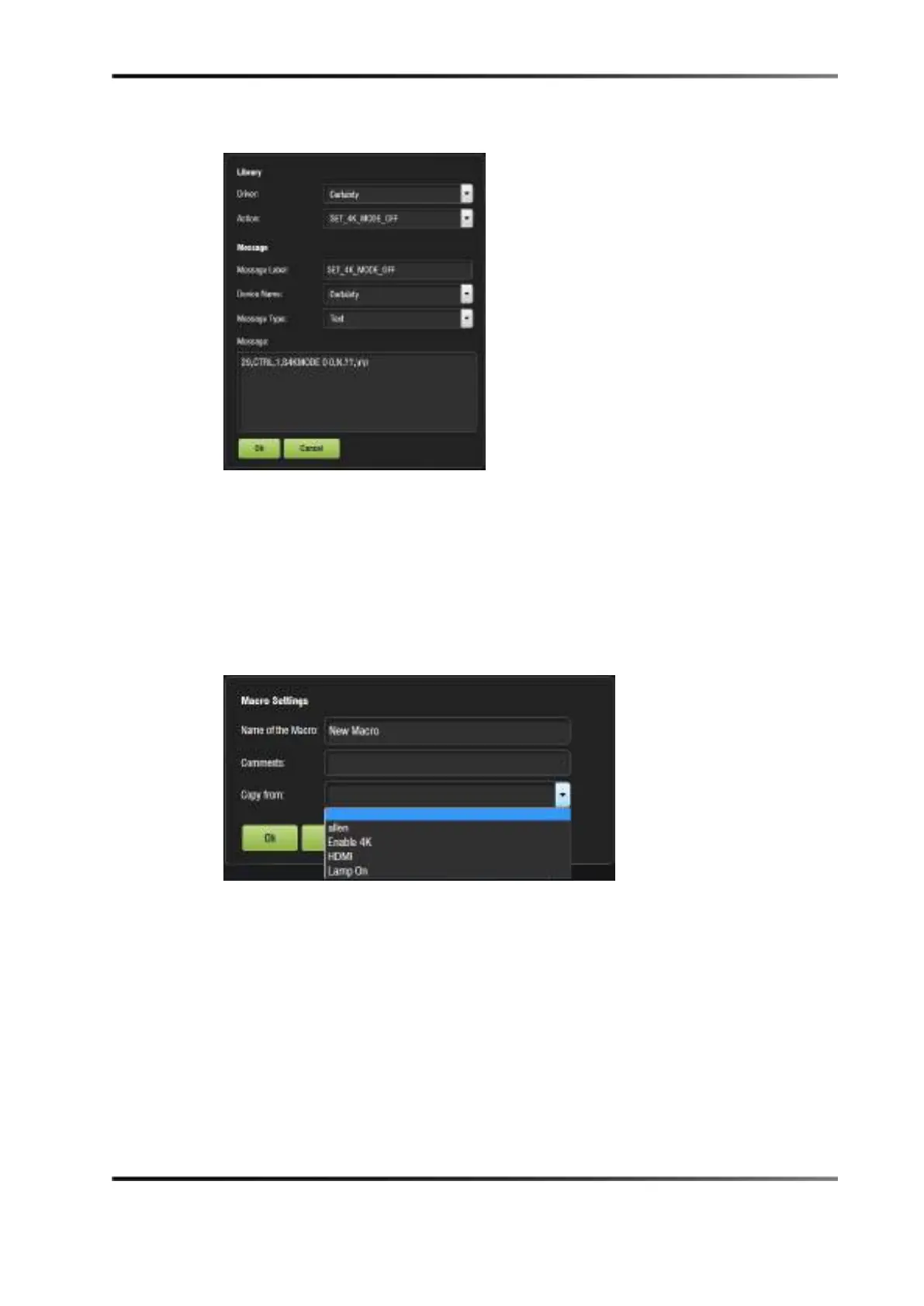
The following pop-up window appears.
Figure 13-36 Add a New Action Window: Library Window
2. Select the driver and action. Click Ok or, click Cancel to cancel this command.
13.5.10 Copying from an Existing Macro
You can also copy an existing macro using the Copy from drop-down menu. Name the
new macro, and select a macro to copy. The macro, with the accompanying action,
appears in the
Macro Editor window.
Figure 13-37 Copy Macro



 To Next Page