Dolby
®
IMS2000 Installation and User’s Manual
IMS.OM.004730.DRM Issue 3 83
Chapt er 1 3 Using the Administration Tab
The IMS2000 GUI Administration tab provides access to various applications. Follow the
instructions provided in this section to access the administration applications.
1. Click on the
Administration tab.
A drop-down list appears when the mouse is hovering over the tab. The default tab
is the
Control Panel tab, which has several more applications available.
2. Clicking on individual tabs when hovering over an application will take you directly
to that tab.
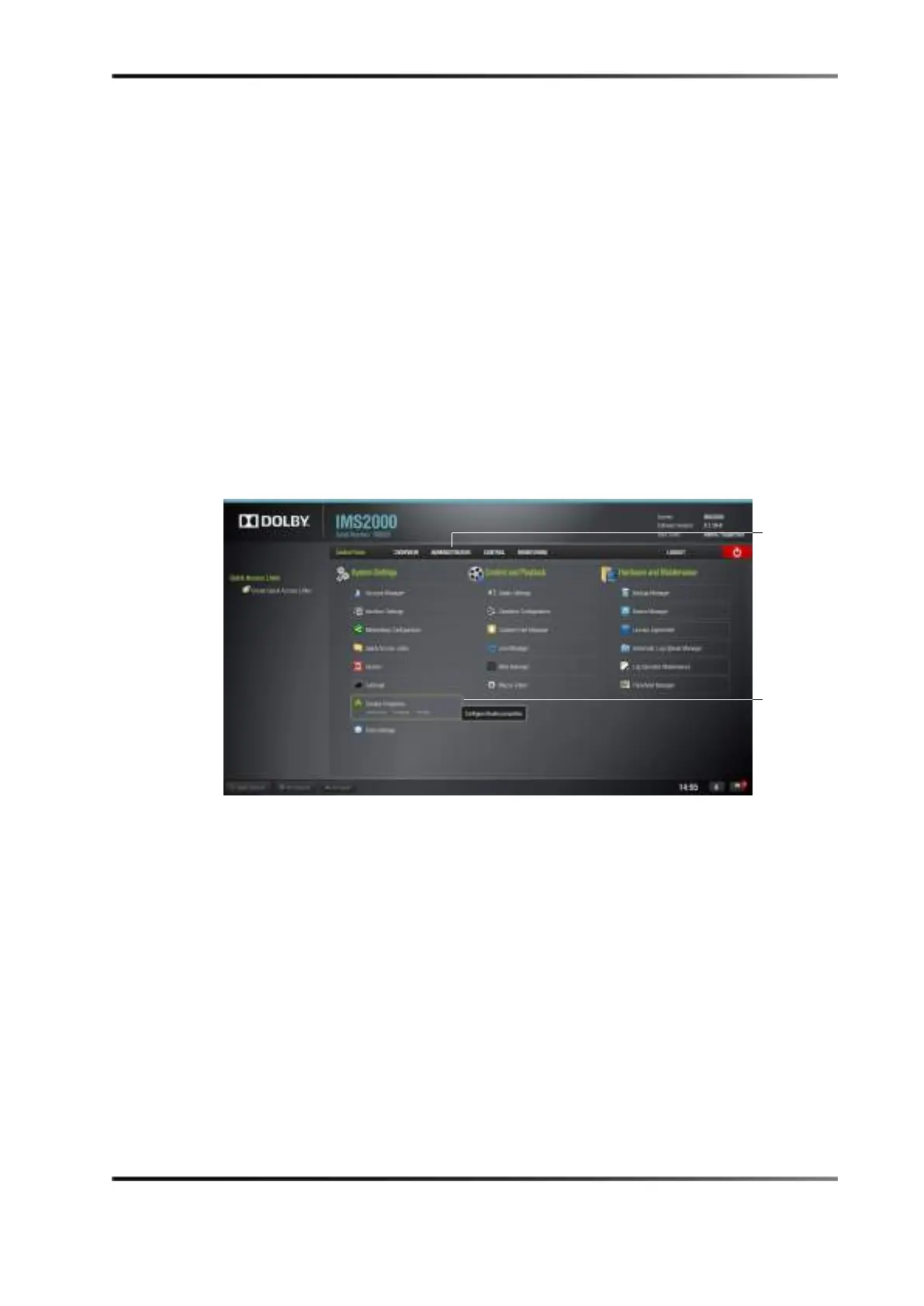
Figure 13-1 Control Panel
• Device Manager: Allows you to add, edit, and delete different projectors, close
caption devices, subtitle devices, and more.
•
Content Feed Manager: Allows you to connect to other servers. Once connected, the
specified servers will show in the Ingest Manager and will be able to pull show
playlists, CPLs, KDMs, and digital license messages.
•
Macro Editor: Allows you to view, edit, and add macros.
•
Terminal: Allows you to perform terminal commands.
•
System: Allows you to shut down, restart, and place the unit on standby.
•
Control Panel:
• Account Manager: Allows you to add, remove, and edit user accounts.
•
Interface Settings: Allows you to select an interface size.
•
Networking Configuration: Allows you to setup and modify network connections.



 To Next Page