248 Dolby
®
IMS2000 Installation and User’s Manual
IMS.OM.004730.DRM Issue 3
15.4 Storage Tab
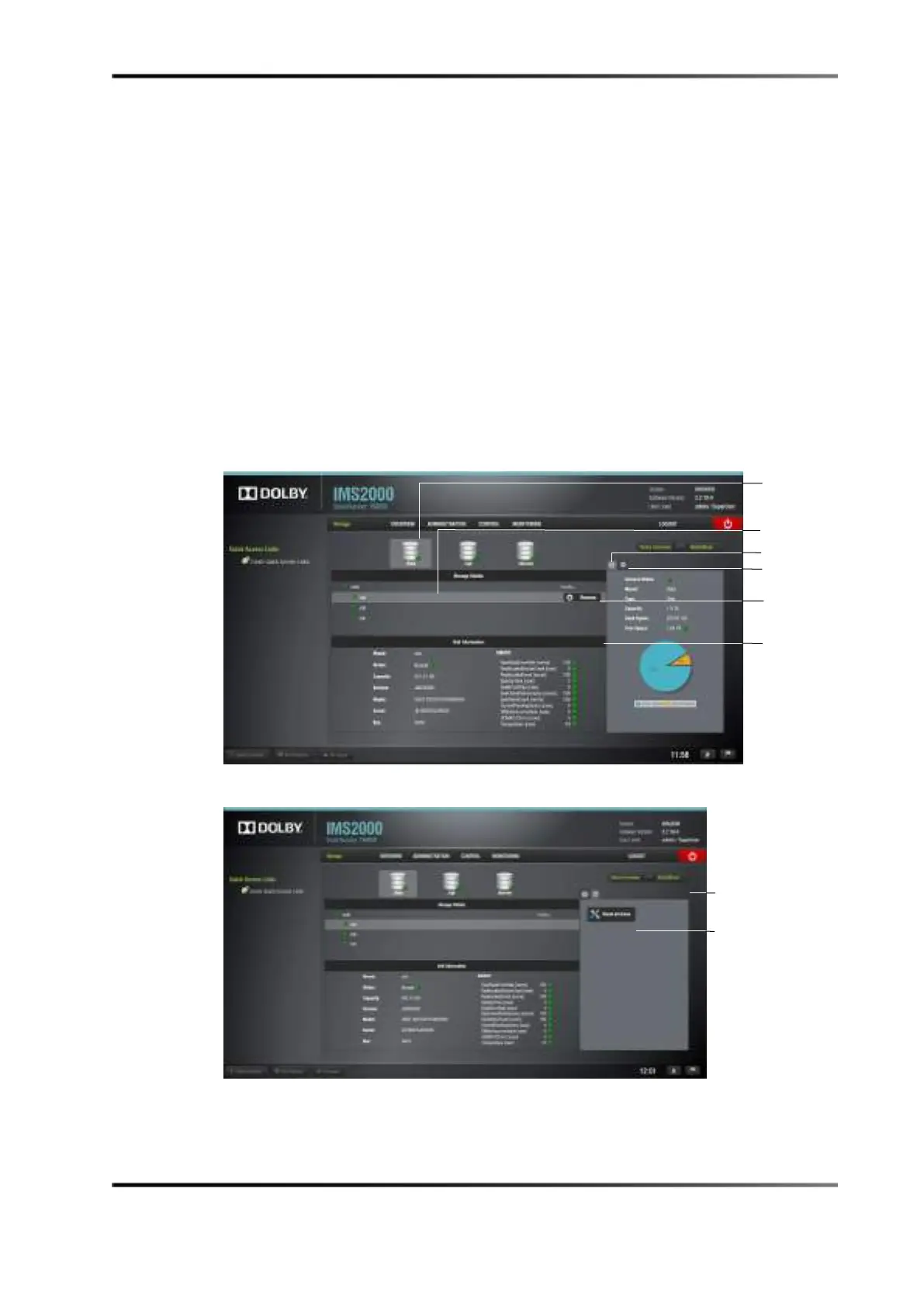
The Storage tab consists of two subviews:
•
Storage
• Unit Information
Click on the
Storage tab button to access it.
Storage details, at the top half of the screen, lists all the RAID builds configured on the
server. On the right side of the GUI, there is a visual representation of the information for
each RAID build in the first tab. The second tab displays the
Reset All Drives button (See
Section 15.2).
Hovering over an individual drive reveals the
Remove button. See Chapter 15 for more
information. Unit information, which is the bottom half of the screen, lists information on
the disks configured in the selected RAID.
Figure 15-6 Storage Tab
Figure 15-7 Reset Drives Button



 To Next Page