Dolby
®
IMS2000 Installation and User’s Manual
IMS.OM.004730.DRM Issue 3 75
11.3 Changing the System Time
You can also modify the IMS2000 system clock.
The DCI specification allows you to modify the time ± only up to six
minutes per calendar year.
To modify the system clock:
1. Select
Administration > Control Panel > Time Settings, and the Date and Time tab
appears.
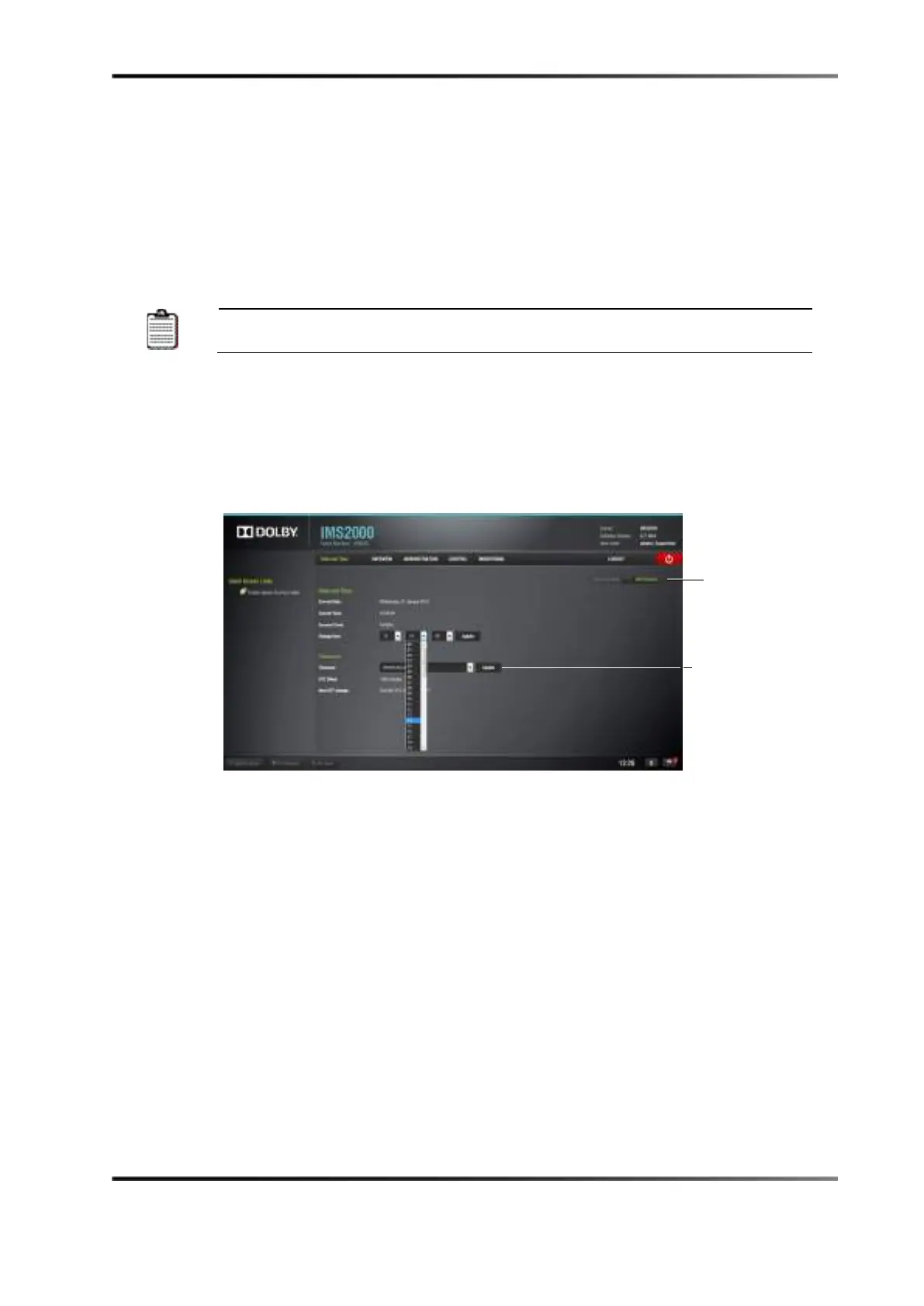
2. Click on one of the appropriate drop-down menus to modify minutes or seconds.
A list of time settings appears in each field.
Figure 11-3 Setting the Time
3. Once the appropriate time change has been selected and appears within the box
labeled
Change Time, click the Update button to save this setting.
4. Superuser privileges are necessary to save the change.
5. If you exceed the allotted ± six-minute limit, contact your first-tier support
representative.



 To Next Page