118 Dolby
®
IMS2000 Installation and User’s Manual
IMS.OM.004730.DRM Issue 3
13.6.2 Trigger Cue
The Trigger Cue tab is located in the trigger cue options window (Administration > Macro
Editor
> Trigger Cue).
Alternatively, you can click on the green arrow button on the right side of the
Automation
Cue
tab to access the Trigger Cue tab.
To perform the operation:
1. Click the
New Trigger button.
A window appears allowing you to enter the trigger cue name.
Figure 13-40 Trigger Cue Setting Window
2. Enter the appropriate name.
It will be the name used by the CineLister
application to insert the trigger cue in a
Show Playlist. The newly created trigger cue appears in the Trigger window, and it
will be ready to connect to an event.
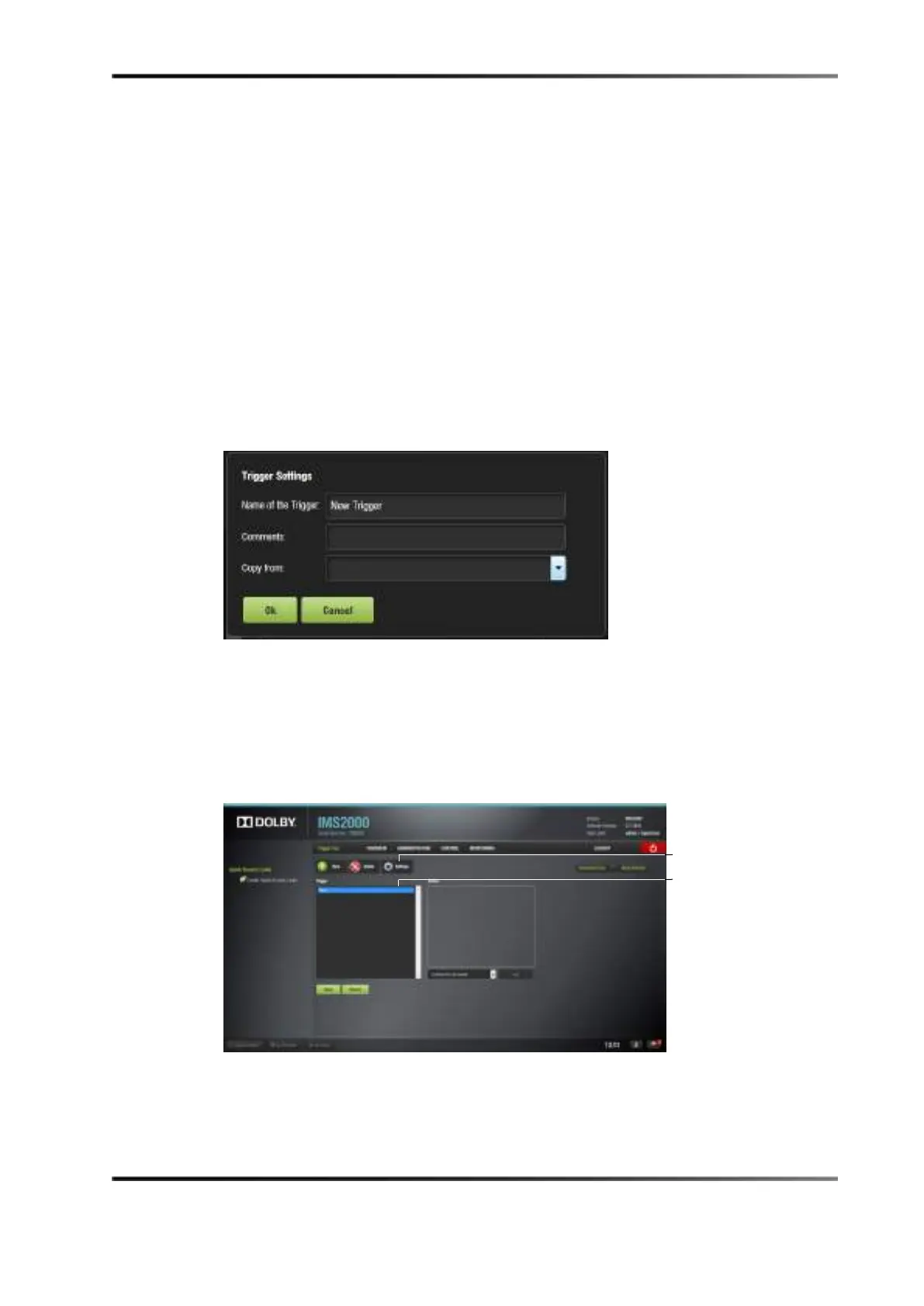
Figure 13-41 Trigger Cue Defined



 To Next Page