Dolby
®
IMS2000 Installation and User’s Manual
IMS.OM.004730.DRM Issue 3 39
6.4 Connecting the GPI/GPO
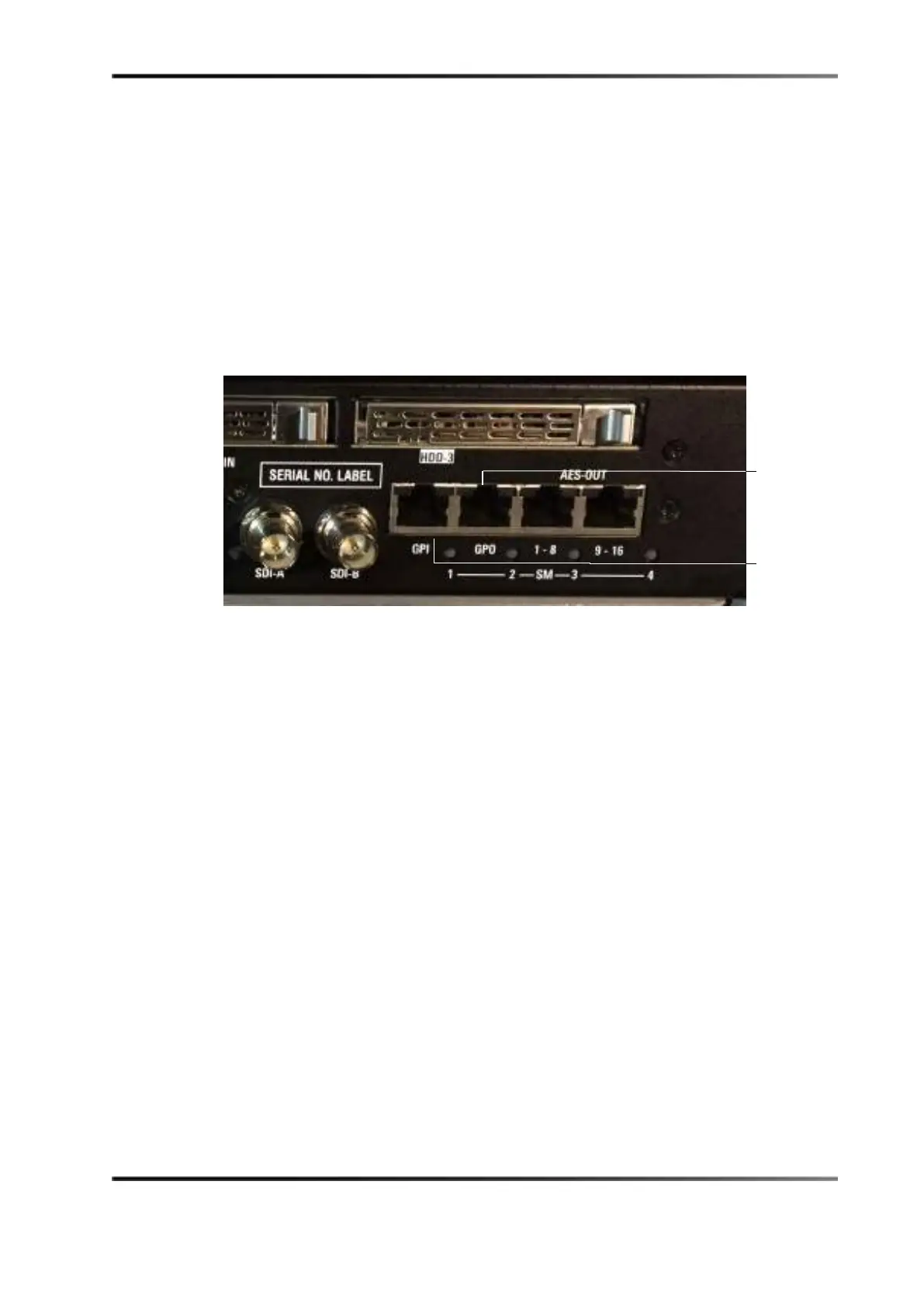
To connect the GPI/GPO to the Dolby IMS2000:
1. Connect one end of a shielded CAT5 or CAT6 cable to the GPI connector on the
IMS2000 board.
2. Connect the other end of the shielded CAT5 or CAT6 cable to an available or required
automation controller.
3. Connect another shielded CAT5 or CAT6 cable to the GPO connector on the IMS2000.
4. Connect the other end of the shielded CAT5 or CAT6 cable into an available or
required automation controller.
Figure 6-10 GPI/GPO Connectors



 To Next Page