170 Dolby
®
IMS2000 Installation and User’s Manual
IMS.OM.004730.DRM Issue 3
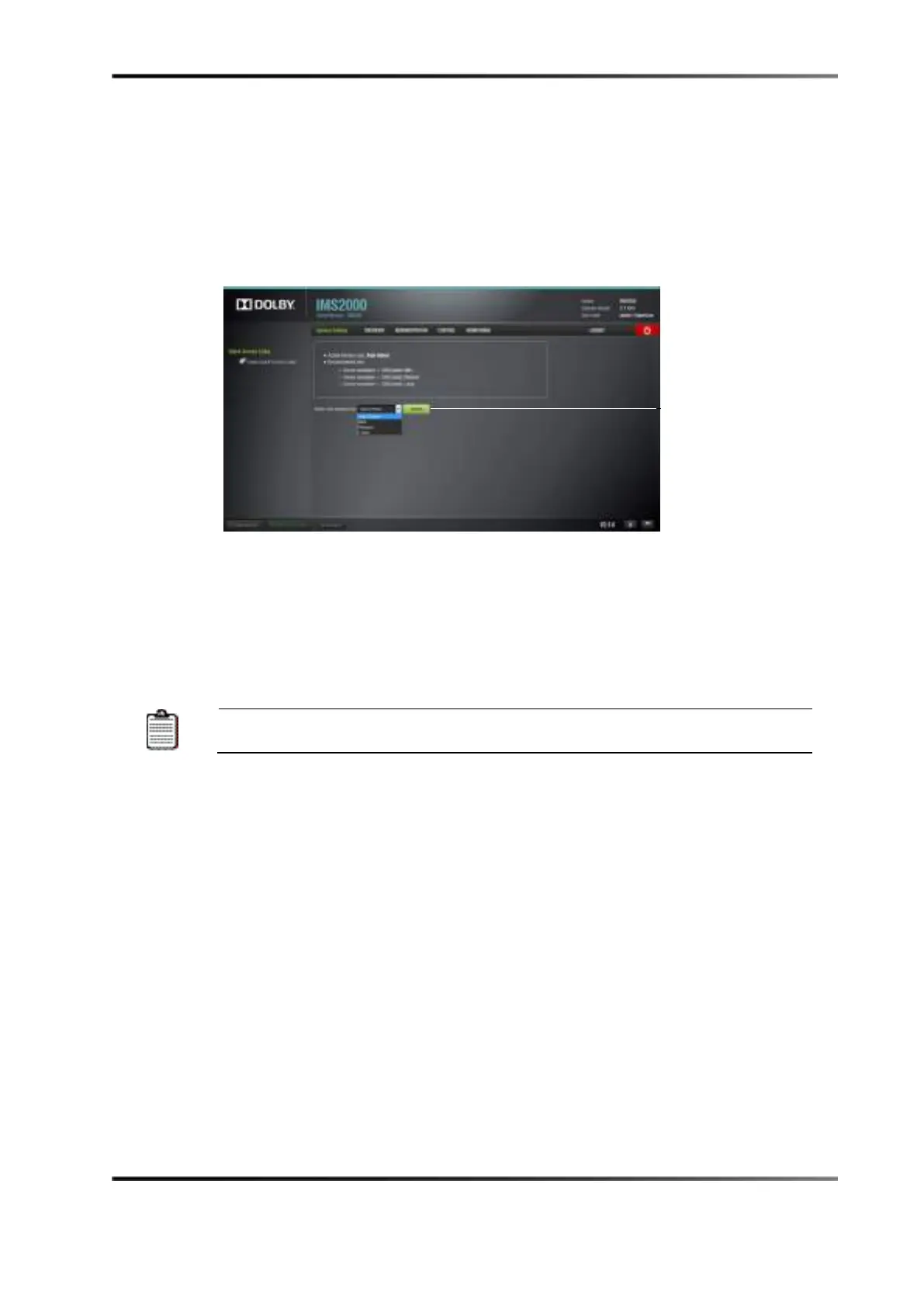
13.21 Interface Settings
The Interface Settings application allows you to set the interface size. Click on the drop-
down menu to select the size. Click on the
Switch button to confirm the change.
Figure 13-115 Interface Settings
13.22 NAS Manager
The IMS2000 supports NAS. This provides extra HD space on the network, increasing
storage capacity. It allows you to ingest to and play from the NAS device.
Each IMS2000 unit is limited to four attached NAS devices on one unit.
Following is a list of approved NAS devices:
• Netgear: ReadyNAS 2120
• Seagate: STDEx00
• QNAP TS-XX53U
• QNAP TS-431XEU
Please refer to Dolby’s latest approved hard drive list for a list of approved hard drives.



 To Next Page