250 Dolby
®
IMS2000 Installation and User’s Manual
IMS.OM.004730.DRM Issue 3
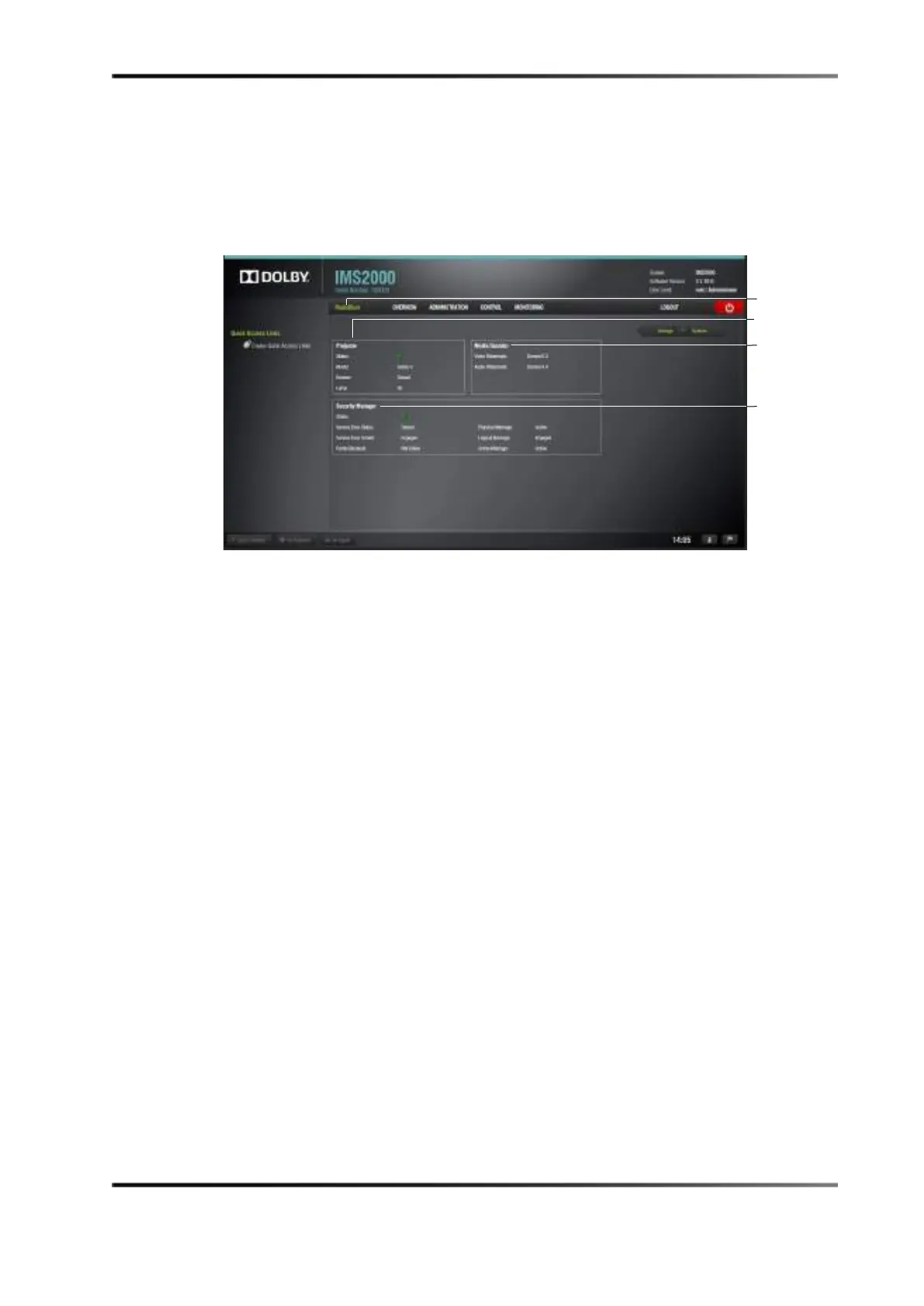
The colored icons next to the sections reveal the status of that section:
• Green: Healthy
• Orange: Warning
• Red: Failure
Figure 15-8 MediaBlock Tab
15.6 Log Viewer
The Log Viewer tab allows you to manage and view various logs and records of the
server.
To access the
Log Viewer tab, select Monitoring > Log Viewer.
15.6.1 Log Records
The Log Viewer tab defaults to the Log Records tab. Here, you can search for previously
created logs. Logs are generated automatically as necessary. For example, they are
generated when CPLs start and end, when the system is rebooted, when a schedule is
added, and much more.
manager
section



 To Next Page