318 Dolby
®
IMS2000 Installation and User’s Manual
IMS.OM.004730.DRM Issue 3
30.3 Linked Filed Error
This feature is currently not supported.
30.4 Mount Error
The troubleshooting process varies, depending on the model of the NAS device.
30.4.1 Seagate: STDE 100
This feature is currently not supported.
30.4.2 Netgear: ReadyNAS 2120
To verify that the folder to be mounted is set to read/write:
1. Log in to the NAS device GUI.
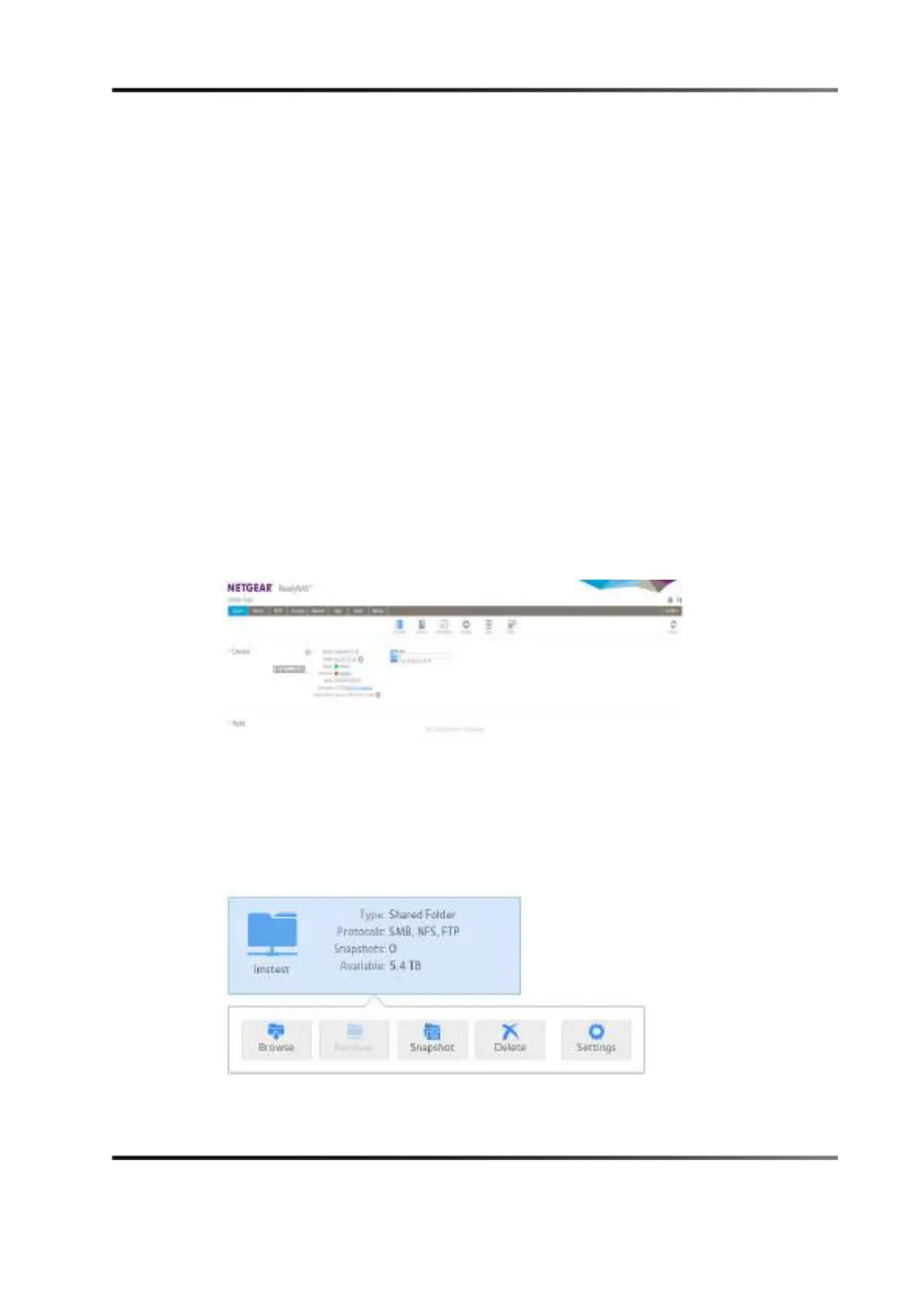
Figure 30-7 Homescreen: ReadyNAS 2120
2. Click on the Shares tab.
3. Click on the folder to be mounted.
4. Click on the
Settings button from the drop-down menu.
Figure 30-8 Shared Folder Settings Button



 To Next Page