Dolby
®
IMS2000 Installation and User’s Manual
IMS.OM.004730.DRM Issue 3 117
13.5.13 Add a Macro to a Show Playlist
For information on how to add a macro to a show playlist, please See Section 13.2.2.
13.6 Trigger Cue Tab
A trigger cue allows for the execution of a macro automation cues upon the occurrence of
an event from an external device using a signal or GPI. When you select an event to occur
from the external device, the occurrence of that event triggers a macro automation cues.
The macro automation cues will then be executed. Both the event and the macro
automation cues are defined during the trigger cue creation.
You can access the
Trigger tab by either selecting it on the left-hand side of the GUI under
the
Macro Editor tab (Administration > Macro Editor) or by clicking on the Trigger Cue
arrow in the Macro Automation tab and Quick Controls tab.
The signal comes from an external device connected over the Ethernet. The
external device options are: eCNA, JNior, and Raw.
If a trigger cue is based on the event, (Wait for GPI #1 ON), it is possible to link a specific
macro automation cue as presented in order to be executed when GPI 1 is on.
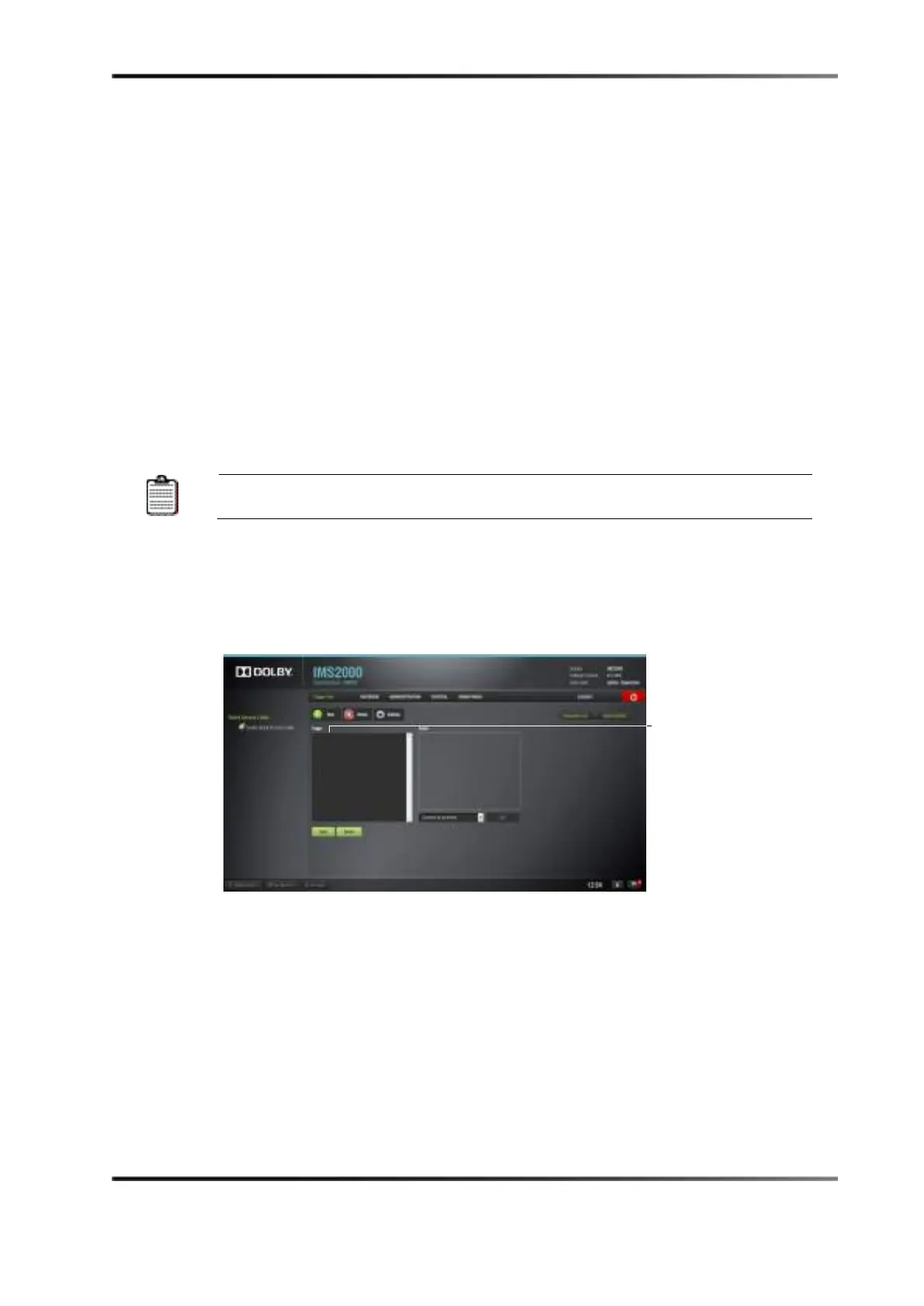
13.6.1 Trigger Cue Tab Overview
Figure 13-39 Macro Editor: Trigger Cue Tab



 To Next Page