Dolby
®
IMS2000 Installation and User’s Manual
IMS.OM.004730.DRM Issue 3 115
Resulting Macro Setting
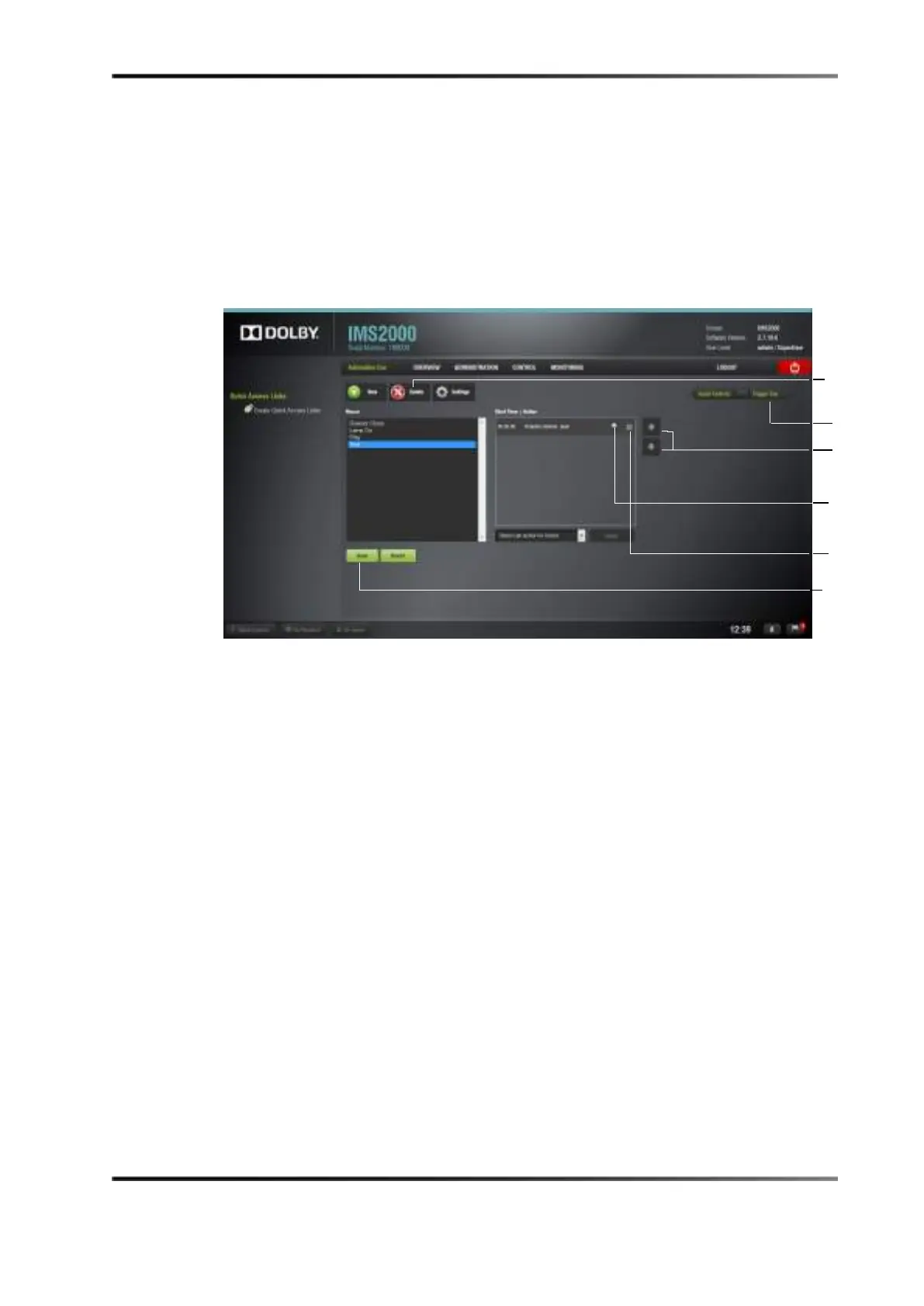
The right part of the Automation Cue tab will display the added actions, as shown in the
following figure.
Figure 13-38 Action Added
1. Click the Save button to save the settings.
2. Enter the password to save settings and proceed.
13.5.11 Action List Management
Action Reordering
The two arrows allow you to change the order of the actions in the macro automation
cue. Using the arrows allows you to place move each action to the top or to the bottom of
the
Macro Actions wi ndow.
To move an action in the list:
1. Select it, and click on the arrow pointing to the top or bottom.
2. Repeat the steps until the required actions order is obtained.
3. Click on the
Save button to save the settings.



 To Next Page