230 Dolby
®
IMS2000 Installation and User’s Manual
IMS.OM.004730.DRM Issue 3
14.10.4 Show Playlists Tab
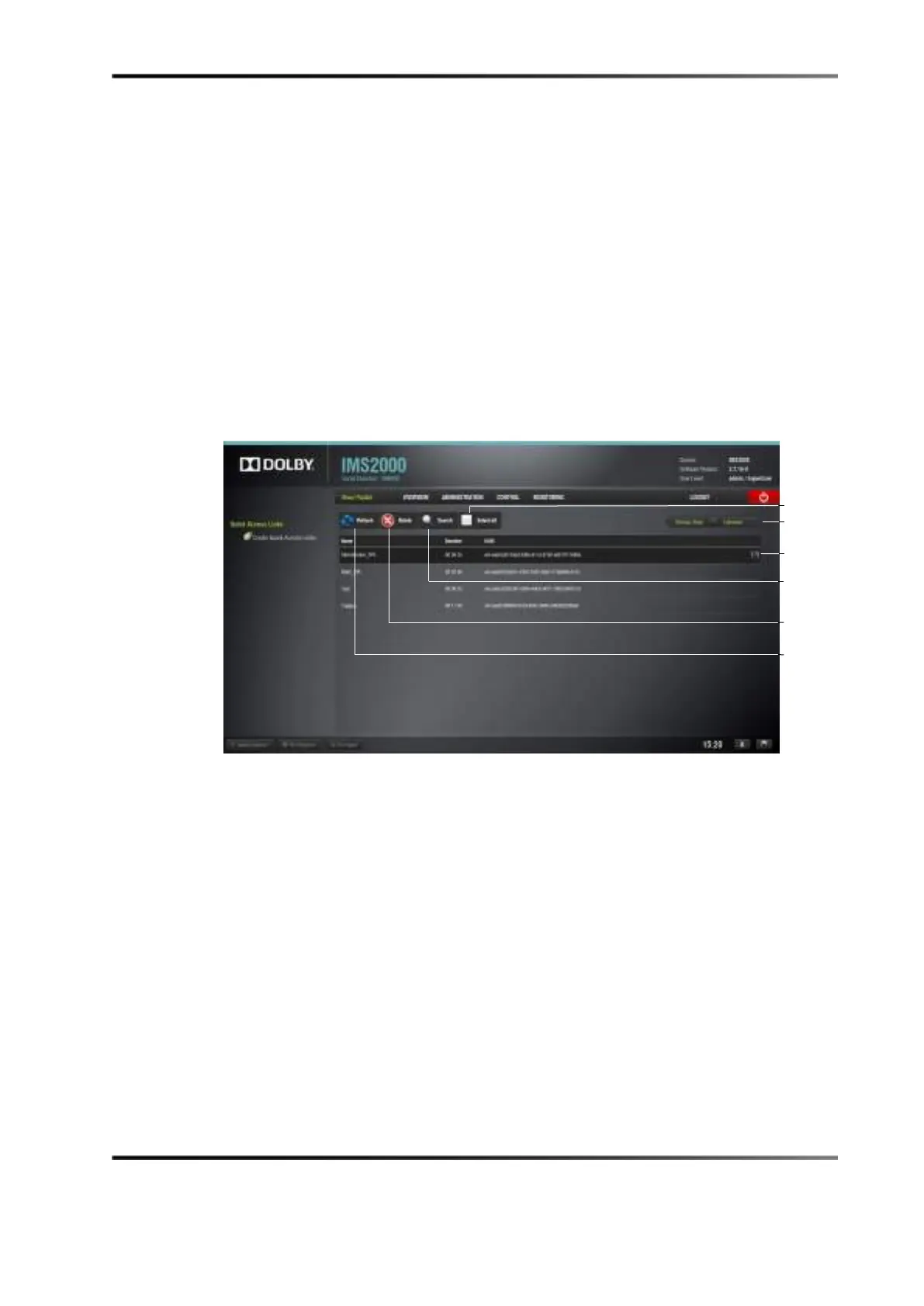
This page displays all the show playlists available on the unit together with the following
information:
• Show playlist duration
• Show playlist name
• UUID
To access the Show Playlist tab, click on the green arrow on the right-hand side of the
GUI in the
Decryption Keys and Licenses tabs.
To see an updated view of the tab with all available show playlists, click on the
Refresh
button. To search for a specific KDM, click on the Search button. To select or unselect all
of the show playlists, click the
Select All button.
Figure 14-85 ShowPlaylist Tab



 To Next Page