212 Dolby
®
IMS2000 Installation and User’s Manual
IMS.OM.004730.DRM Issue 3
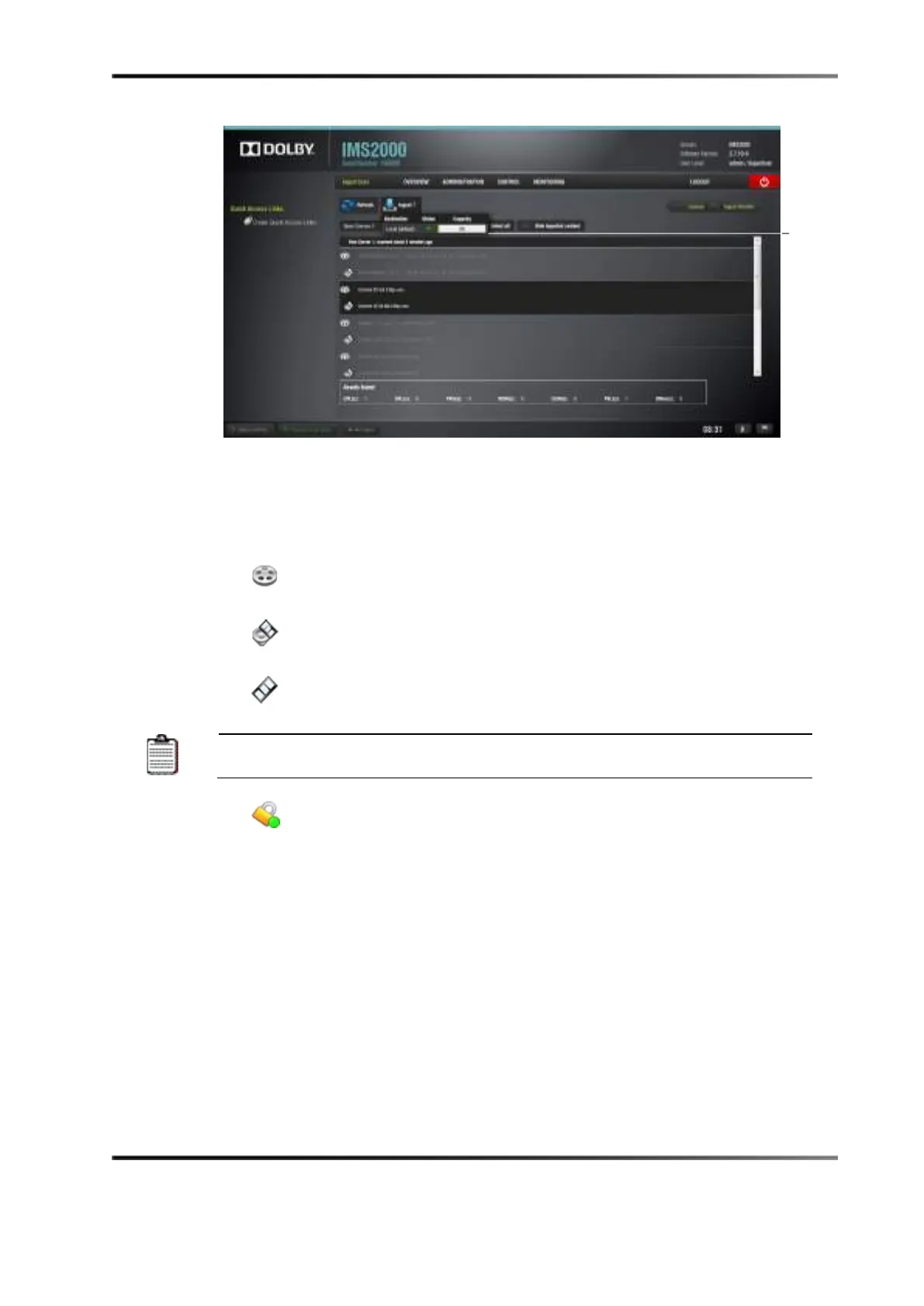
Figure 14-57 Local Storage Availability
Content Types
Different types of content can be displayed in the ingest manager GUI window:
•
Reel icons represent a composition package, which contains audio and video
content (for example, features, trailers, and so on).
•
Speaker and film icons represent individual compositions within a composition
package.
•
Film icons represent show playlists, which contain the main feature and trailers.
When the show playlist is ingested, the ingest manager
the components that make up the show playlist.
•
Lock icons represent KDMs, which contain the required decryption keys
allowing playback of the corresponding CPLs.



 To Next Page