Dolby
®
IMS2000 Installation and User’s Manual
IMS.OM.004730.DRM Issue 3 177
14.3 Show Playlist Creation
The CineLister application allows you to create your own show playlist from the
elements listed in the left pane of the
Editor tab.
14.3.1 Creating a New Show Playlist
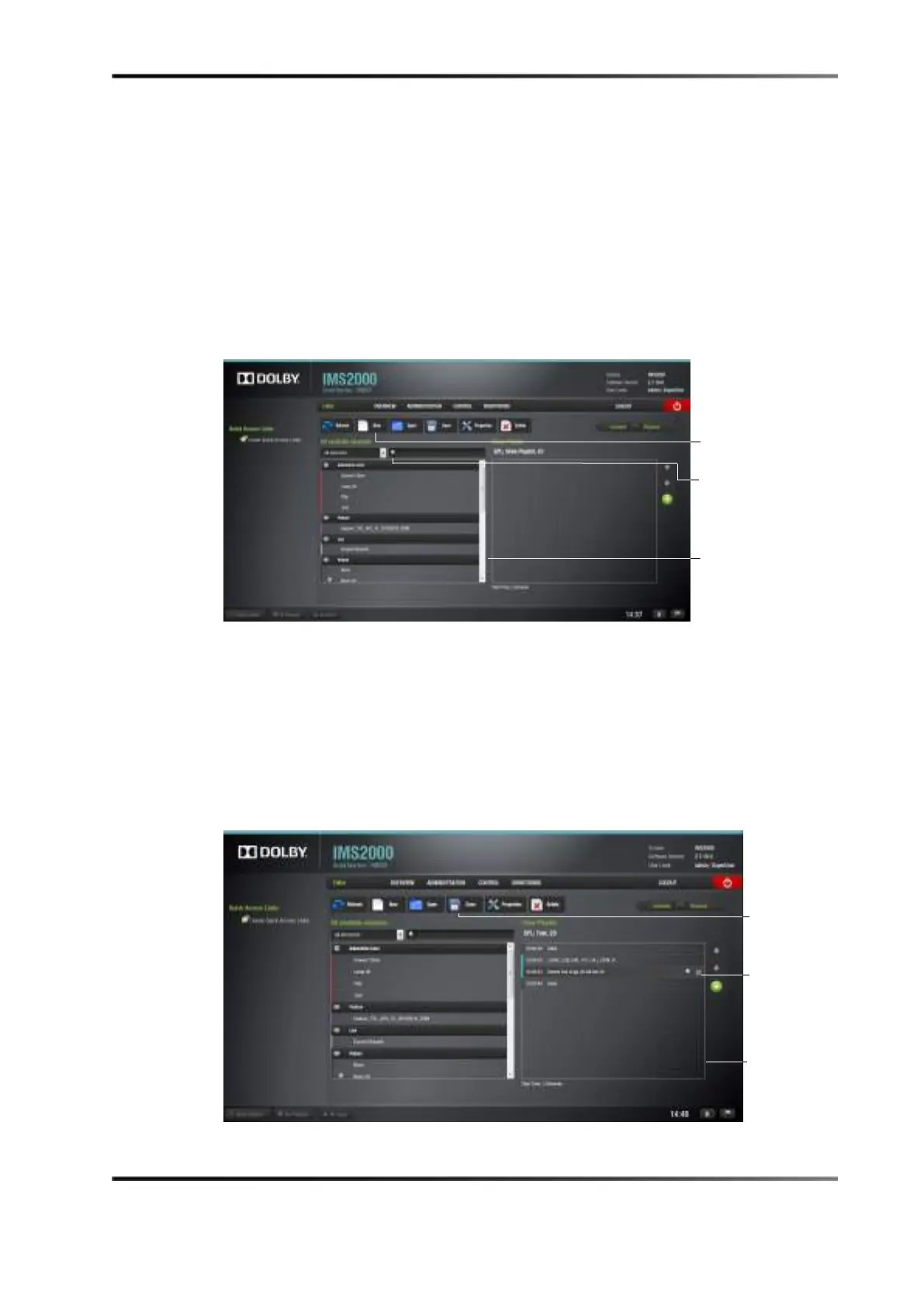
Figure 14-3 Editor Tab
To perform the operation:
1. Click on the
New button from the CineLister Editor tab.
2. Click on the elements to add to the show playlist from the left pane of the GUI.
3. You can filter the elements or search for a specific element to make it easier to add
them to a show playlist.
4. The items appears in the right pane.
Figure 14-4 Elements Added to Show Playlist
window
window with
elements added
element



 To Next Page