Dolby
®
IMS2000 Installation and User’s Manual
IMS.OM.004730.DRM Issue 3 121
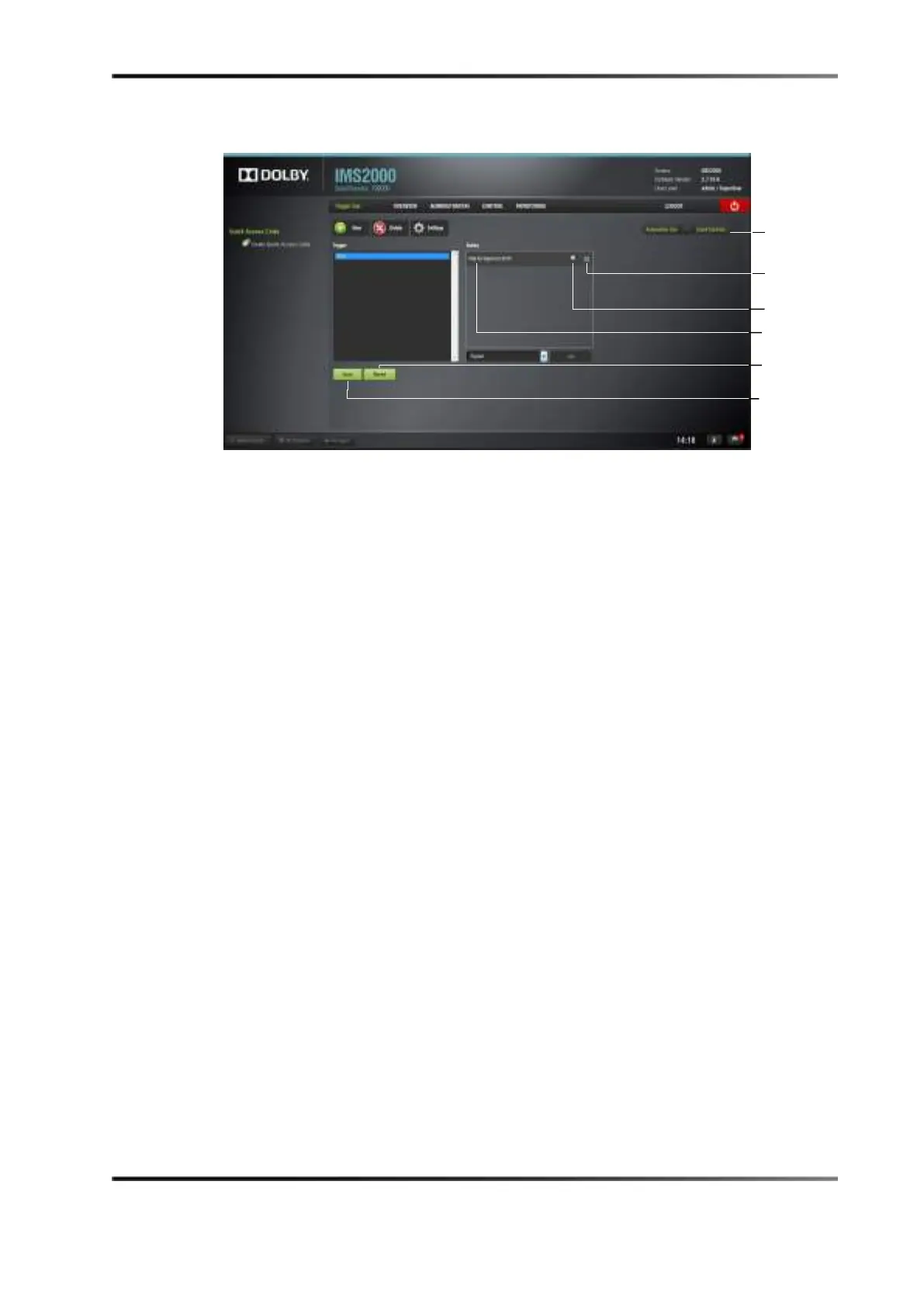
The connected signal event appears in the right part of the Editor tab.
Figure 13-46 Signal Added
13.6.5 Editing and Deleting the Event
You will be able to edit and/or delete a created event.
To edit the event:
1. Highlight the event in the
Trigger Cue Actions window.
2. Click on the
Properties icon that appears.
3. Edit the information.
4. Click on the
Save button to save the settings.
To delete the event:
1. Highlight the event in the
Trigger Cue Actions window.
2. Click on the
X that appears to delete the event.
3. Click on the
Save button to save the settings.



 To Next Page