168 Dolby
®
IMS2000 Installation and User’s Manual
IMS.OM.004730.DRM Issue 3
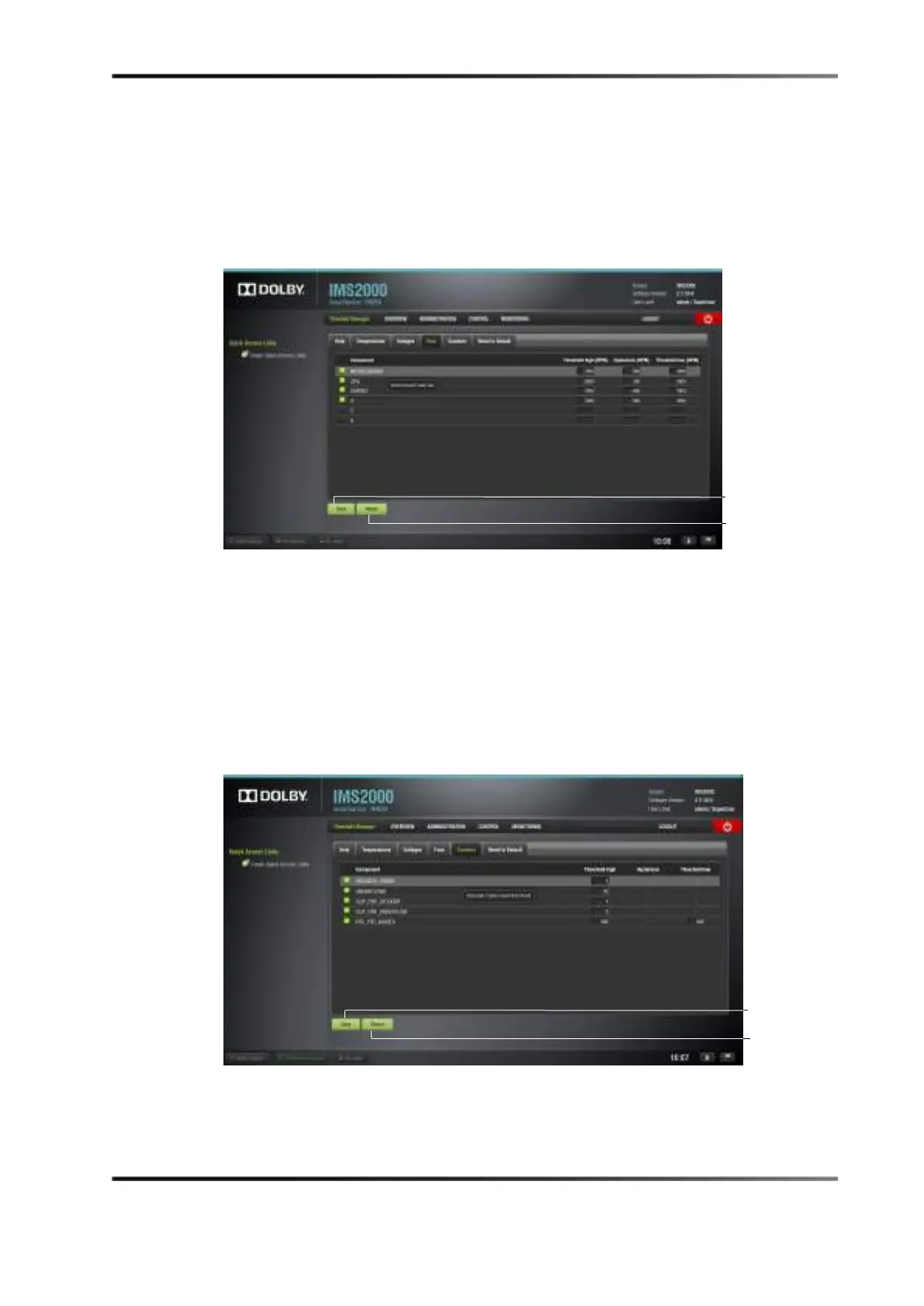
13.20.3 Fans Tab
The Fans tab lists the high and low threshold values for the different fans of the server, in
RPMs. Hovering over a fan will give a brief explanation of that fan.
Click on the
Save button to save any changes or on the Revert button to undo any
unsaved changes.
Figure 13-112 Fans Tab
13.20.4 Counters Tab
The Counters tab lists the high and low threshold values for different errors, indicating
how many times that particular error is allowed to happen before an alert is issued.
Hovering over an error will give a brief explanation of that error.
Click on the
Save button to save any changes or on the Revert button to undo any
unsaved changes.
Figure 13-113 Counters Tab



 To Next Page