Dolby
®
IMS2000 Installation and User’s Manual
IMS.OM.004730.DRM Issue 3 73
Chapt er 1 1 Configuring the Time Zone
This chapter explains how to check and/or change the time zone. By default, all units are
set to the Pacific time zone (PST or PDT).
11.1 Checking the Time Zone
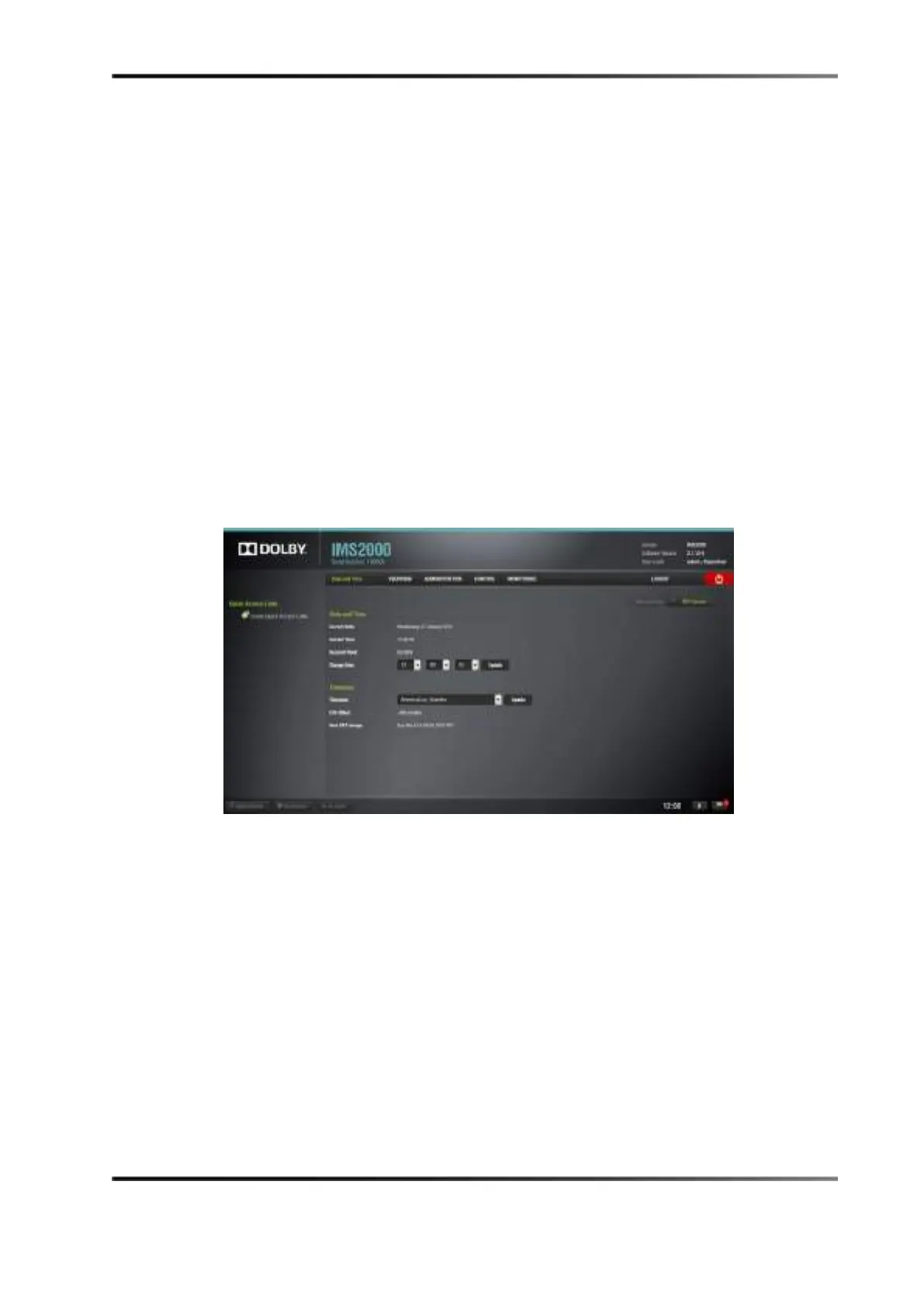
To check the time and time zone, select Administration > Control Panel > Time Settings and
the
Date and Time tab appears.
Figure 11-1 Current Date and Time Window



 To Next Page