Dolby
®
IMS2000 Installation and User’s Manual
IMS.OM.004730.DRM Issue 3 119
To edit the name of an existing trigger cue:
1. Select the trigger cue.
2. Click on the
Settings button.
To remove a trigger cue:
1. Select the trigger cue.
2. Click on the
Delete Trigger button.
13.6.3 Connection to a General Purpose Input Event
You will be able to connect to a general purpose input event.
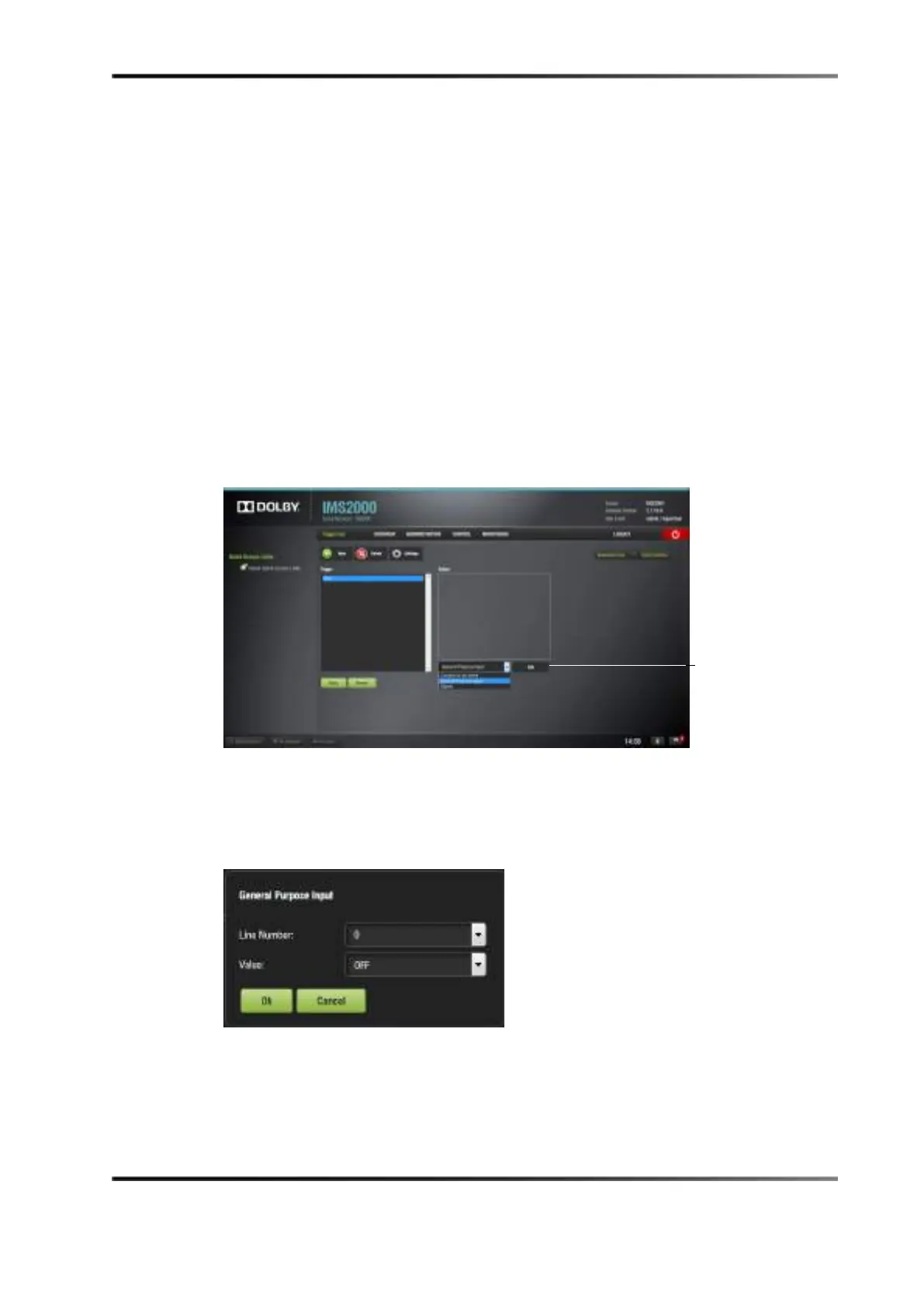
To connect a trigger cue to an event:
1. Select the trigger cue.
2. Click the
Connect to An Event drop-down menu.
Figure 13-42 Trigger Cue Window
3. Click on the General Purpose Input option.
4. Click on the
Add button.
The following window appears.
Figure 13-43 General Purpose Input Setup Window
5. Define the GPI line number and value to connect to the trigger cue.
6. Click on the
Ok button.
The connected GPI event will then appear in the right part of the GUI.



 To Next Page