202 Dolby
®
IMS2000 Installation and User’s Manual
IMS.OM.004730.DRM Issue 3
14.7 CineLister Playback Tab
To access the Playback tab, click on the green arrow on the right-hand side of the GUI in
the Editor and Schedule tabs.
14.7.1 Playback an Existing Show Playlist
You can play back an existing show playlist.
To perform the operation:
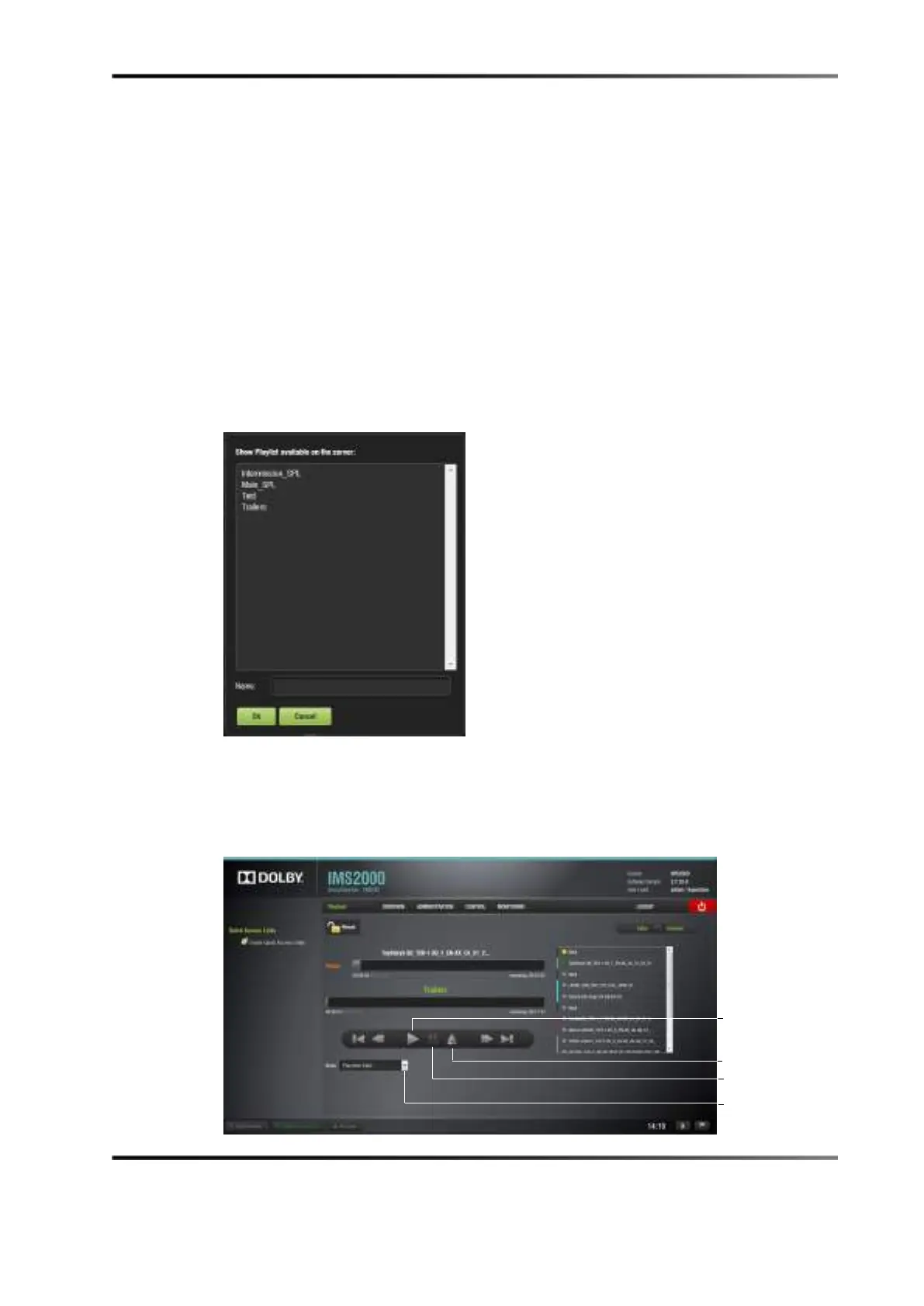
1. Click on the Open button from the CineLister Editor tab.
The following window appears.
Figure 14-46 Open Show Playlist Window
2. Select the show playlist to play.
3. Click on the OK button.
4. Select the Playback tab from the CineLister GUI.
down menu



 To Next Page