Dolby
®
IMS2000 Installation and User’s Manual
IMS.OM.004730.DRM Issue 3 301
Chapt er 2 4 LED Behavior
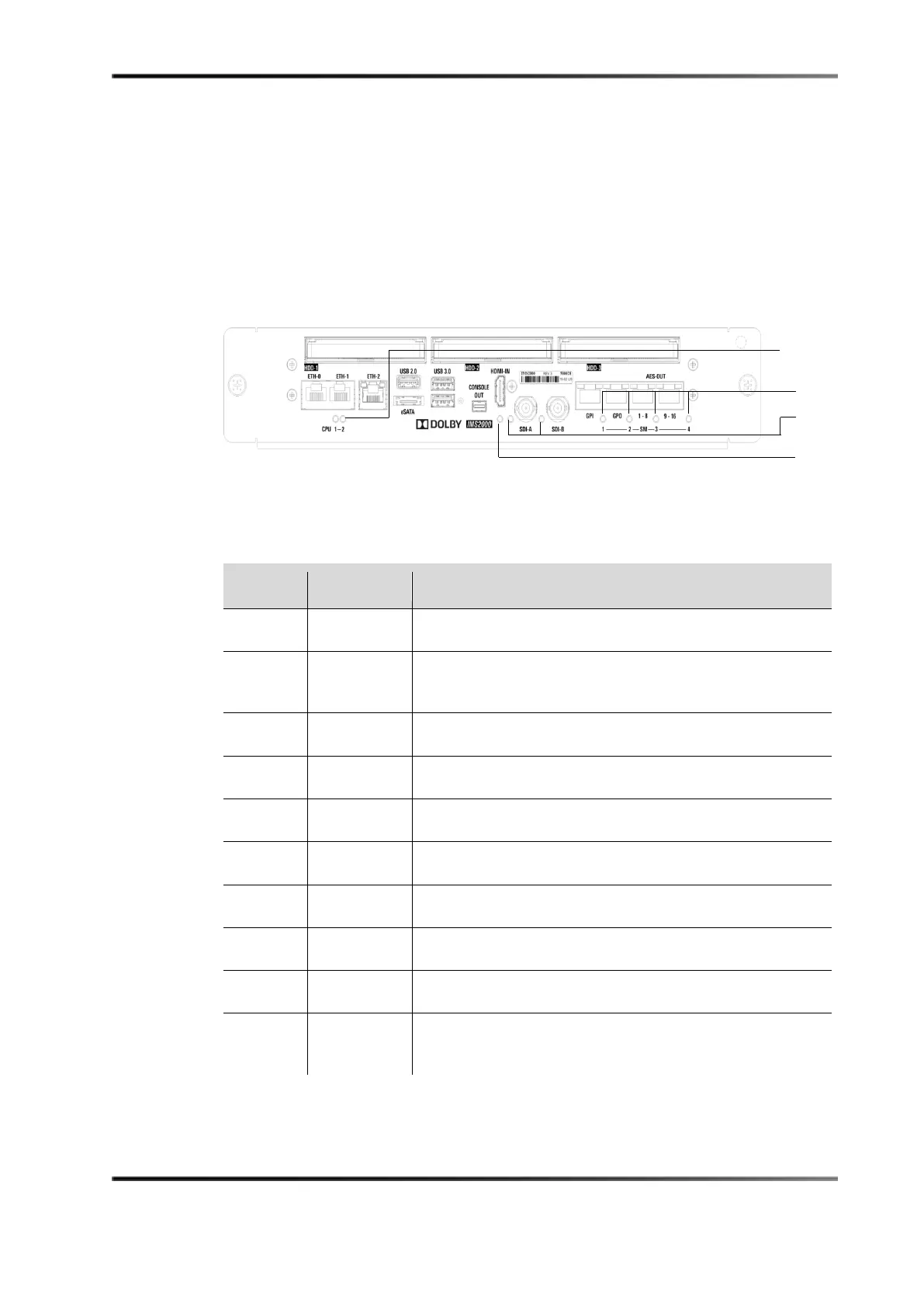
Figure 24-1 Front-Panel LED Specifications
The following table shows the status indication information for the IMS2000 LEDS.
Table 24-1 CPU LED Status
CPU1 CPU2 Status of the IMS2000 CPU
Orange Green Standby.
Green Green CPU operational without warning/error, no eSATA/USB
connected.
Green Orange CPU operational without warning/error, eSATA/USB connected.
Green Off Booting.
Orange Off CPU operational but with warning (nonspecific).
Orange Orange CPU operational but with warning on RAID (RAID degraded).
Orange Red CPU operational but with warning on temperatures.
Red Off CPU cannot play due to error (nonspecific).
Red Orange CPU cannot play due to error on RAID.
Red Red CPU cannot play due to error in communication with security
manager.
2 LEDs



 To Next Page