132 Dolby
®
IMS2000 Installation and User’s Manual
IMS.OM.004730.DRM Issue 3
13.11 Log Operator Maintenance
The log operator maintenance application lets the operator log important information
(for example, hard disk replacement, projector lamp replacement, and so on). It will help
the system administrator keep track of any change operated in a theatre booth. The log
records created with the log operator maintenance application are stored for one year.
The log operator maintenance application is available in
Administration > Control Panel >
Log Operator Maintenance
.
The tab will default to the
Event Log tab.
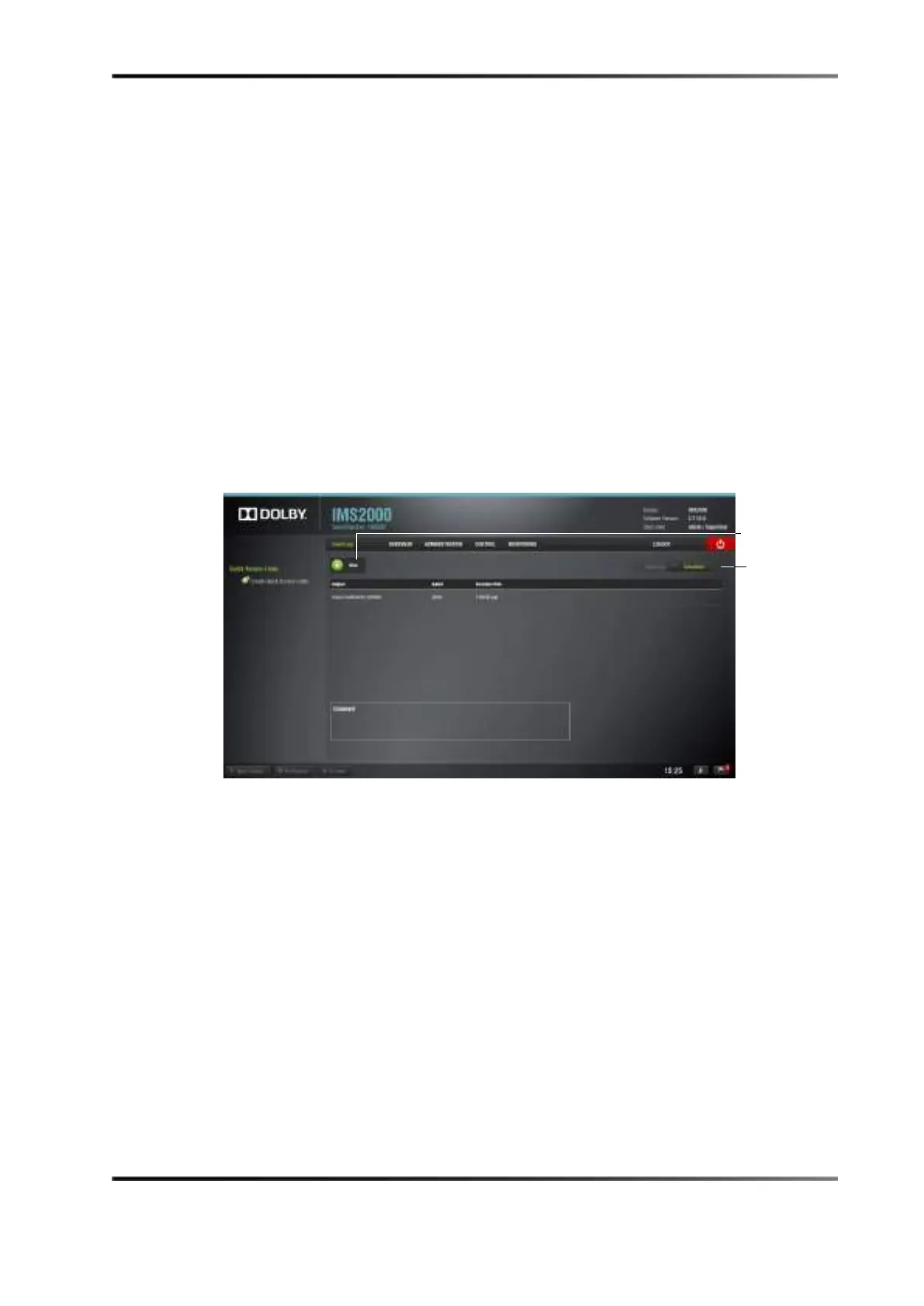
13.11.1 Event Log Tab
Figure 13-58 Event Log Tab
To create an event log:
1. Click on the
New button.
You will need to authenticate yourself as an administrator by inputting the correct
password to be allowed to use this application.



 To Next Page