Dolby
®
IMS2000 Installation and User’s Manual
IMS.OM.004730.DRM Issue 3 133
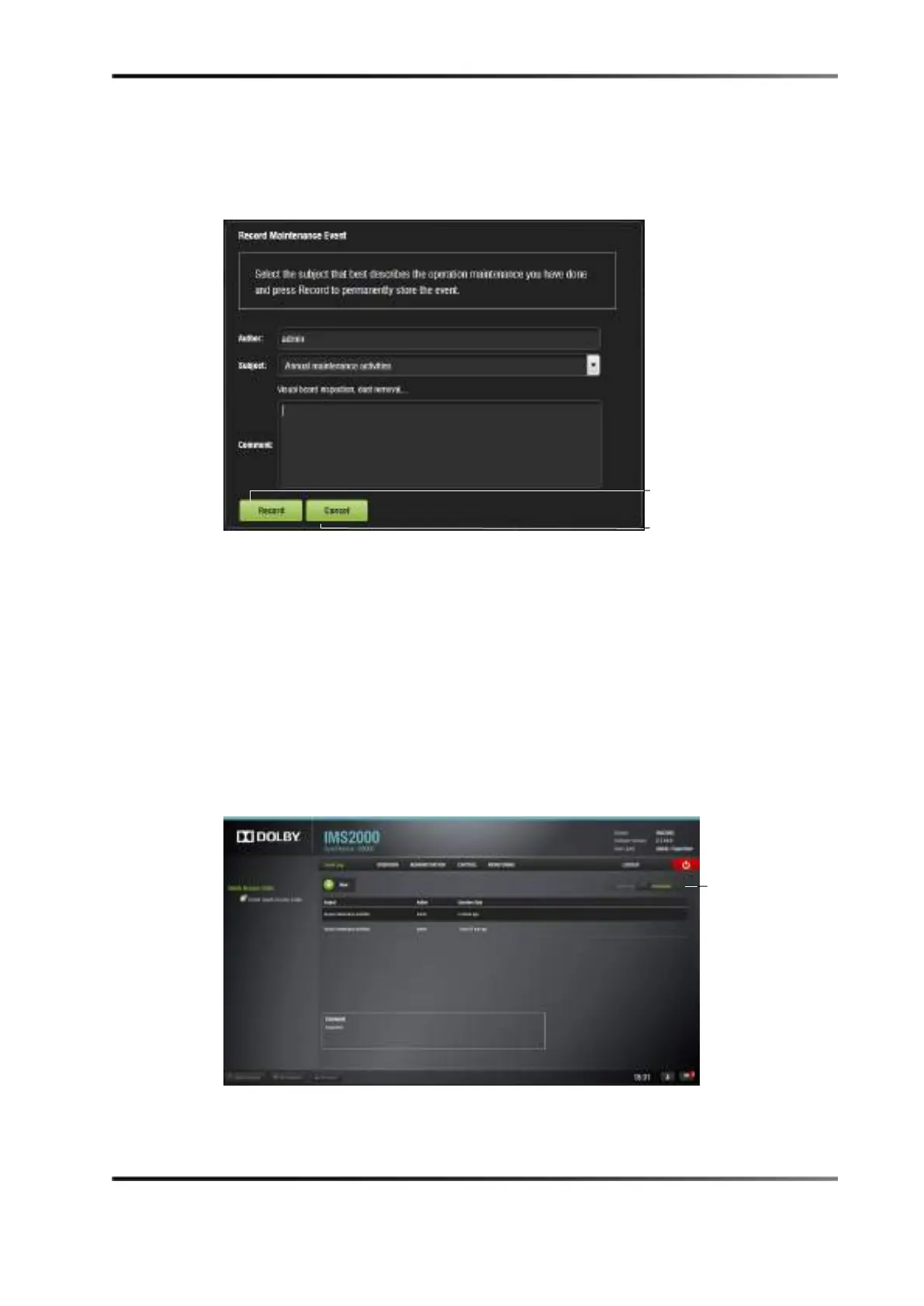
The following window appears.
Figure 13-59 Record Maintenance Window
2. The author of the log will be shown as admin.
3. Add a comment in the
Comment field.
No restrictions apply for the
Comment field, but we recommend that the
operator/technician insert comments about the job performed as accurately as
possible. This will be used for future references about maintenance. The log will be
recorded based on the date and time when the log was entered into the log operator
maintenance application.
4. Click on the
Record button or the Cancel button to cancel the operation.
The logs that were added can be viewed in the
Event Log tab.
5. Click on the concerned log to view its properties/details.
Figure 13-60 Log Added
tasks tab



 To Next Page