Dolby
®
IMS2000 Installation and User’s Manual
IMS.OM.004730.DRM Issue 3 125
13.7.3 Executing the Quick Controls
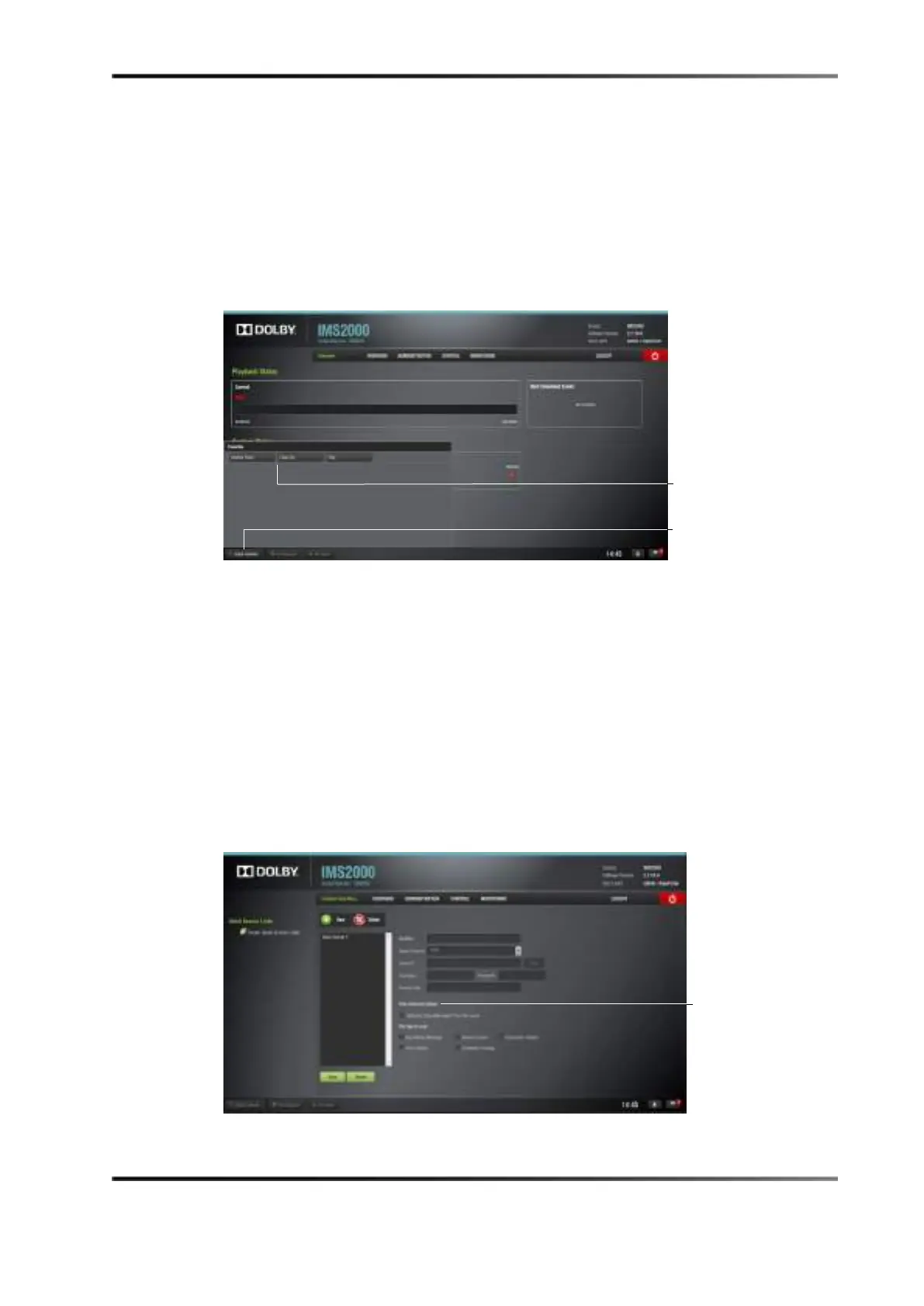
When all of the sections have been set and saved, click on the Quick Controls button on
the bottom-left corner in the
Notification Bar and the recently added macros appear in the
Quick Controls window.
1. Click on the previously created macro to execute it from any tab on the GUI.
2. Clicking on the
Quick Controls button in the Notifications Bar again will close the
window.
Figure 13-51 Quick Controls Window
13.8 Content Feed Manager
The main purpose of the Content Feed Manager application is to add an FTP ingest
source. In addition, multiple units can be interconnected to share content simultaneously.
The
Content Feed Manager makes the ingestion process quicker and simpler.
13.8.1 Quick Configuration
To open the Content Feed Manager application, select Administration > Content Feed
Manager.
Figure 13-52 Content Feed Manager: Advanced Options
button



 To Next Page