124 Dolby
®
IMS2000 Installation and User’s Manual
IMS.OM.004730.DRM Issue 3
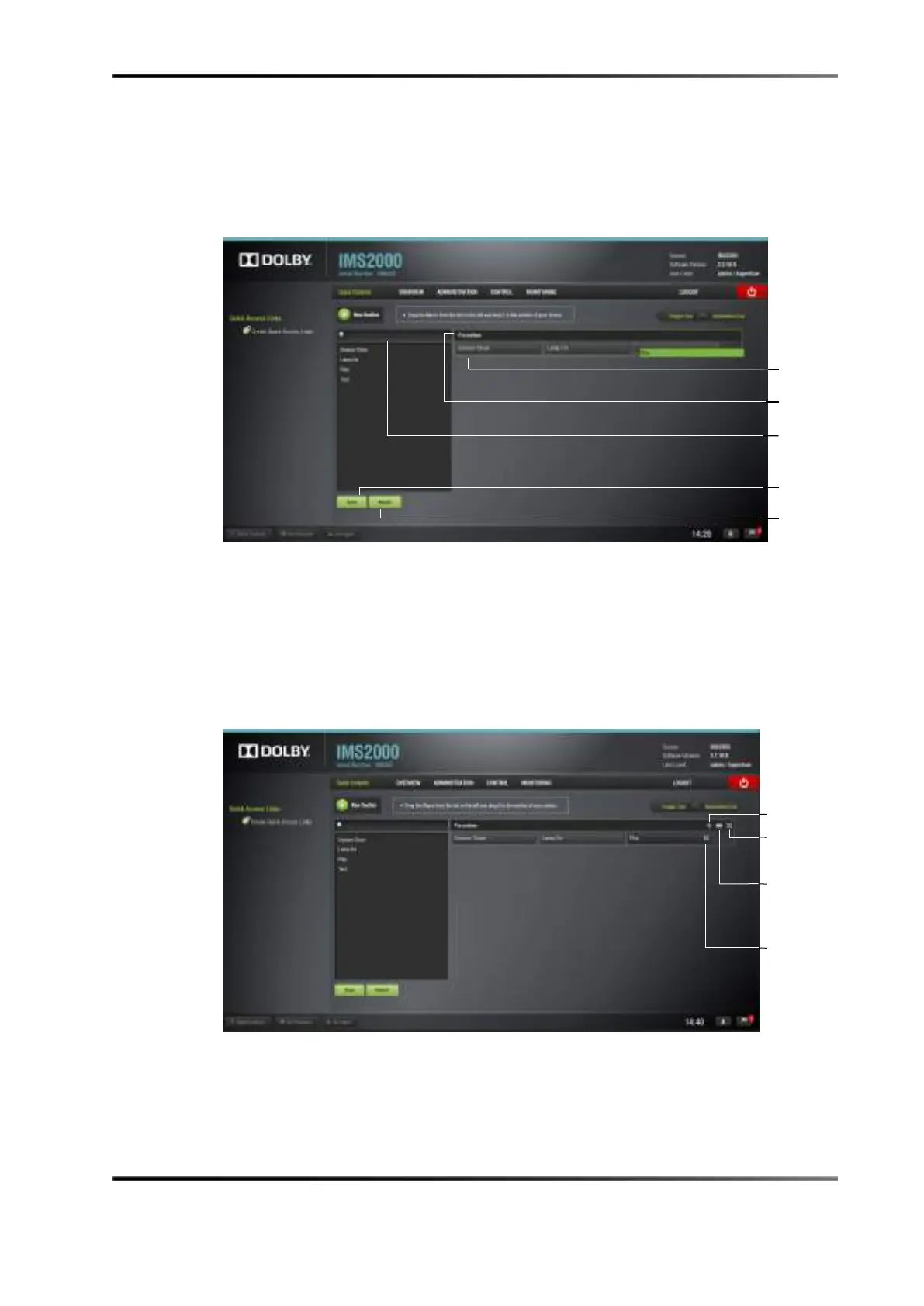
6. To move the section, if there are multiple sections, click on the cross arrows.
7. Rename the section by clicking on the
New Section tab.
8. Click on the
Save button to save the changes.
Figure 13-49 Configuring Quick Controls
To delete the section:
1. Click on the section or hover the cursor over the section.
Several options appears on the right.
2. Click on the
X to the right of the section.
3. To delete a macro within the section, click on the
X to the right of the macro.
Figure 13-50 Edit Section
button
button
button



 To Next Page